Notes from the inside of real AI infrastructure.
What we ship for customers, what works, what does not, and the patterns we keep seeing across enterprise teams adopting Claude.
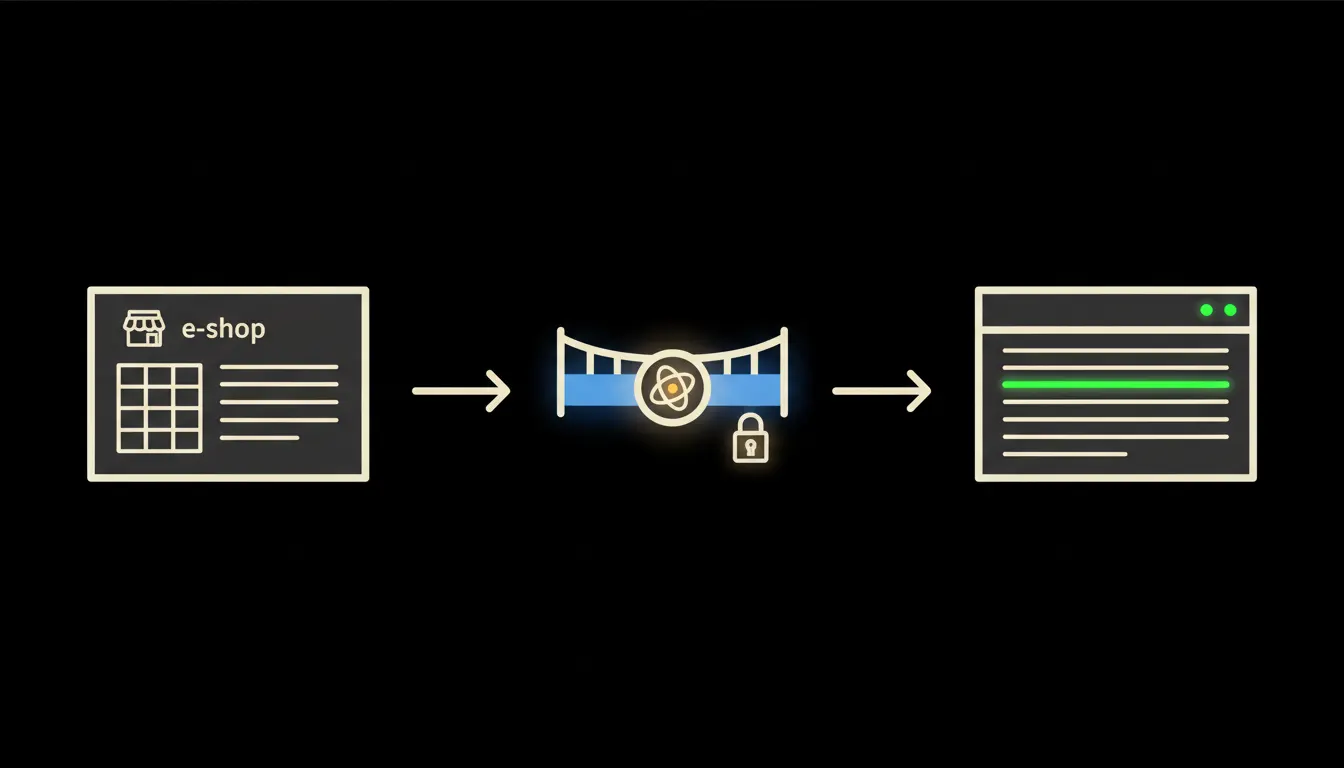
Pohoda connected to your e-shop: orders, stock and invoicing in one place
Every order from your e-shop ends up copied by hand into Pohoda. An MCP server removes that step entirely.
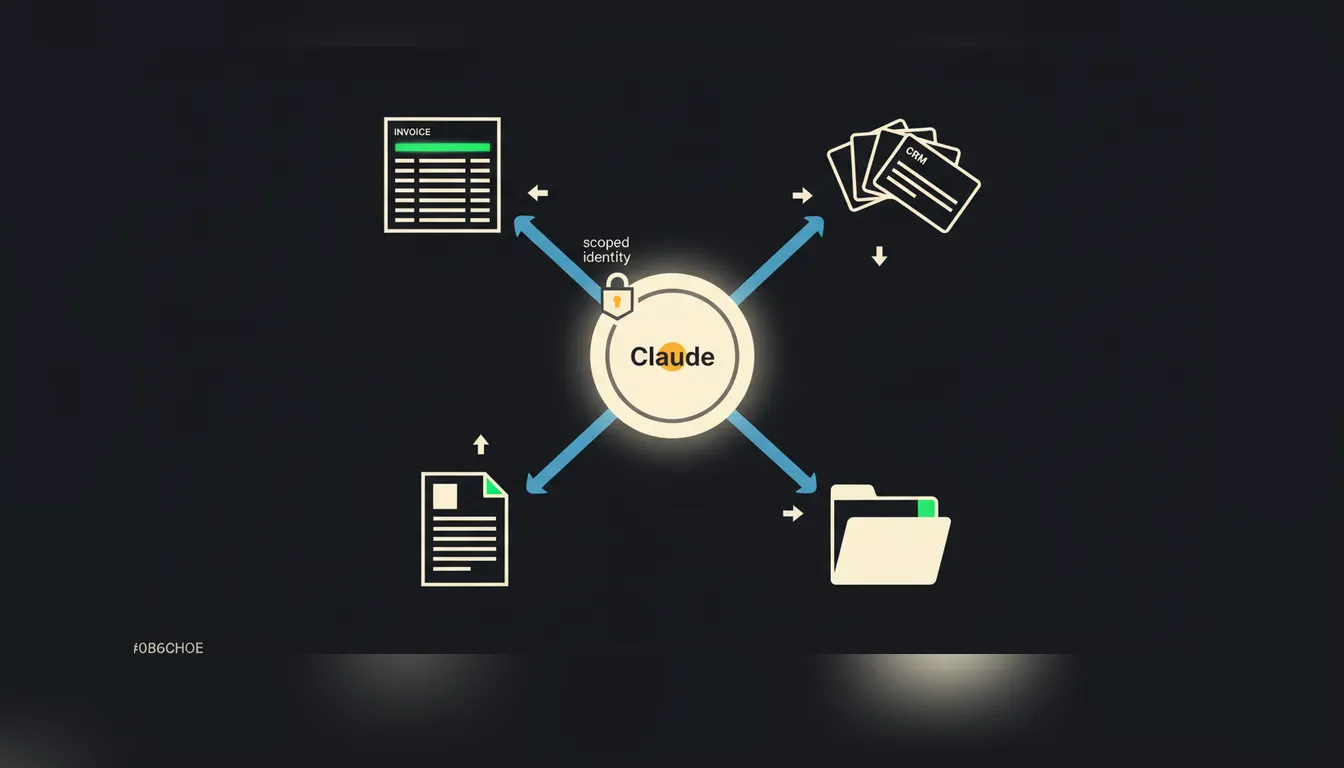
MCP server: what it is and three real-world examples
An MCP server is a small bridge between Claude and a system your company already uses. We explain the concept through three practical examples: invoicing, CRM, and company documents.
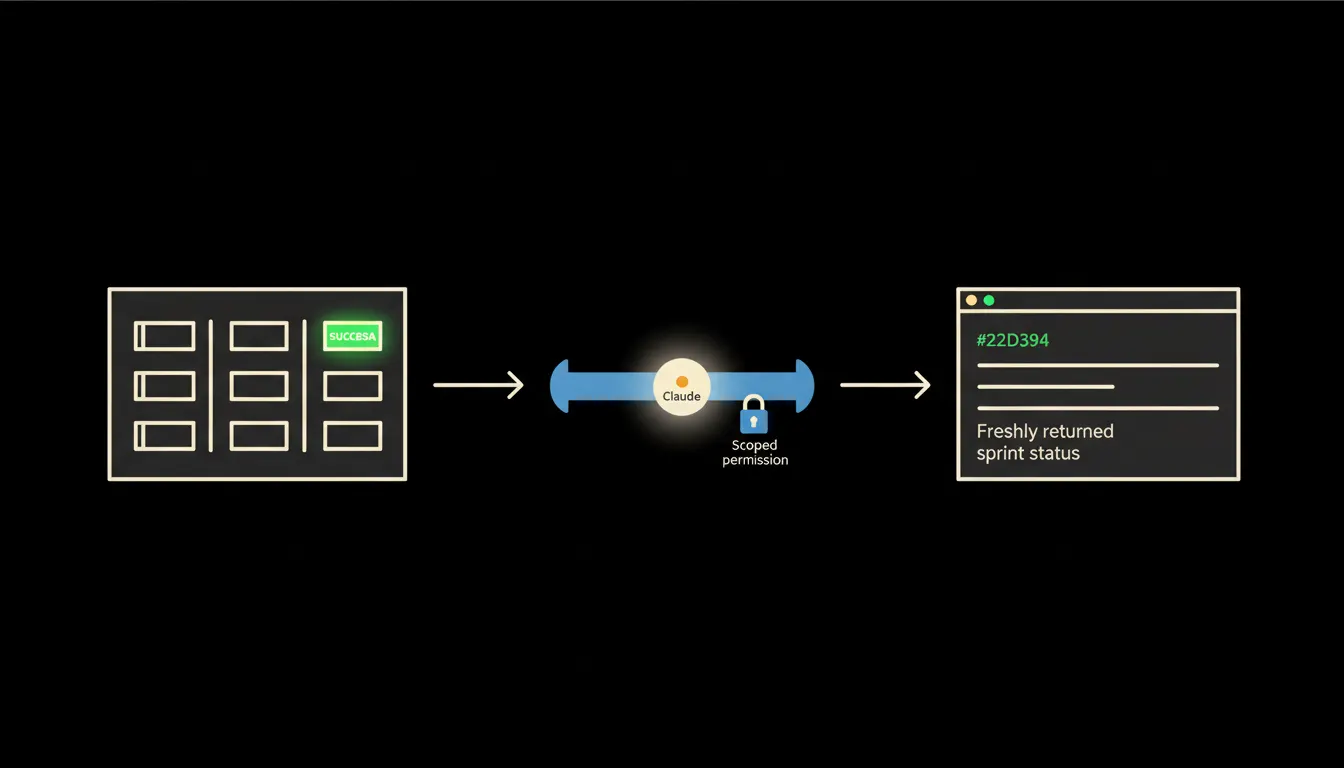
MCP server and Azure DevOps: sprint status and builds directly in Claude
A development team stops switching between Azure DevOps and their chat window when Claude can ask about pipeline status or open work items itself. An MCP server is the bridge that makes it possible, without sharing credentials.
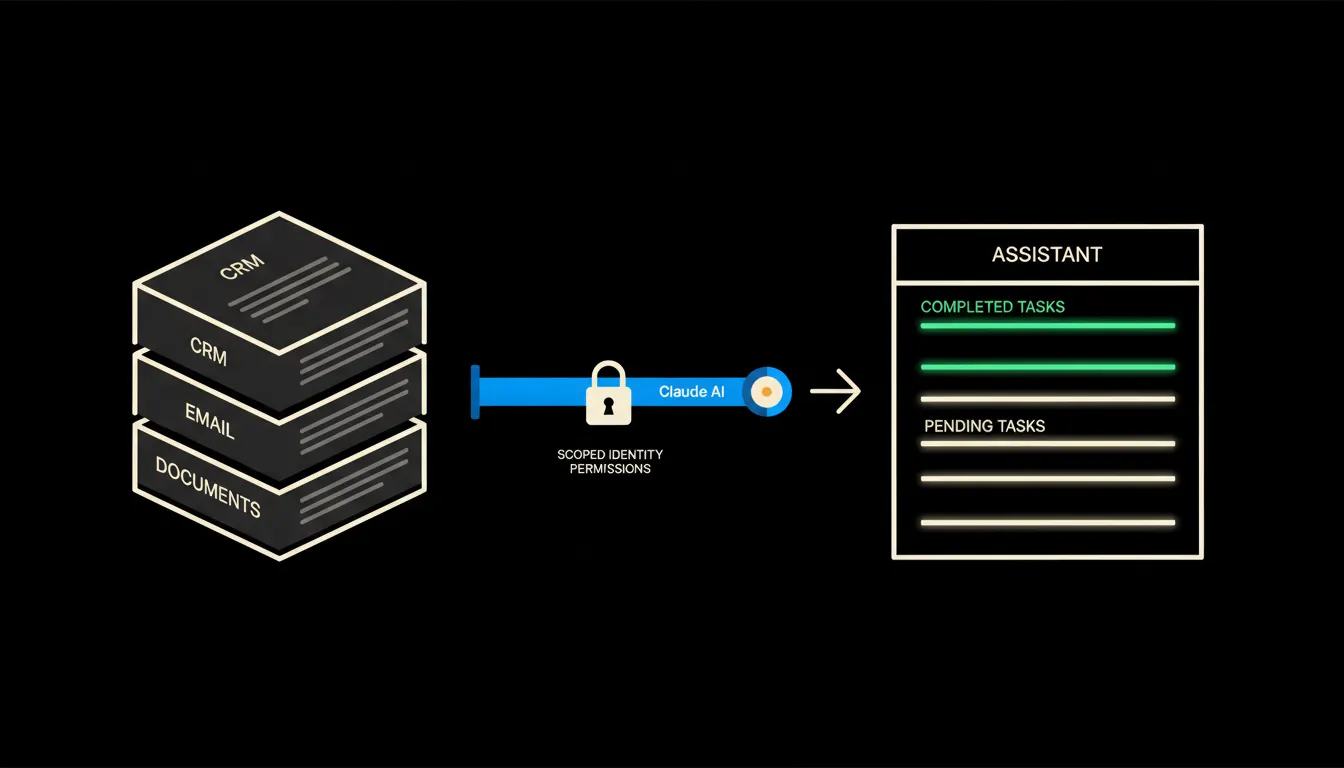
A personal AI assistant that knows your company
A personal AI assistant is useful. One that sees your orders, emails and CRM without sending your data to a third-party server is a different matter entirely.
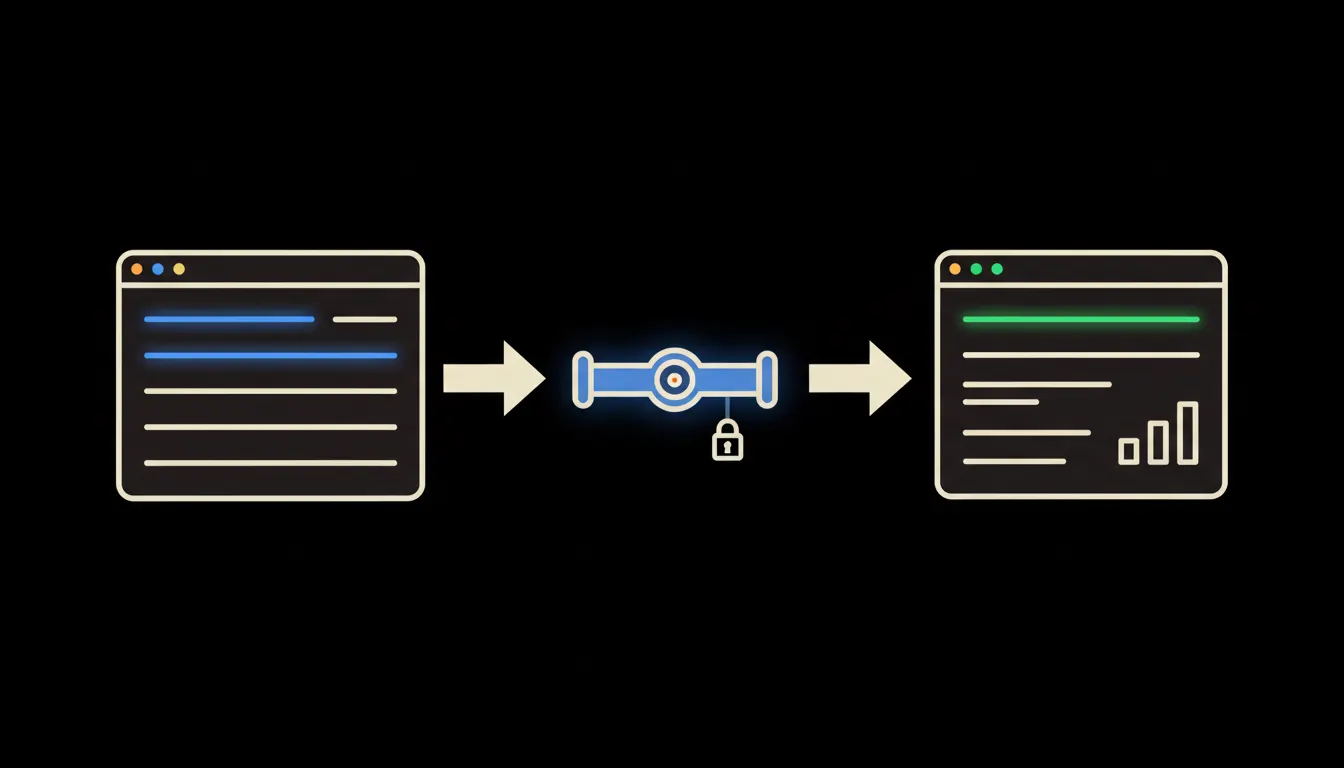
CRM reporting without exports
A sales report shouldn't come from copying columns out of your CRM into a spreadsheet. When Claude talks directly to your CRM, the overview is ready before the coffee finishes brewing.
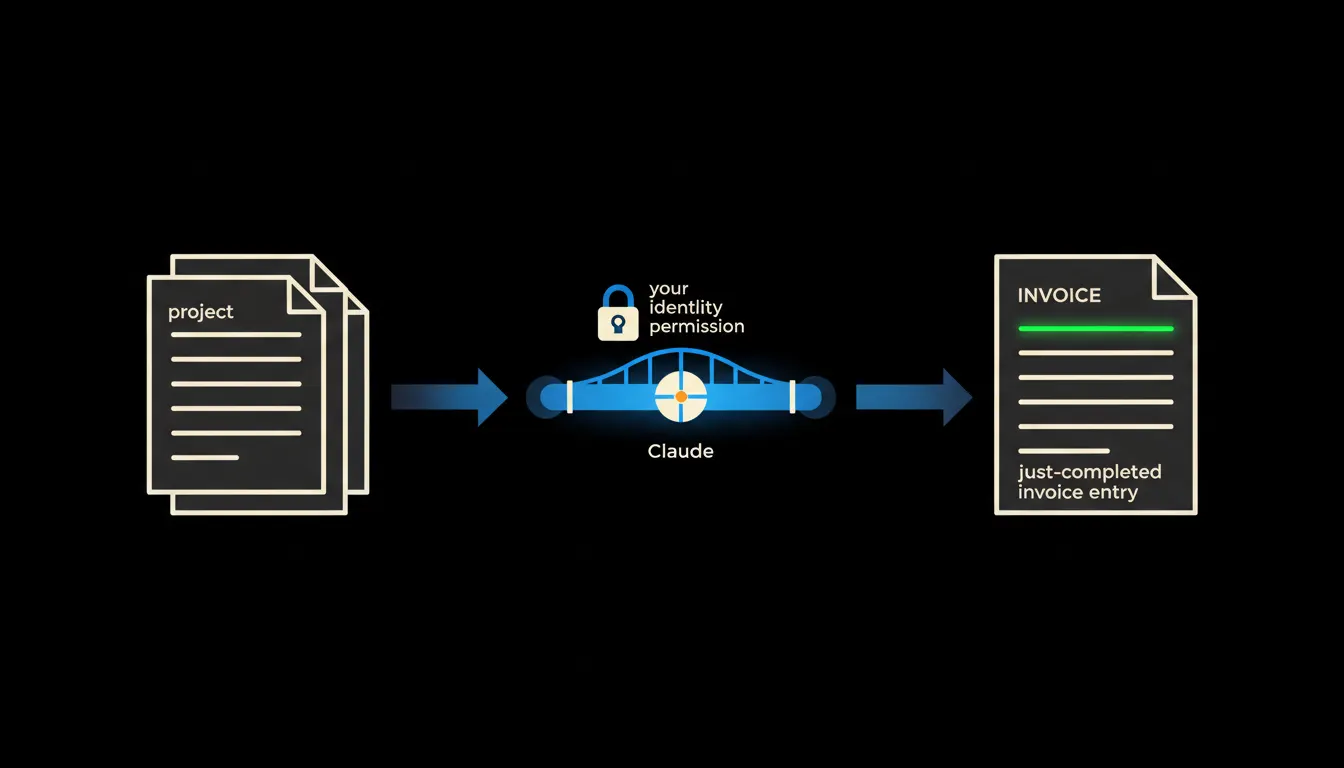
Automated invoicing: how to set it up without coding and what it saves
A company issues dozens of invoices a month. When Claude knows your projects, your price list and your accounting system, it prepares most of them on its own.
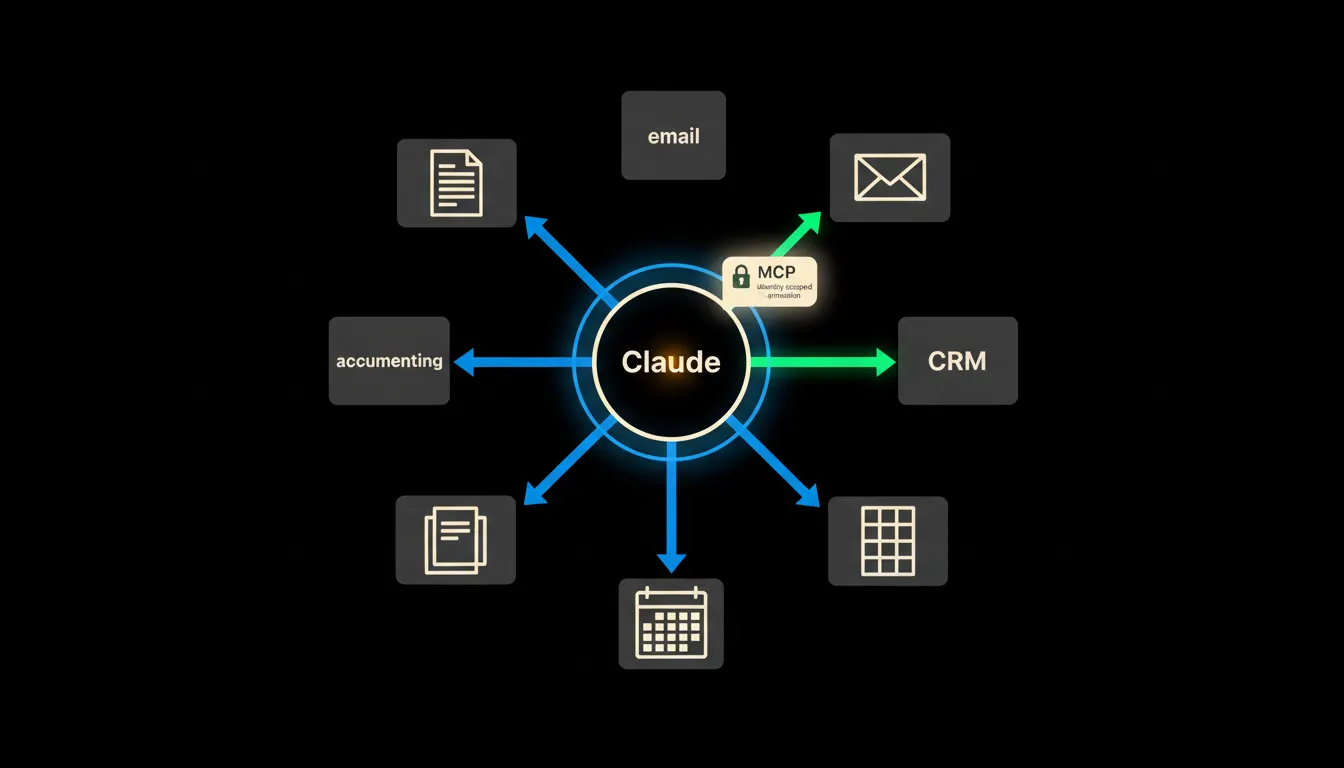
Company data and AI: where to start so it actually works
Most companies have data scattered across five systems and an AI assistant that sees none of it. This article explains what to connect first and why the order matters.
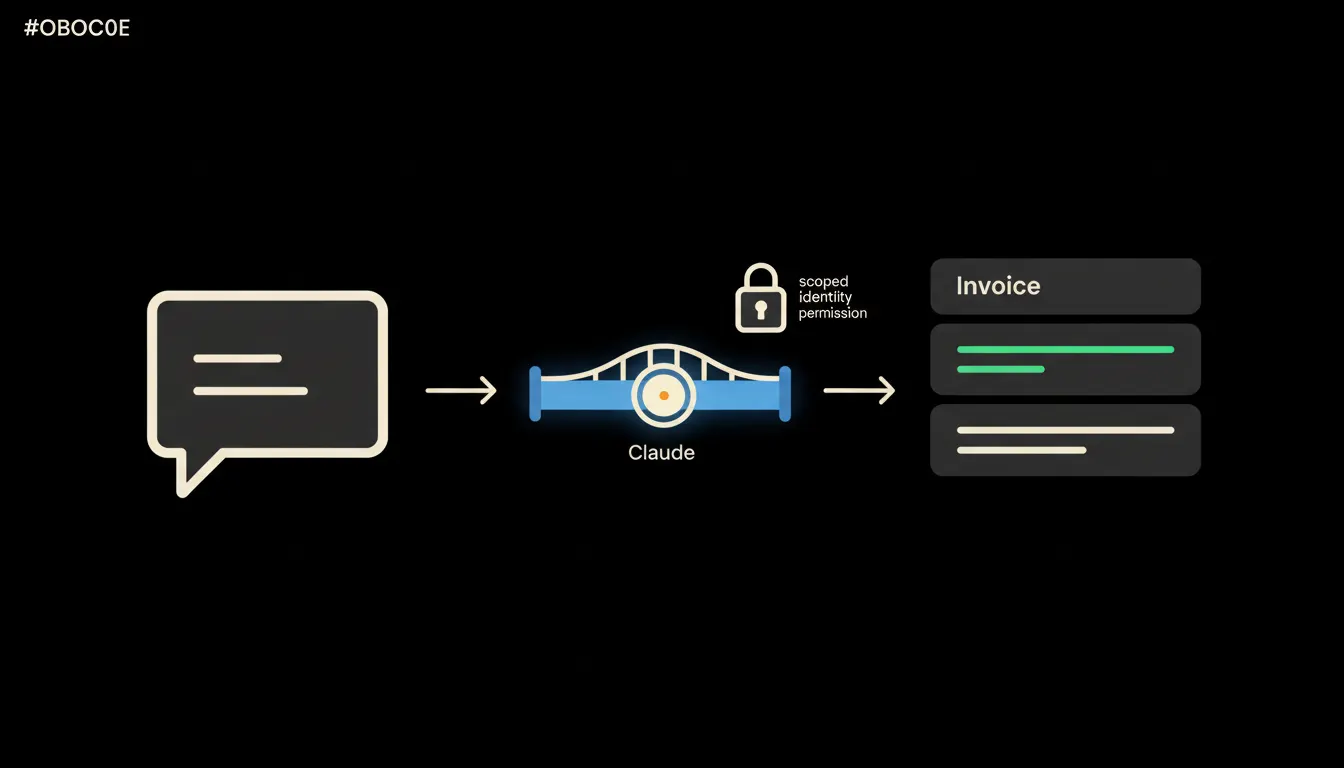
Automatic invoice generation: connecting Pohoda to Claude
Invoices can be issued without manual re-keying. Connect Pohoda to Claude via an MCP server and the document creates itself from a sales rep's plain-text request.
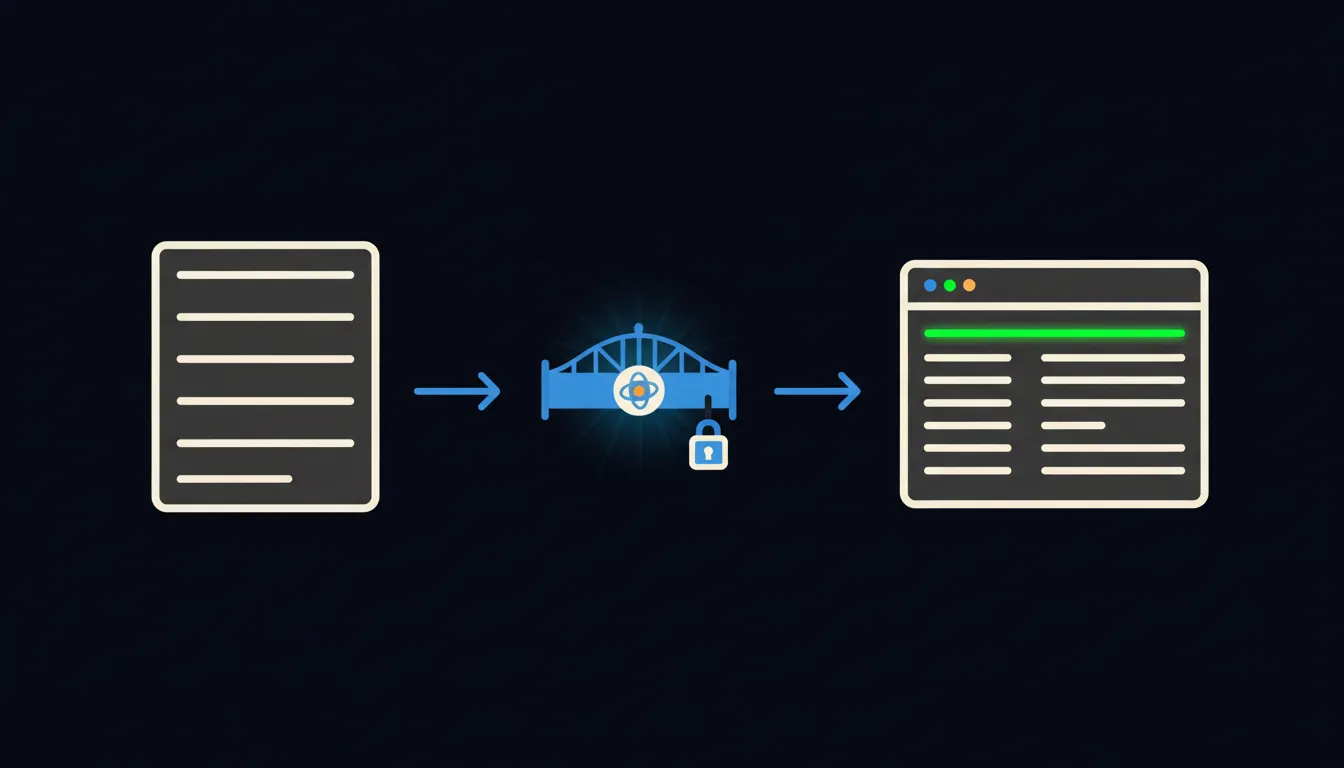
AI for accounting: what Claude can actually do with your Pohoda data
Your accounting software is full of data. Your AI has no access to it. Connecting Pohoda to Claude via an MCP server means you can just ask about invoices, due dates, and cash flow in plain language.
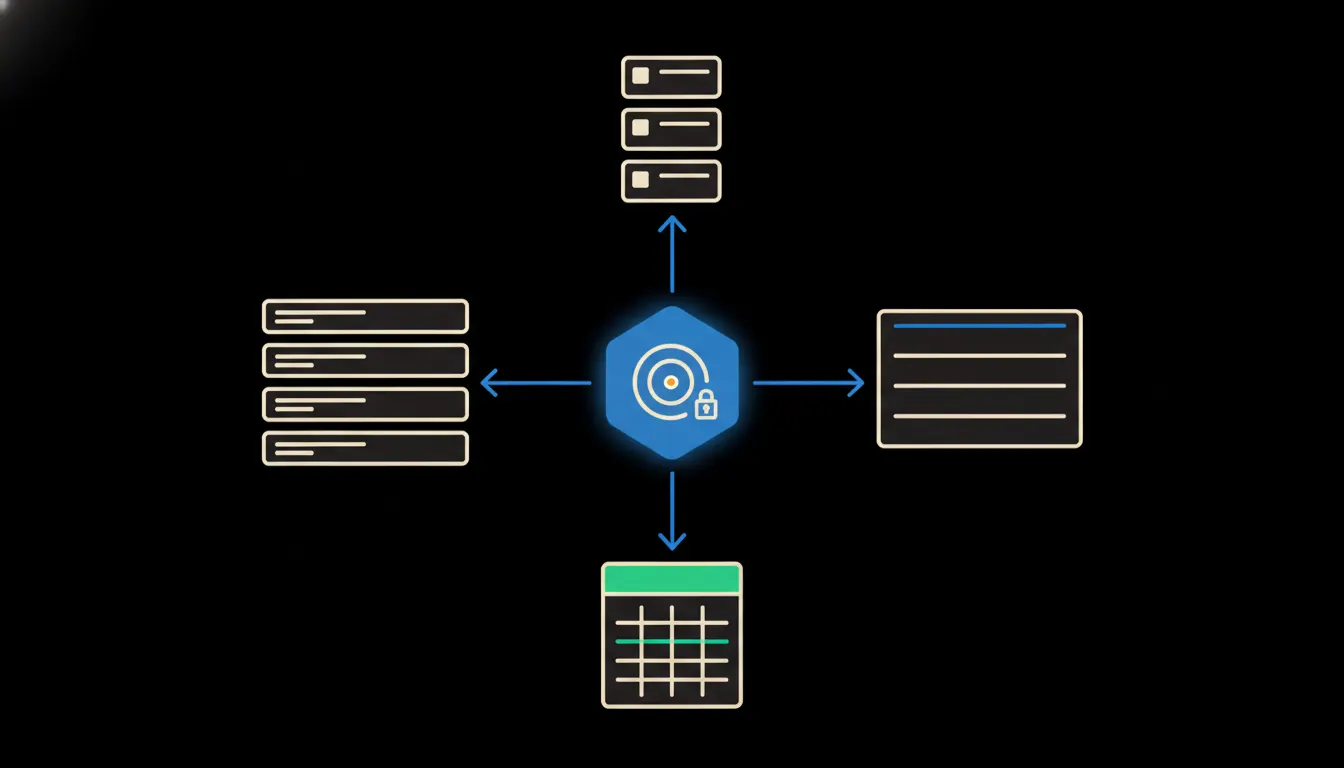
What's happening in the company: a summary without meetings or reports
Instead of a weekly round of status meetings, the manager asks one question and gets a summary from projects, CRM and finances at once. Claude reads data, not people.