Topic: MCP
Articles on the topic MCP.
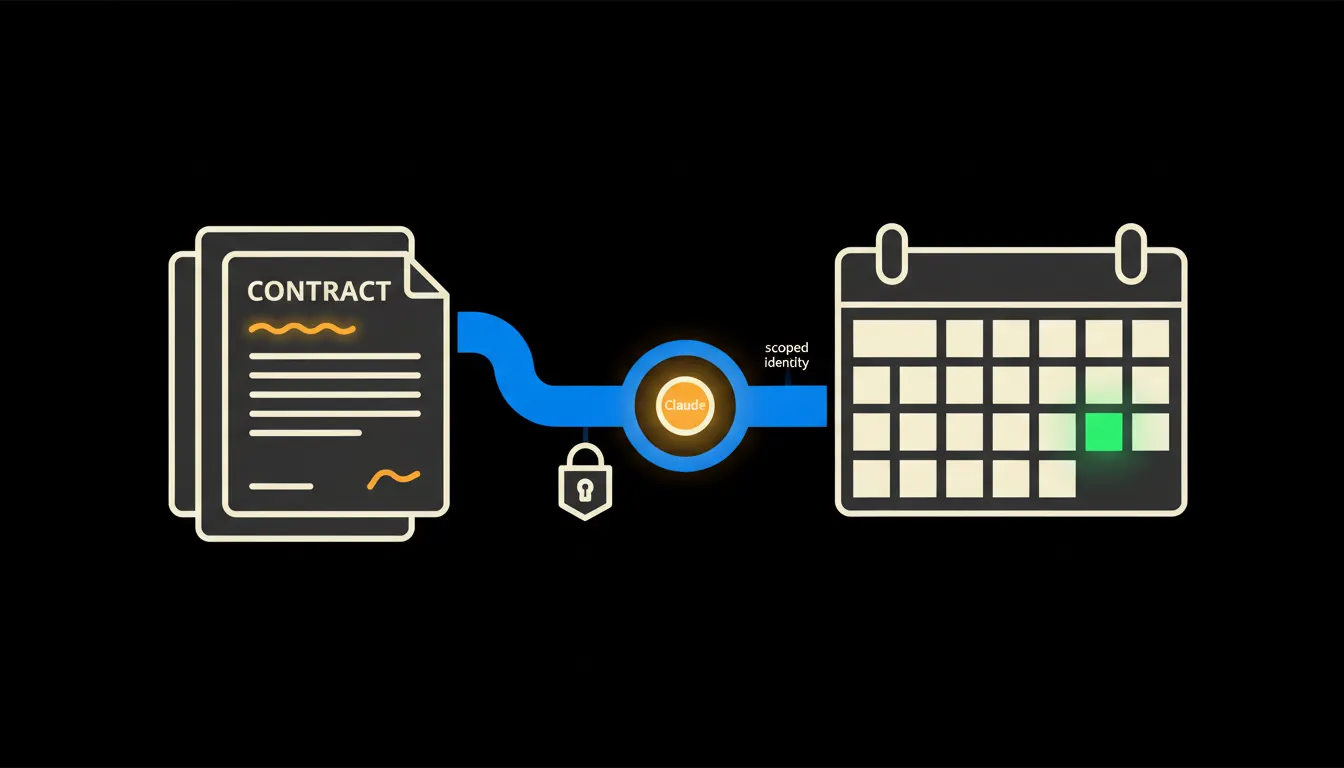
Contract notice periods: a warning before the contract renews itself
Automatic renewal is usually the most expensive line nobody read. Give Claude access to the contract folder and the calendar, and the warning arrives early, with the clause that caused it.
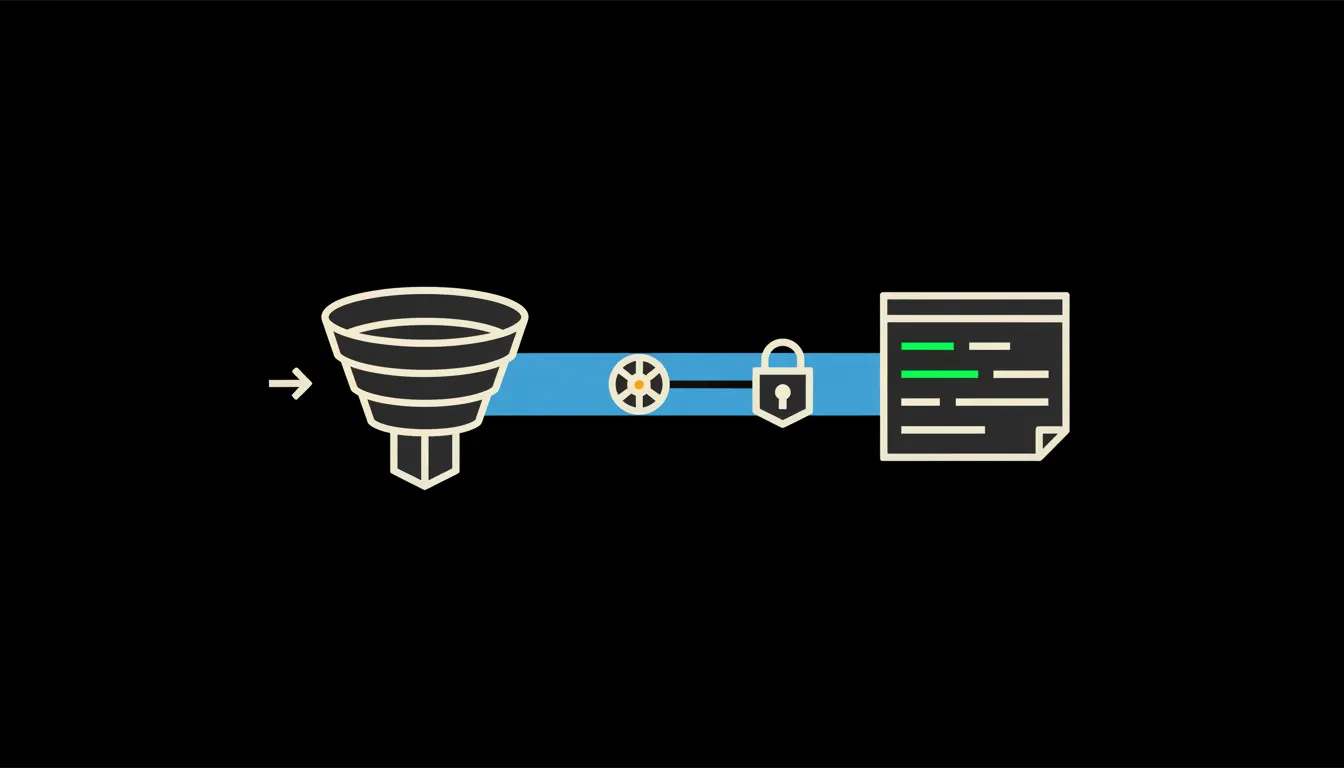
CRM reports for owners: the state of sales without a single spreadsheet
An owner should not have to learn CRM filters or wait for the sales lead. Ask in plain language, get the numbers you are allowed to see.
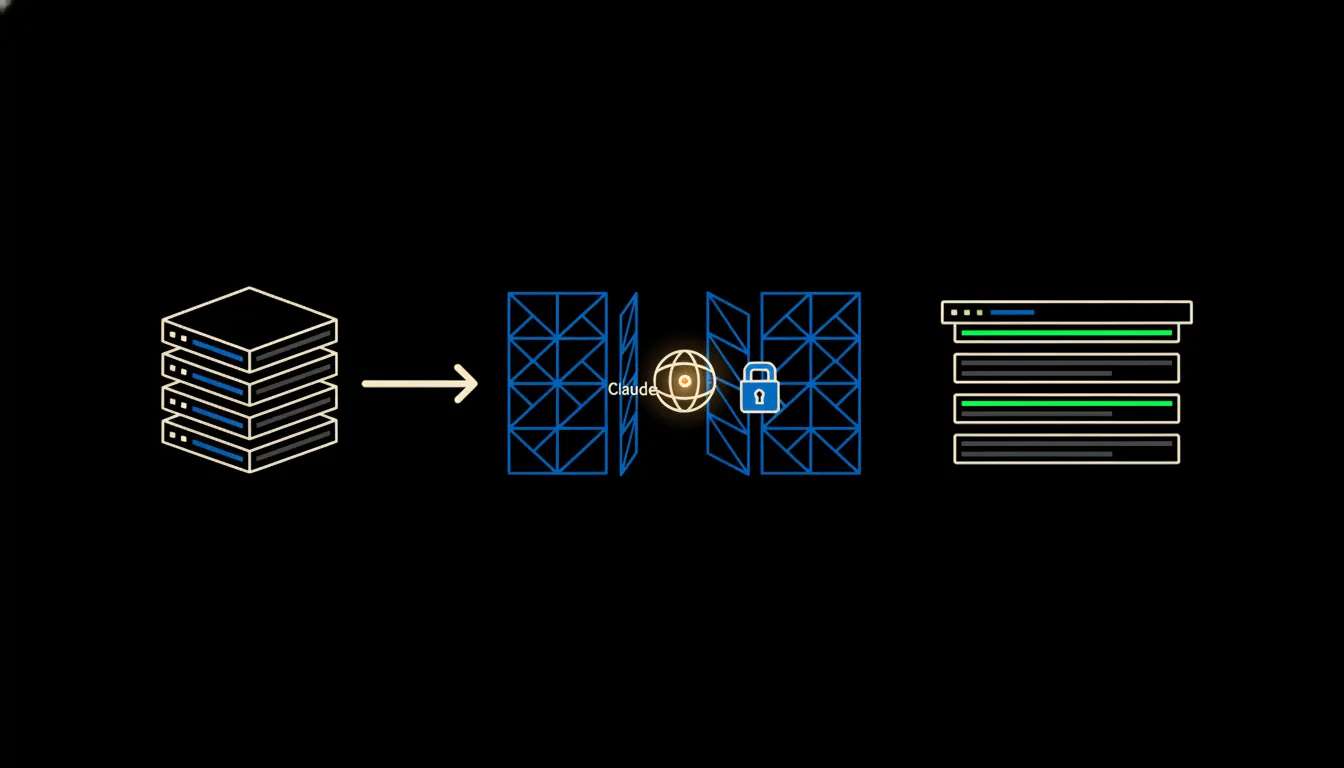
Company data and AI behind the firewall: what running on your own infrastructure means
The board question is always the same: where does our data go. The answer we build is boring, and that is the point. It stays where it is today, and Claude reaches it through your network.
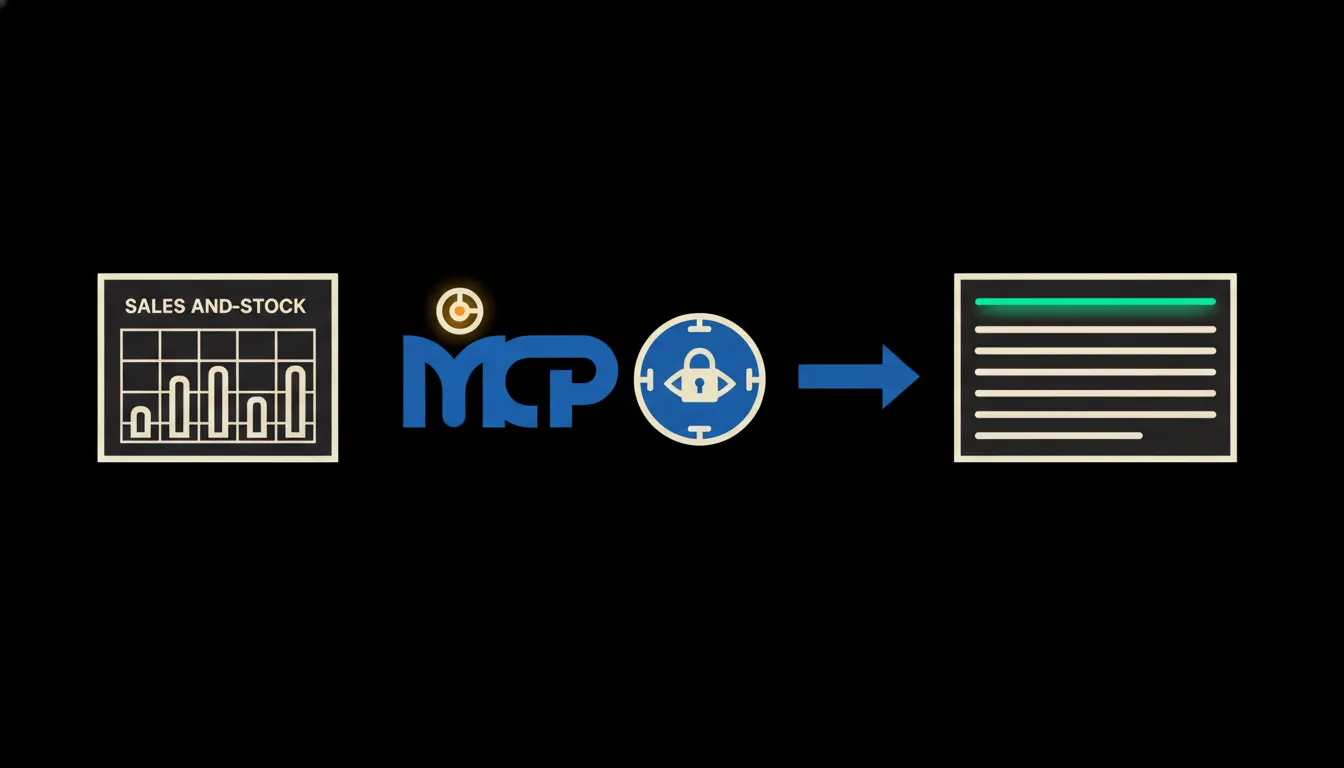
A newsletter built from what the company actually sold
Instead of inventing topics in front of a blank screen, pull the last month out of your own systems: what moved in stock, what customers kept asking, what is about to go out of season. Then the writing starts from facts.
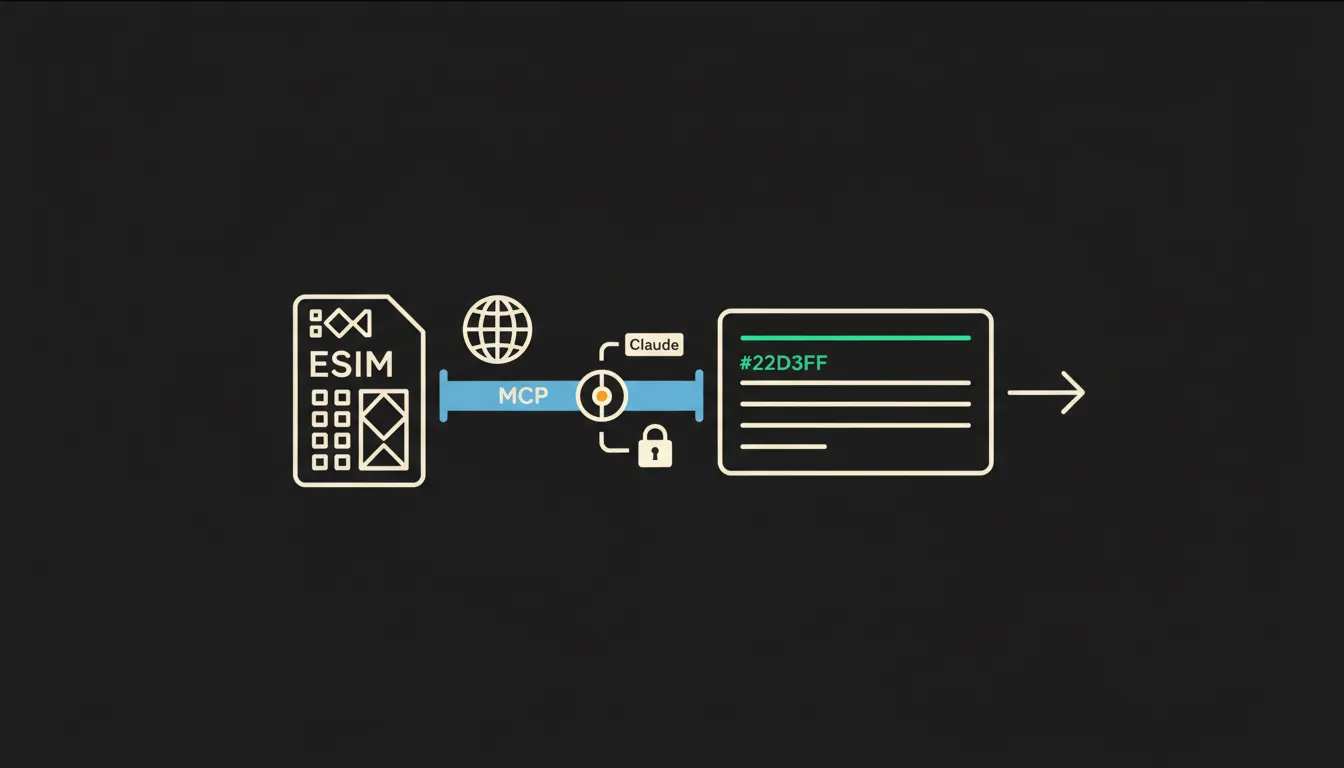
Company data and Airalo: your travel eSIMs, one question away
Who holds an active eSIM, how much data is left, and what the next trip needs. With Airalo connected, the answer comes from live records instead of a spreadsheet somebody updates by hand.
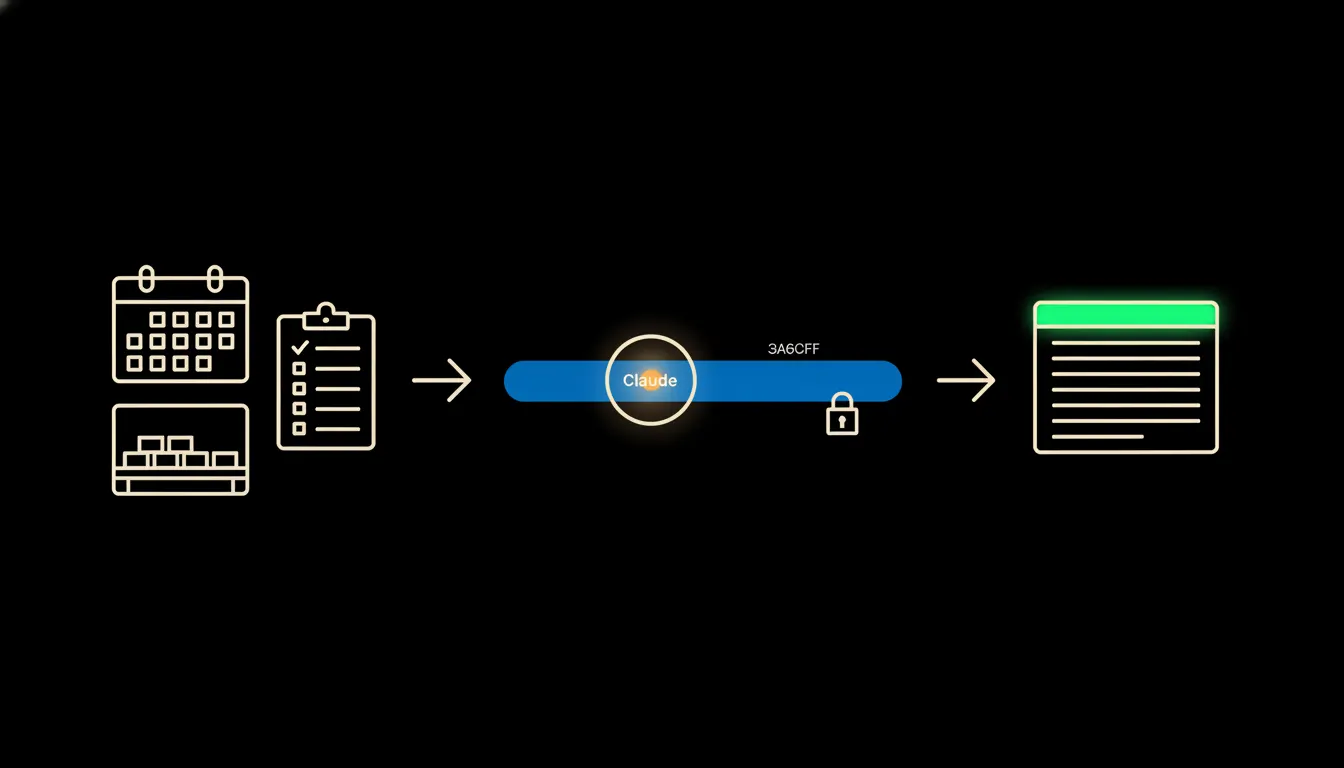
Connecting data in an airsoft business: the field, the rental desk and the gear shop
An airsoft operation runs on bookings, equipment records and gear sales, usually in three separate tools. Here is what it looks like when you can ask all three a plain question and get the answer in seconds.
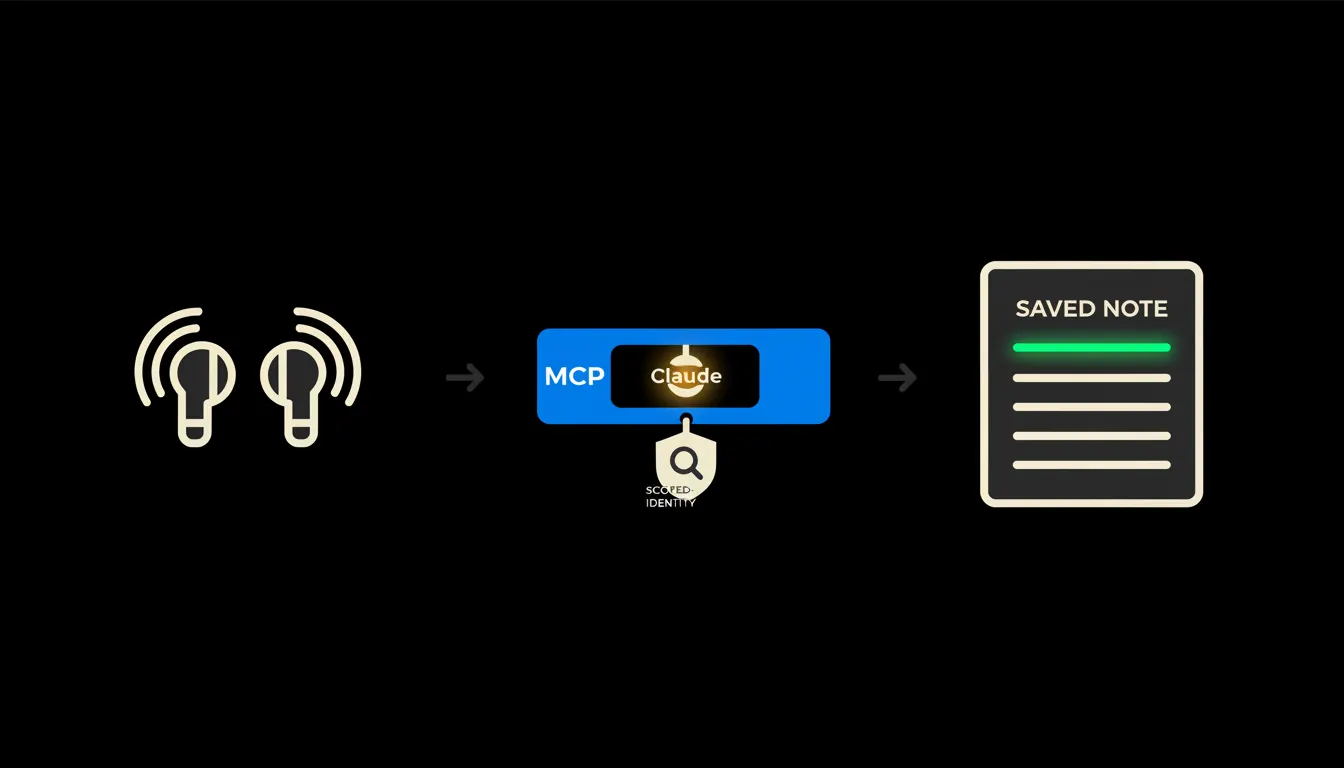
Connecting data to AirPods: what can be linked and what cannot
Earbuds hold no company data. What you can connect is what they leave behind: a note dictated from the car that ends up written where the team looks for it.
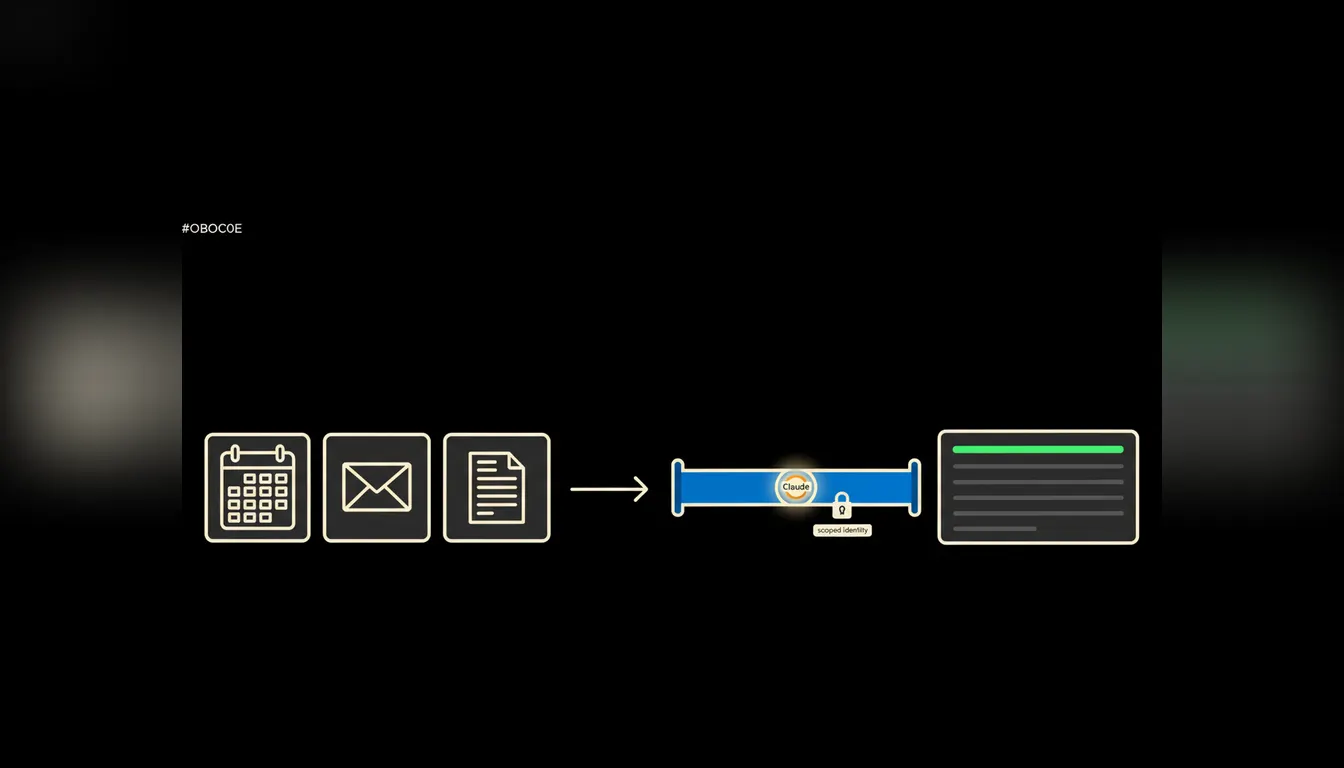
The AI assistant at work: what it actually takes off your desk
Most people picture a chat window that writes nicer emails. The real saving starts somewhere else: with access to the calendar, the inbox and the documents you already have.
Connecting data to an AirTag: what works, what does not, when you track company kit
An AirTag tells you where a thing is lying. It does not tell you whose it is, when it comes back, or what it cost. The difference is what it is connected to.
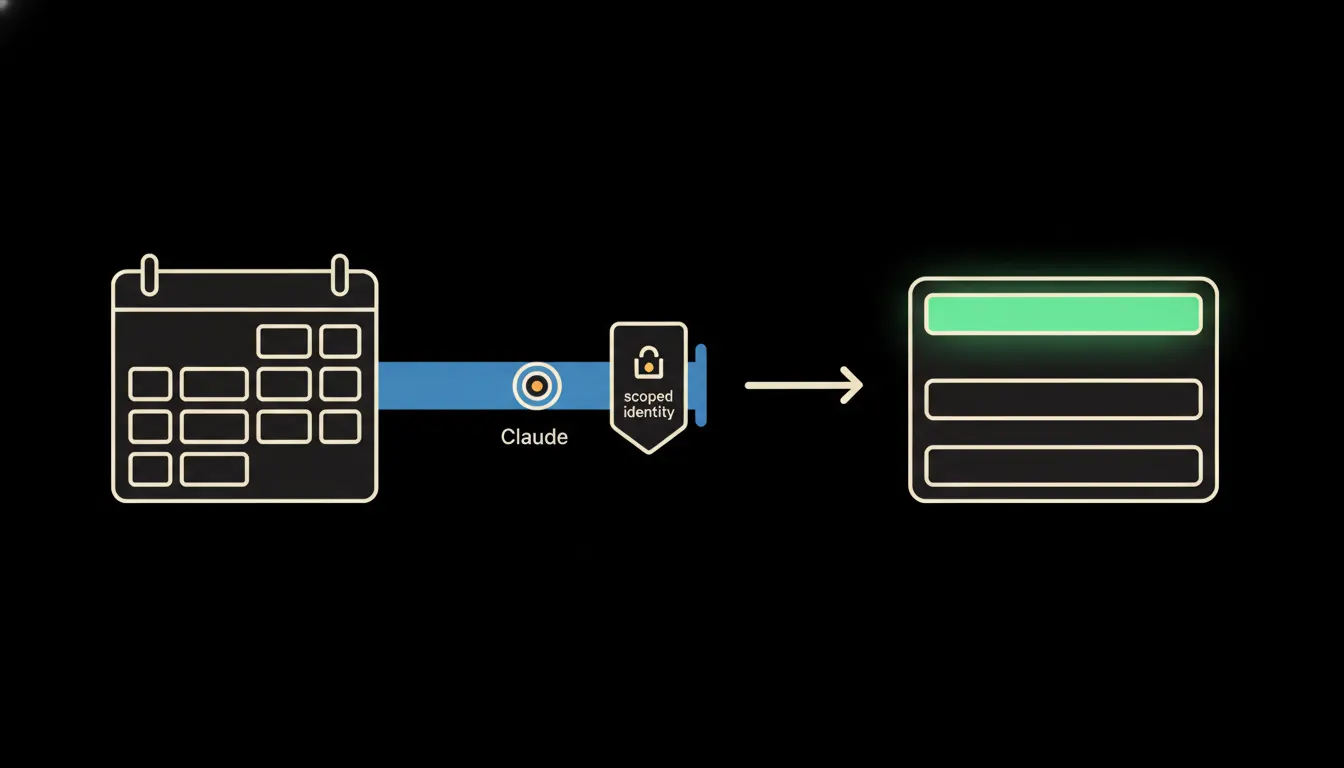
Connecting Airbnb data: what an apartment manager gets out of it
Reservations, calendar, cleaning and invoicing usually live in four windows. Connecting the data means occupancy and revenue come back from one sentence.
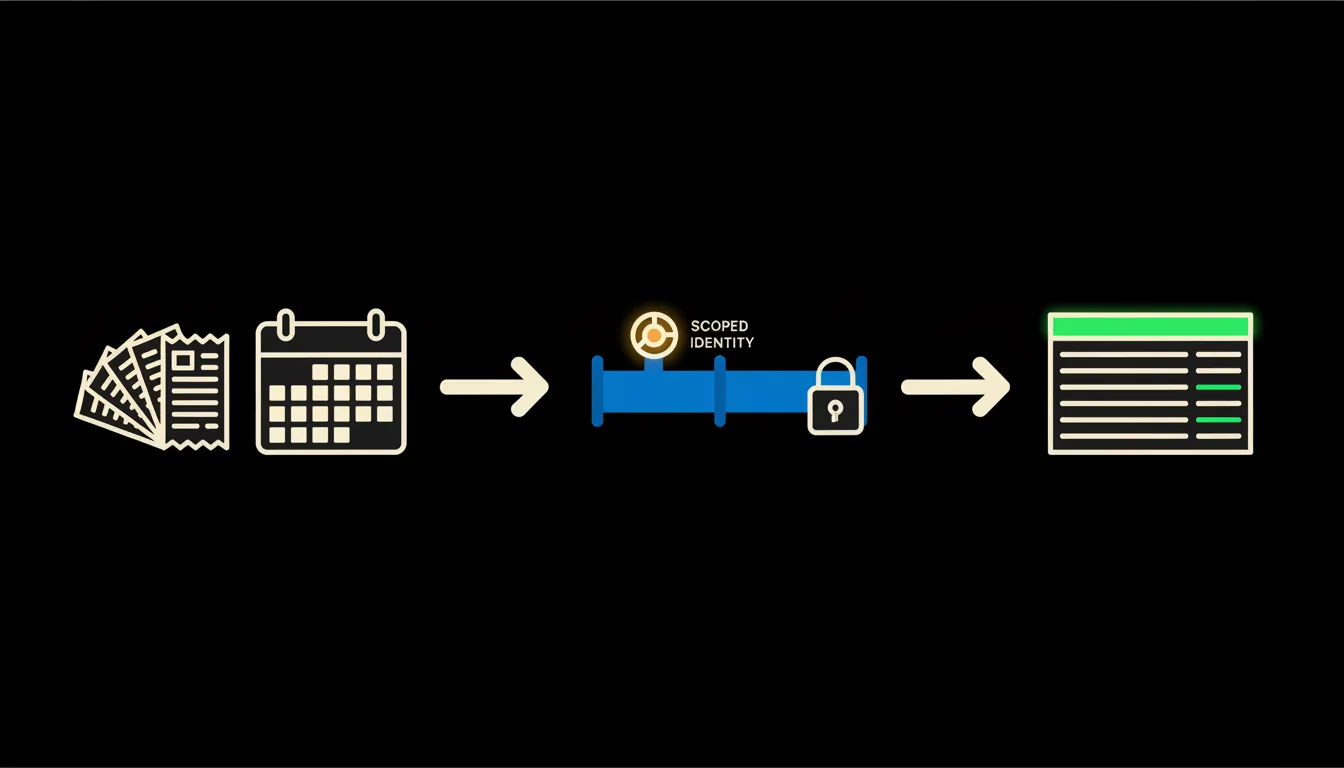
Travel expense reports that assemble themselves from receipts and a calendar
Chasing receipts and recalculating per diems eats hours every month that nobody bills. Claude, connected to mail, calendar and accounting, prepares the draft and a person approves it.
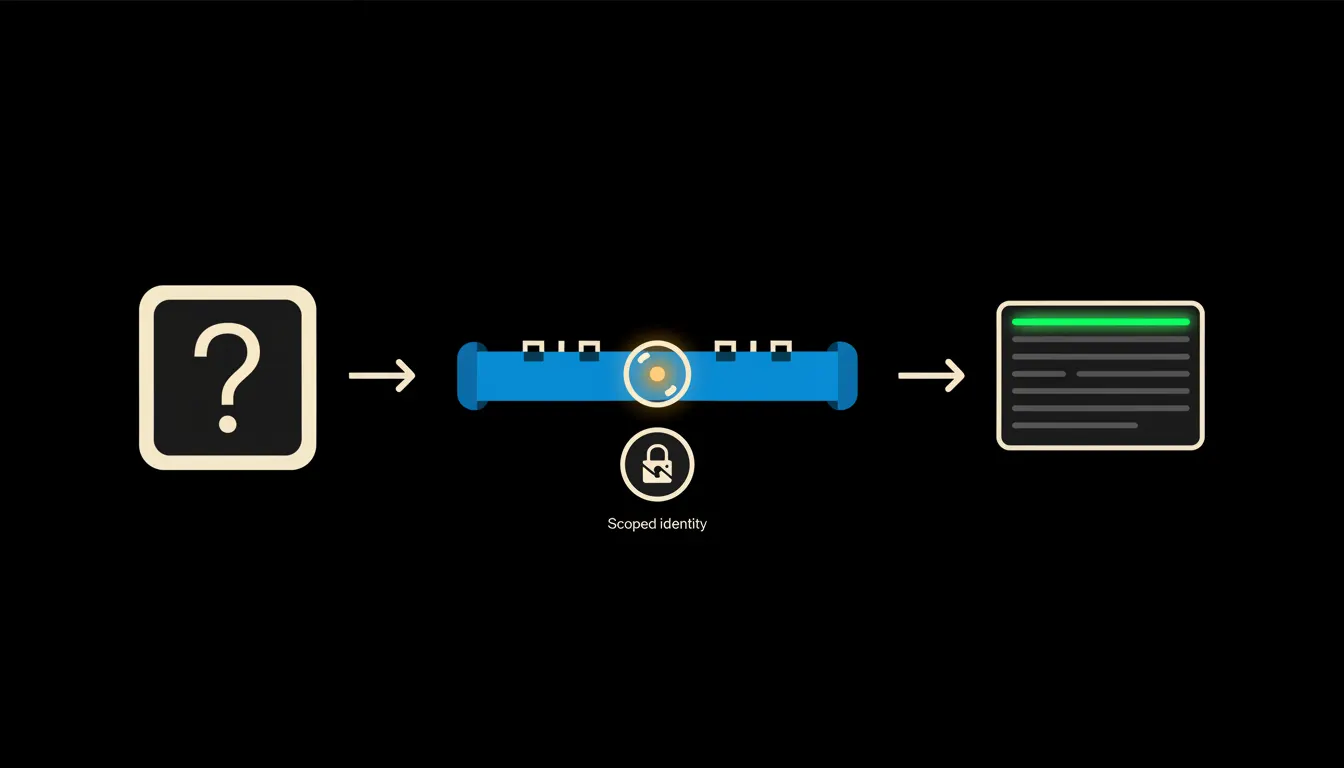
MCP server example: one question from prompt to answer
One ordinary finance question, four named tools and one log entry. A plain description of what happens between the question and the answer.
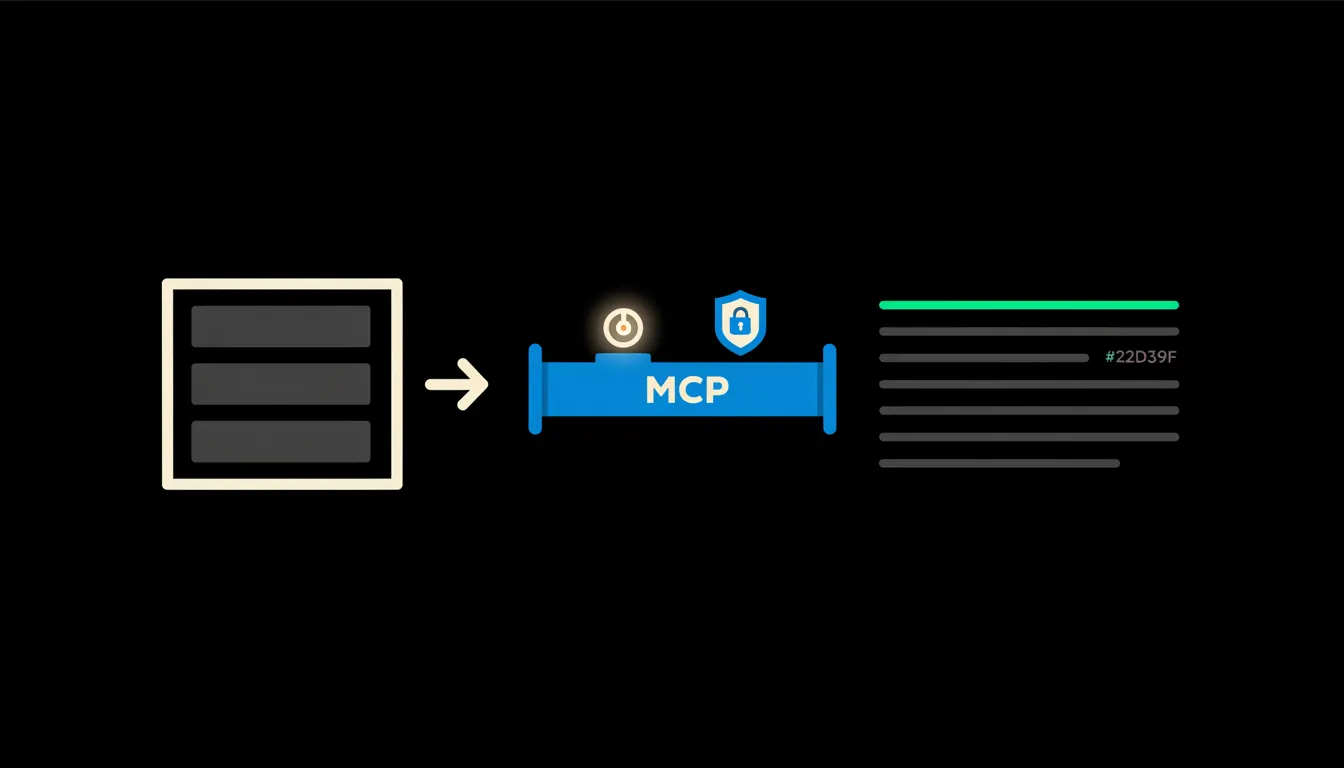
Where your company data sits when AI is working on it
The first question from the boardroom has a concrete answer. The data stays in your cloud, in one tenant, with an audit trail nobody has to write by hand.
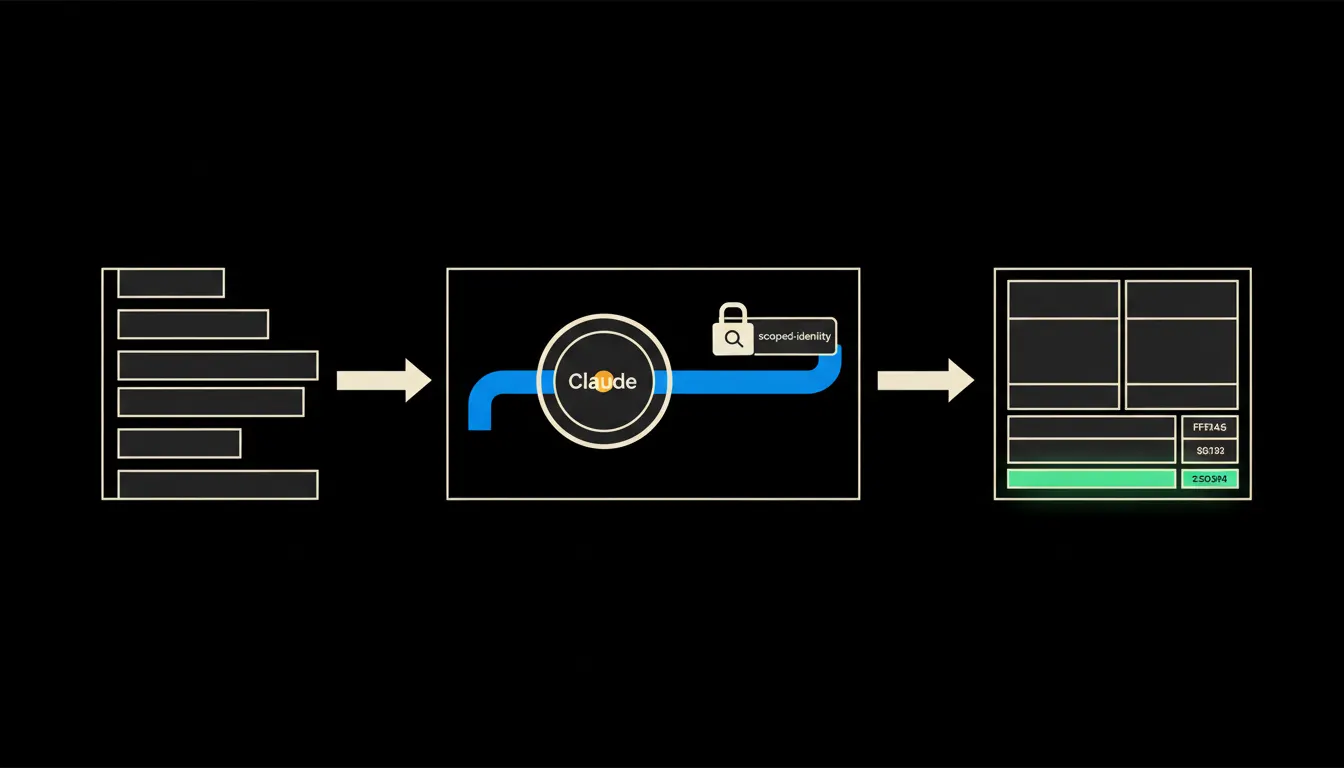
What a company AI assistant costs, and what actually sets the price
The price is not in the model. It is set by the bridges to your systems, by who is allowed to see what, and by how many procedures you have written down.
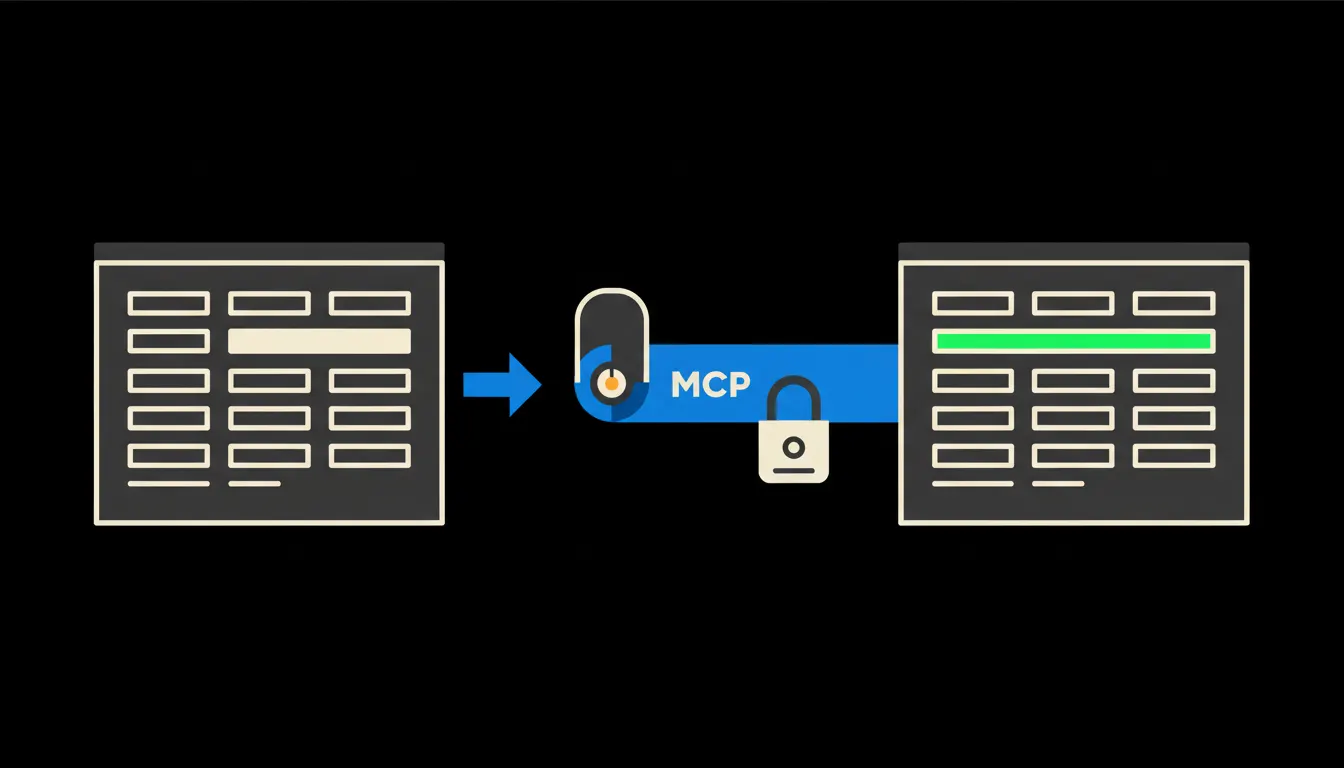
Company data and the bank account: what connecting your account to Claude really means
Your bank statement is the most accurate picture of the company you have, and it ends its life as a spreadsheet export. Here is what changes when you can ask about the movements directly, and who exactly gets to see them.
How many MCP servers does a company actually need
Most companies assume they have to connect everything at once. In practice, two or three well chosen bridges cover most of the daily work, and the rest gets added when people ask for it.
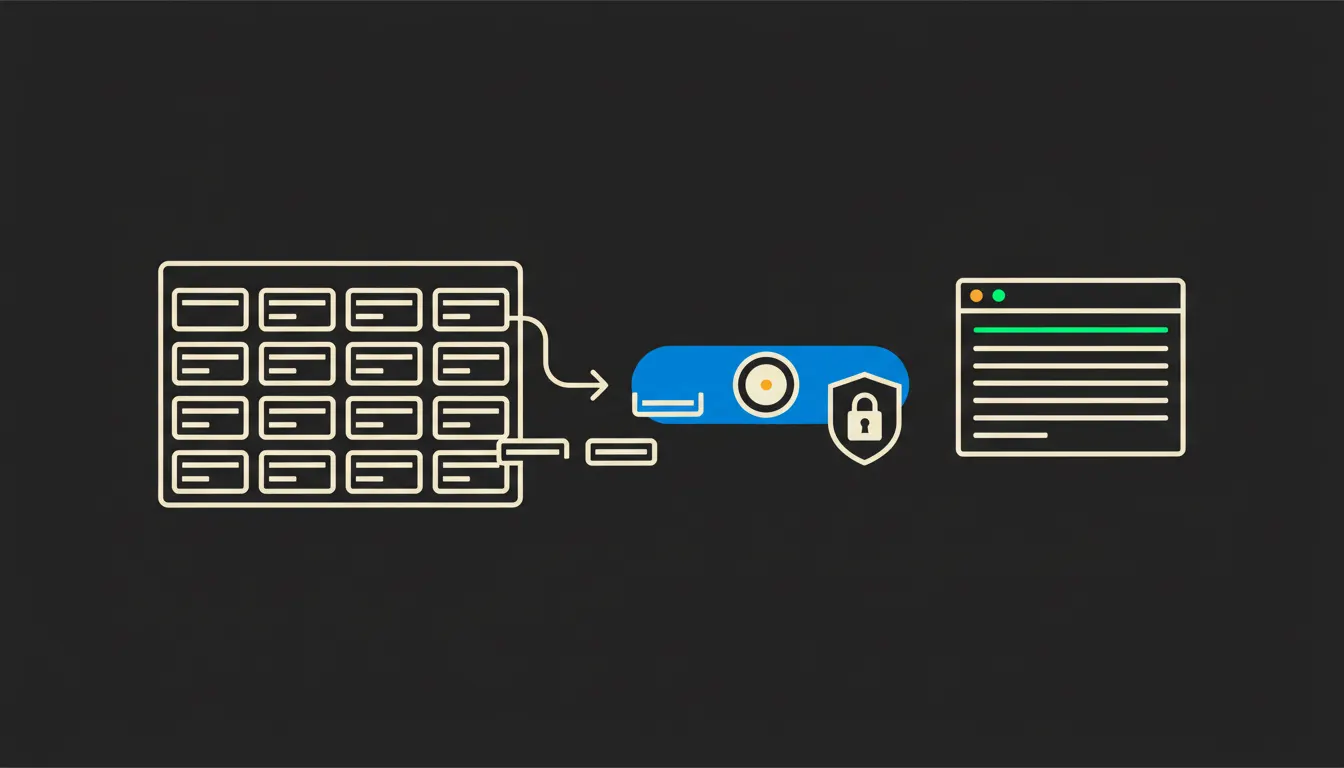
CRM reports on demand: what it takes, and how permissions hold
Standard reports answer a question somebody asked a year ago. Here is what reporting looks like when everyone writes their own question and sees only the rows they are entitled to.
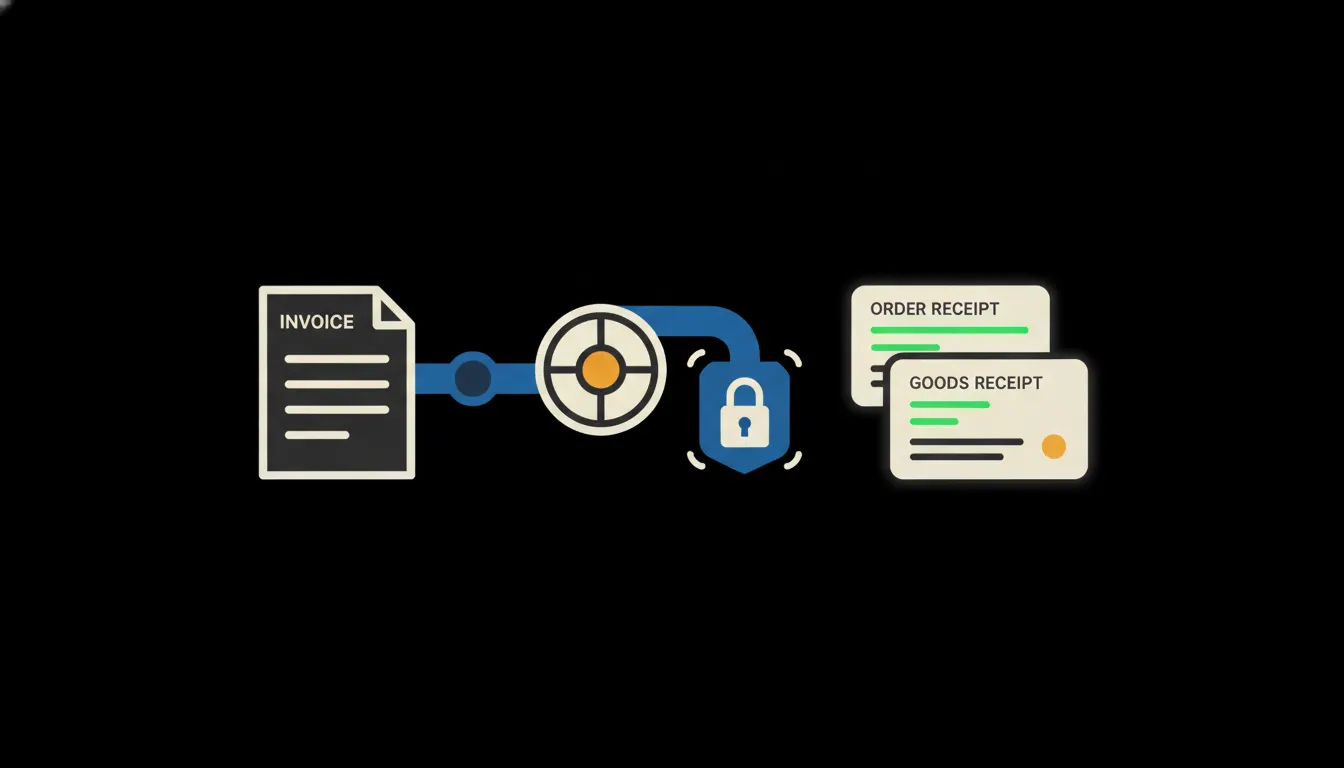
Invoice matching: the check your bookkeeper should not do by hand
Does the supplier invoice agree with what you ordered and with what actually arrived? How Claude runs that check across accounting, stock and approval history, and what it does when the numbers disagree.
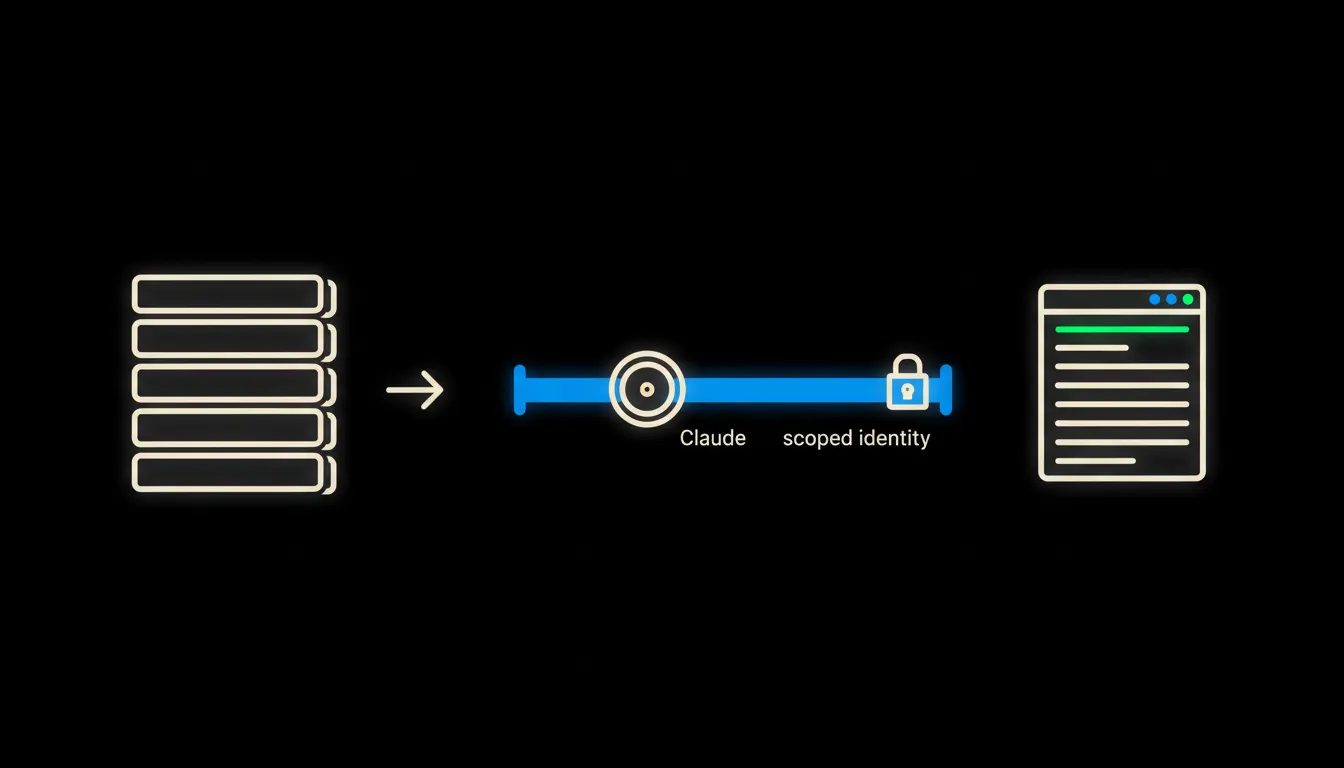
A CRM report in a minute: asking your sales numbers inside the CRM
A manager asks in plain language, Claude reaches into the CRM through a bridge that carries their own permissions, and returns the numbers they are allowed to see. Everyone gets their own view. Nobody downloads a spreadsheet.
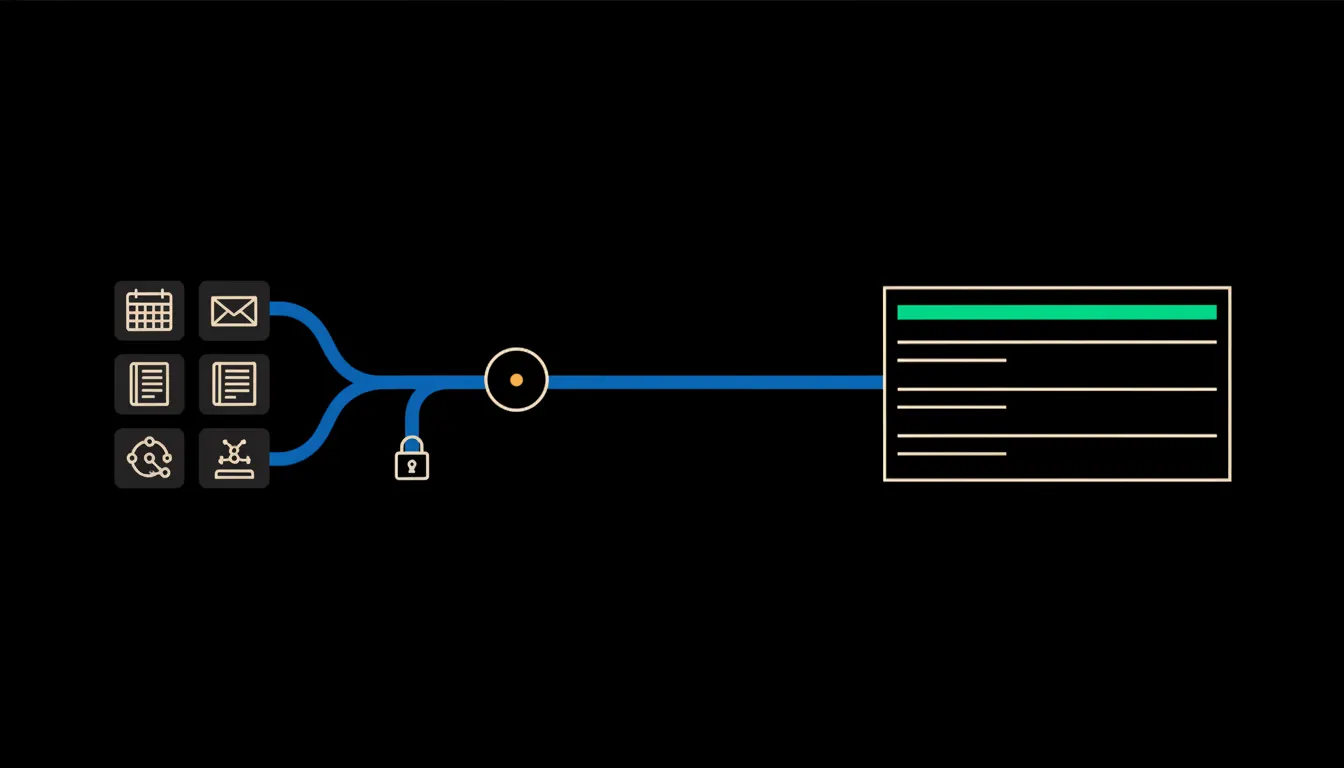
An AI personal assistant: what it needs to know to save a CEO time
A general assistant can write an email, but it does not know your numbers, your deadlines or your people. The difference between a toy and an assistant that saves you an hour a day is what it is connected to.
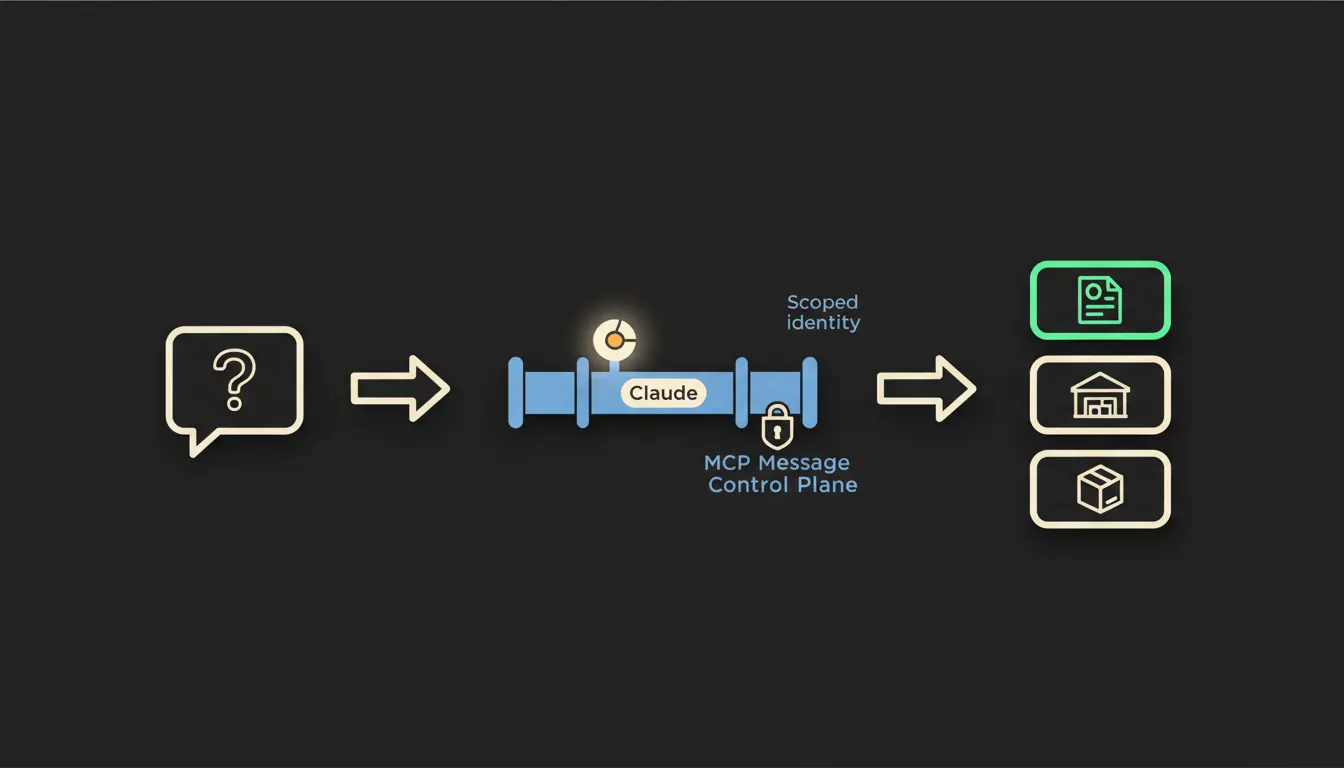
Where is my order: an answer from your own systems in seconds
The most repeated support question has the dullest fix: find the order number, open the warehouse, check the carrier, write the mail. Give Claude the same reads your operator has and all four happen at once.
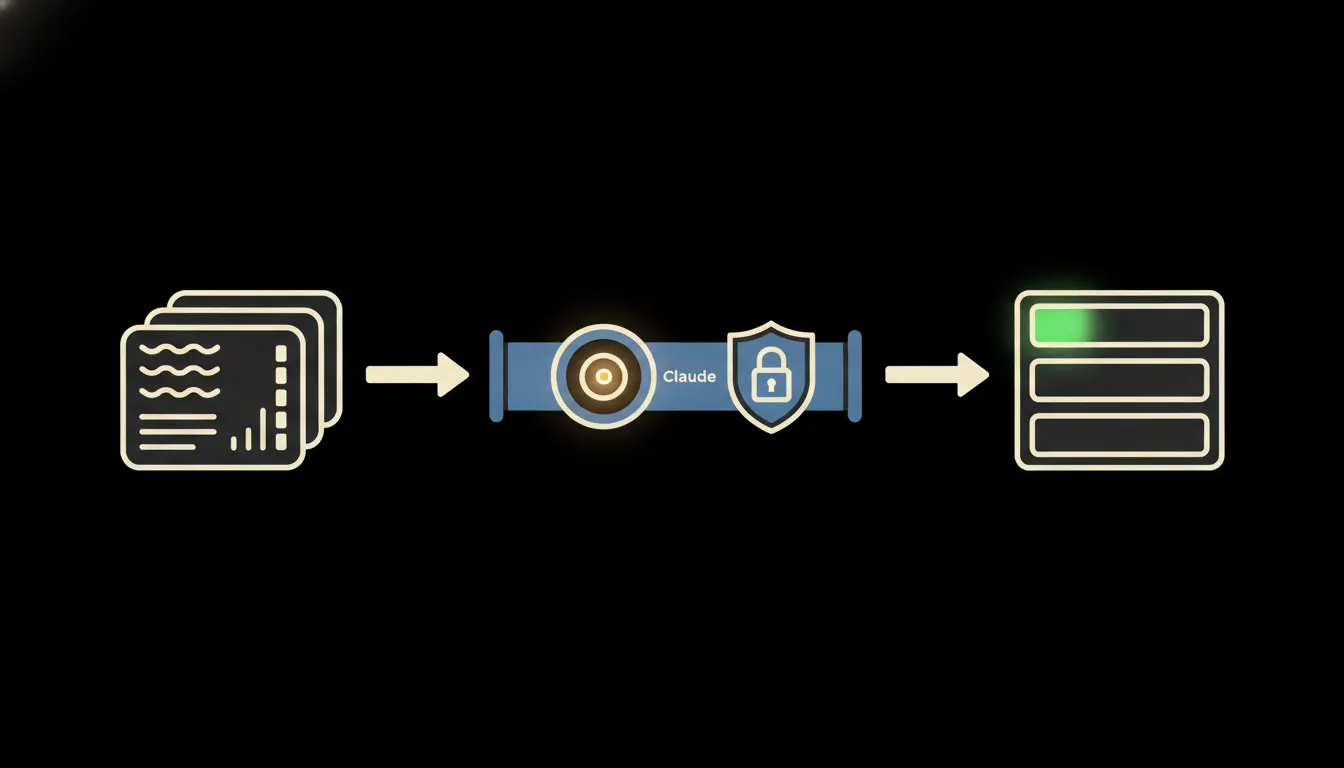
Czech CRM connected to AI: what it means for a sales team
Most Czech companies run a CRM that records well and answers badly. Here is what changes when the same database is opened to Claude with one person’s permissions.
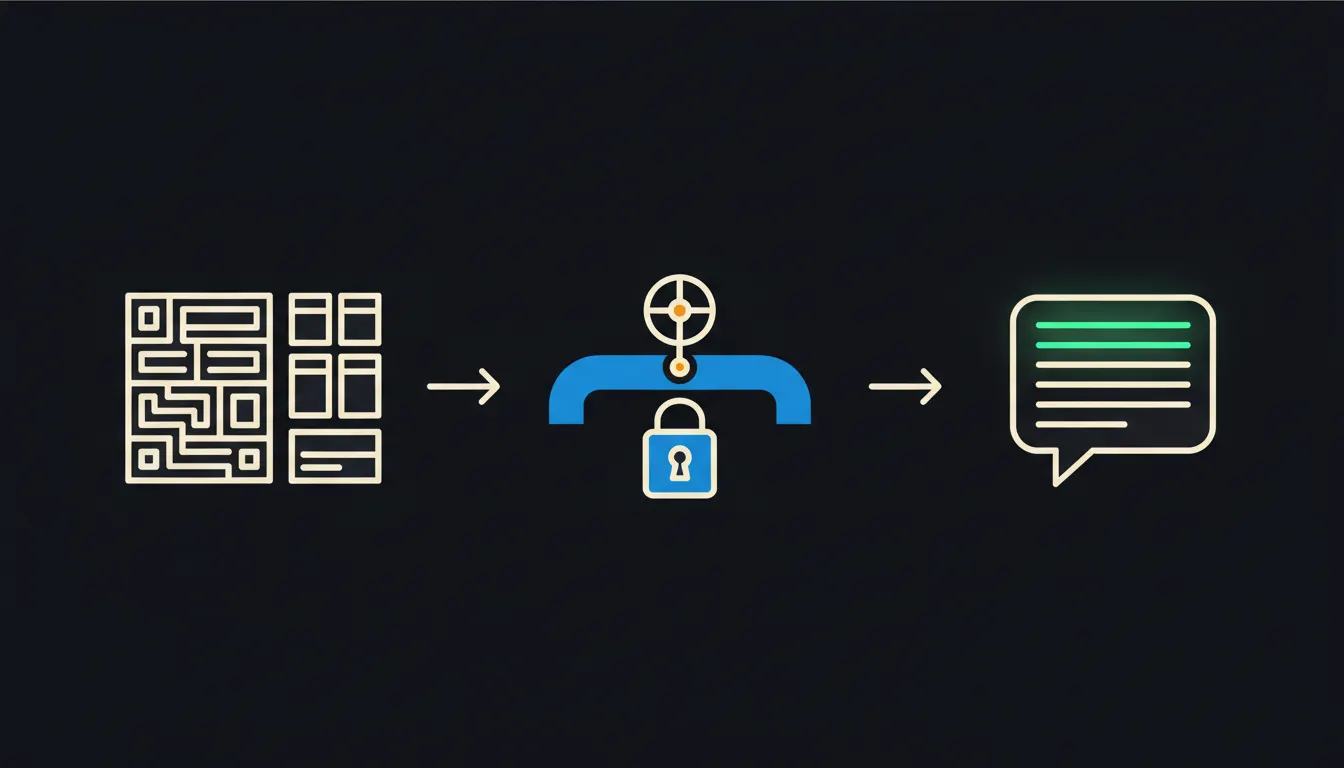
System integration: what it means and the words you will hear
Integration, connector, API, MCP. A short glossary of the terms that come up when you connect company systems to AI.
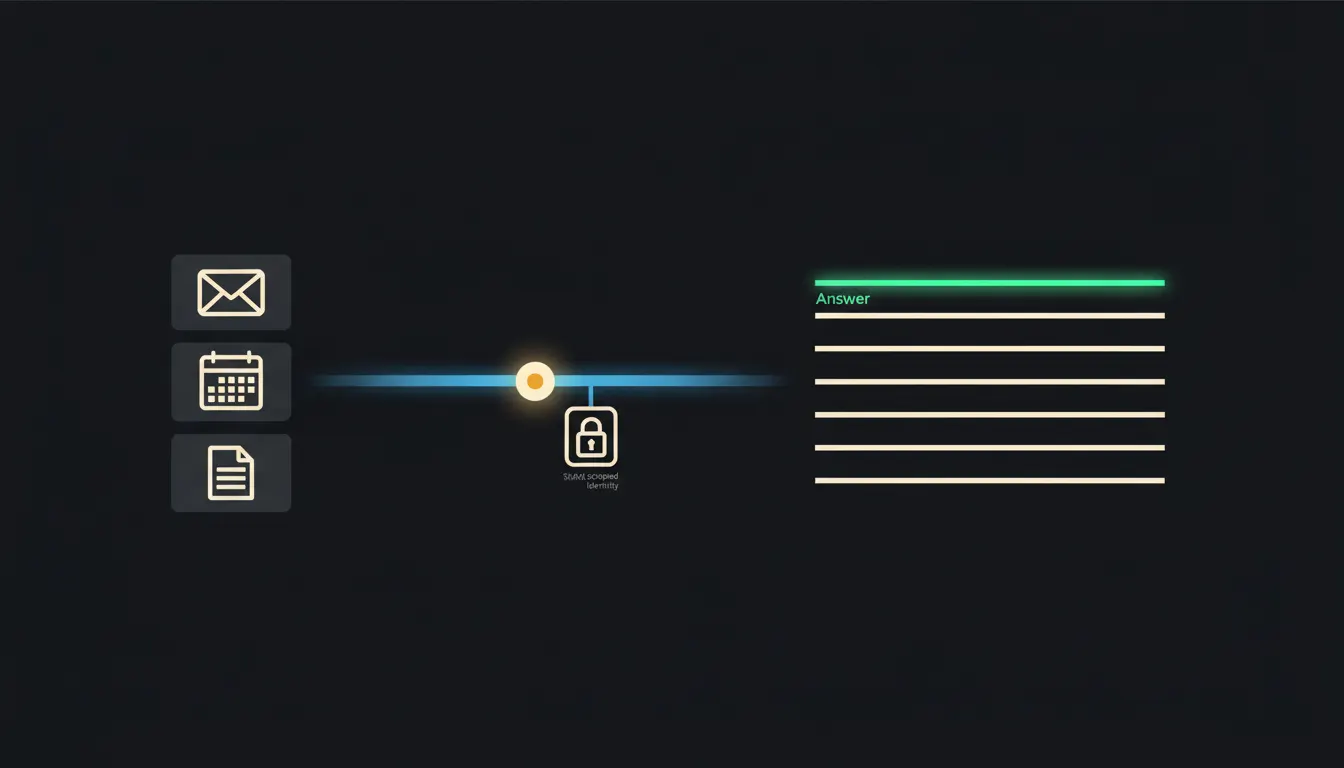
An MCP server for Microsoft 365: mail, calendar and documents in one connection
What an MCP server actually does once we build one over Microsoft 365. Claude sees only what the signed-in person is allowed to see, and nothing more.

The Blender MCP server, and what it means for your own software
The most searched MCP example is a 3D tool being driven by Claude. It shows exactly what an ordinary company needs to know: if a graphics program can be connected this way, so can a warehouse, an ERP or an e-shop.
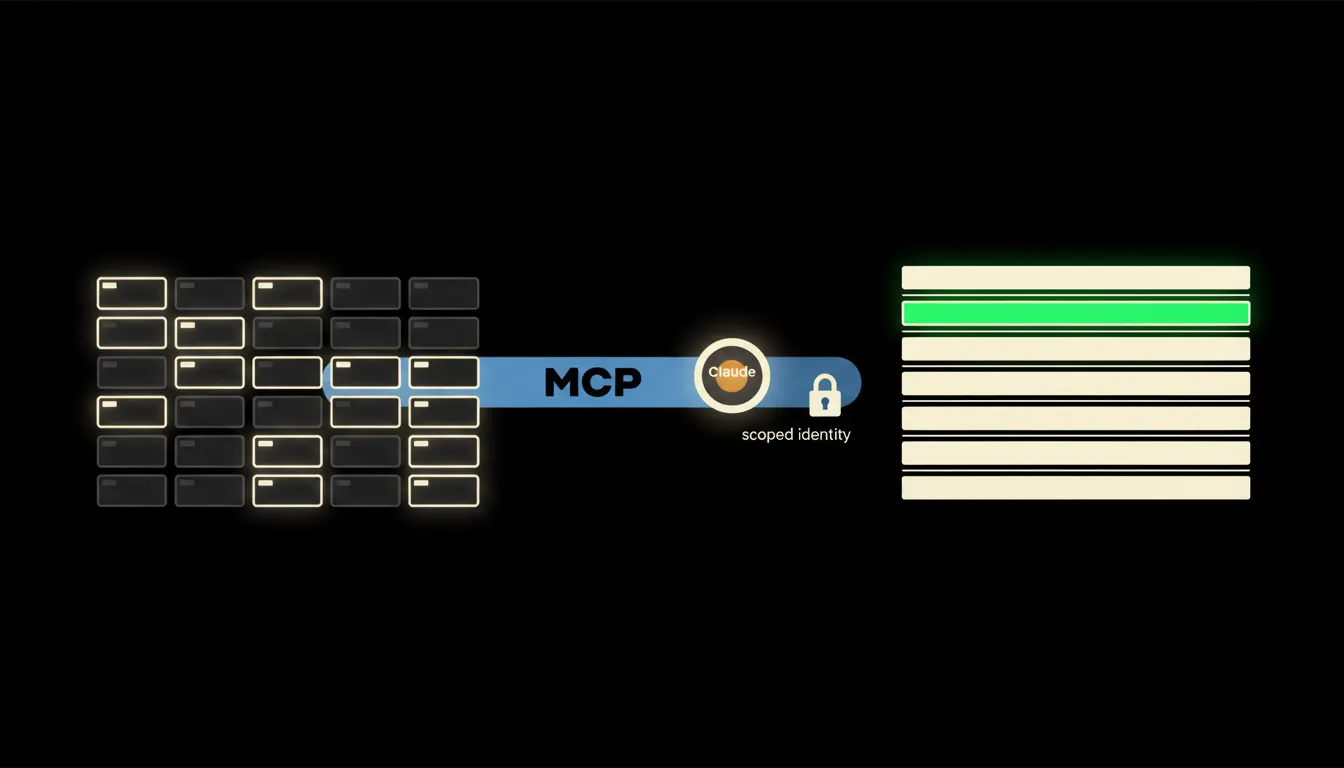
The MCP servers a company connects first
There are a lot of public MCP servers. Inside a company, only a handful decide anything. A guide to which ones lead to the data you work with daily, and which are still just a nice demo.

What an MCP server at a retailer like Rohlik means for ordering in your company
Once a customer can shop through an assistant, expectations shift for company orders too. What that means for your systems, and how to be ready.
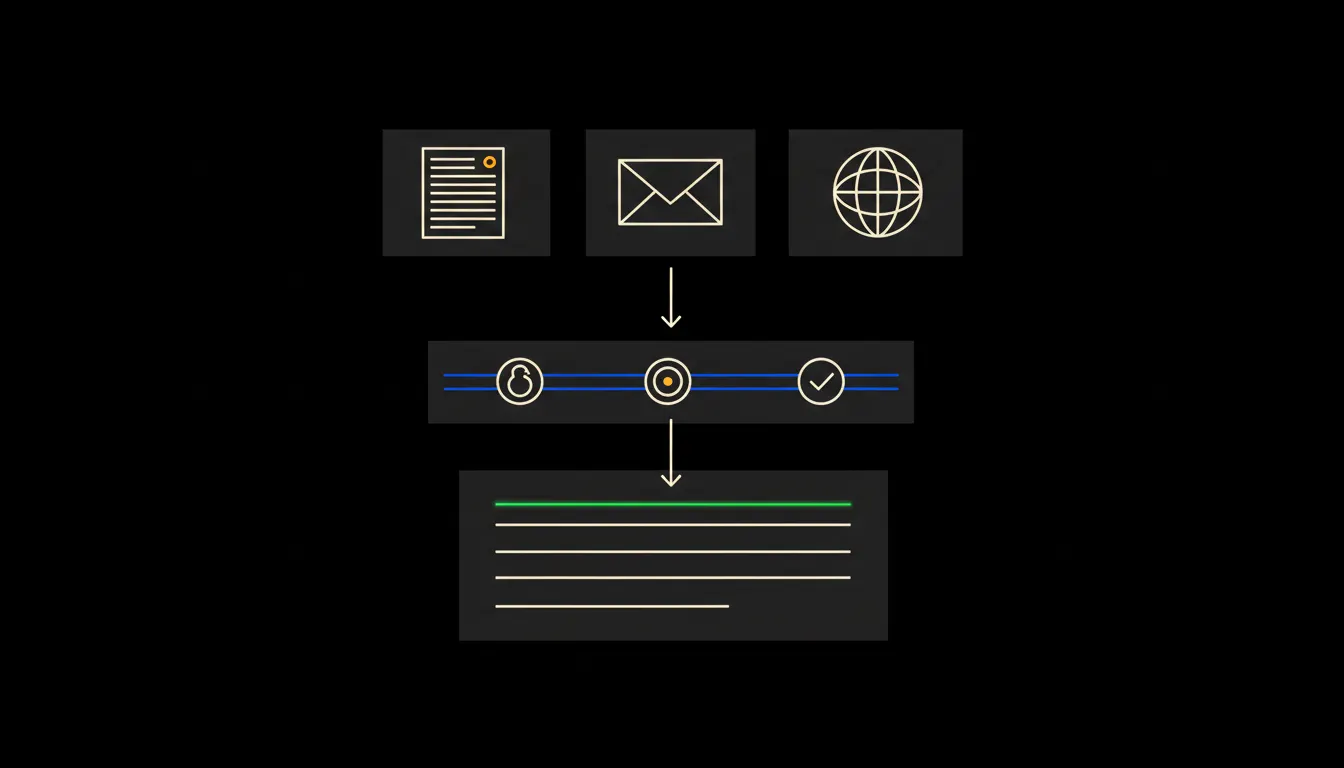
Your agent holds the keys and believes everything it reads
An AI agent wired into company systems is not dangerous because it is AI. It is dangerous because it reads text, and text can carry instructions.
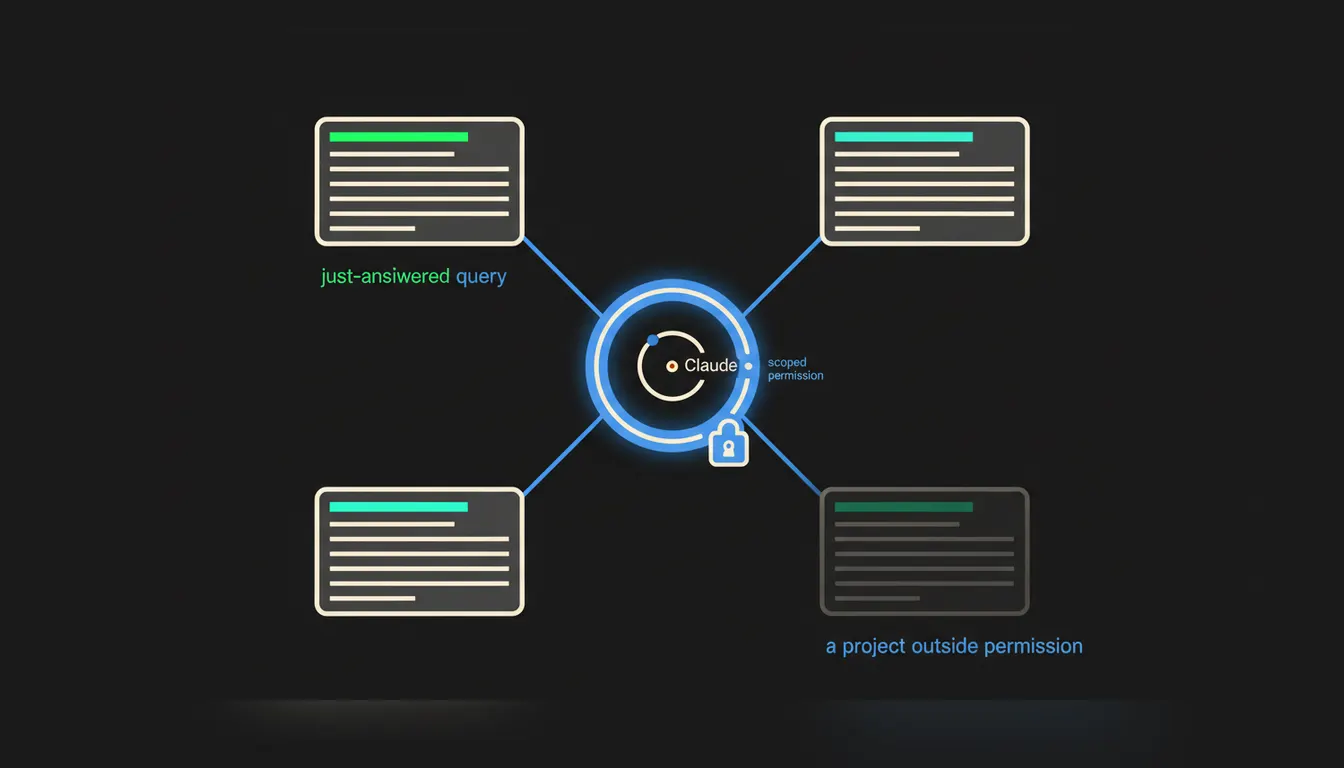
An MCP server for Jira: tasks and deadlines without opening Jira
Developers and everyone around them ask the same things: what shipped, what slipped, who is blocked. Jira can answer on its own, with the permissions of whoever asks.
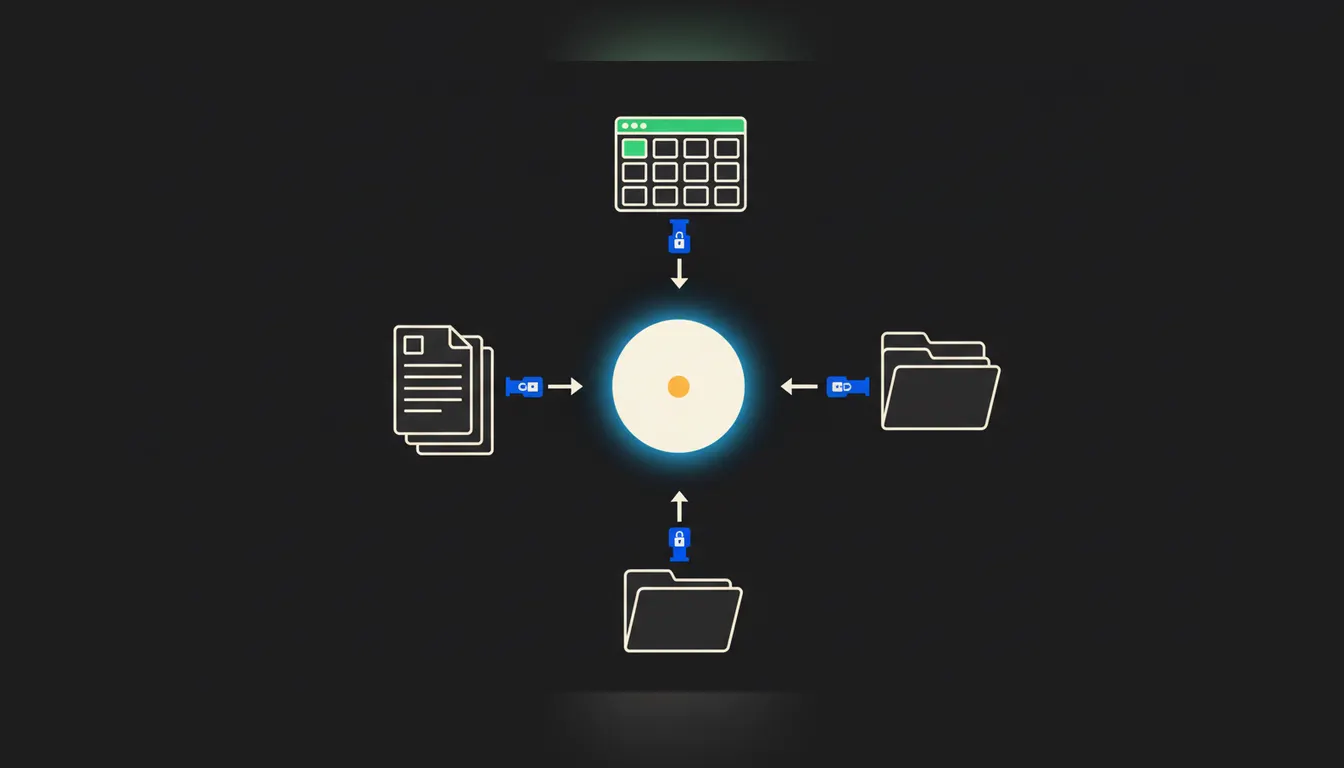
A company AI assistant without your own IT team: what it takes and where to start
An AI assistant that knows your company does not need in-house developers. It needs correctly connected data and one governed platform.
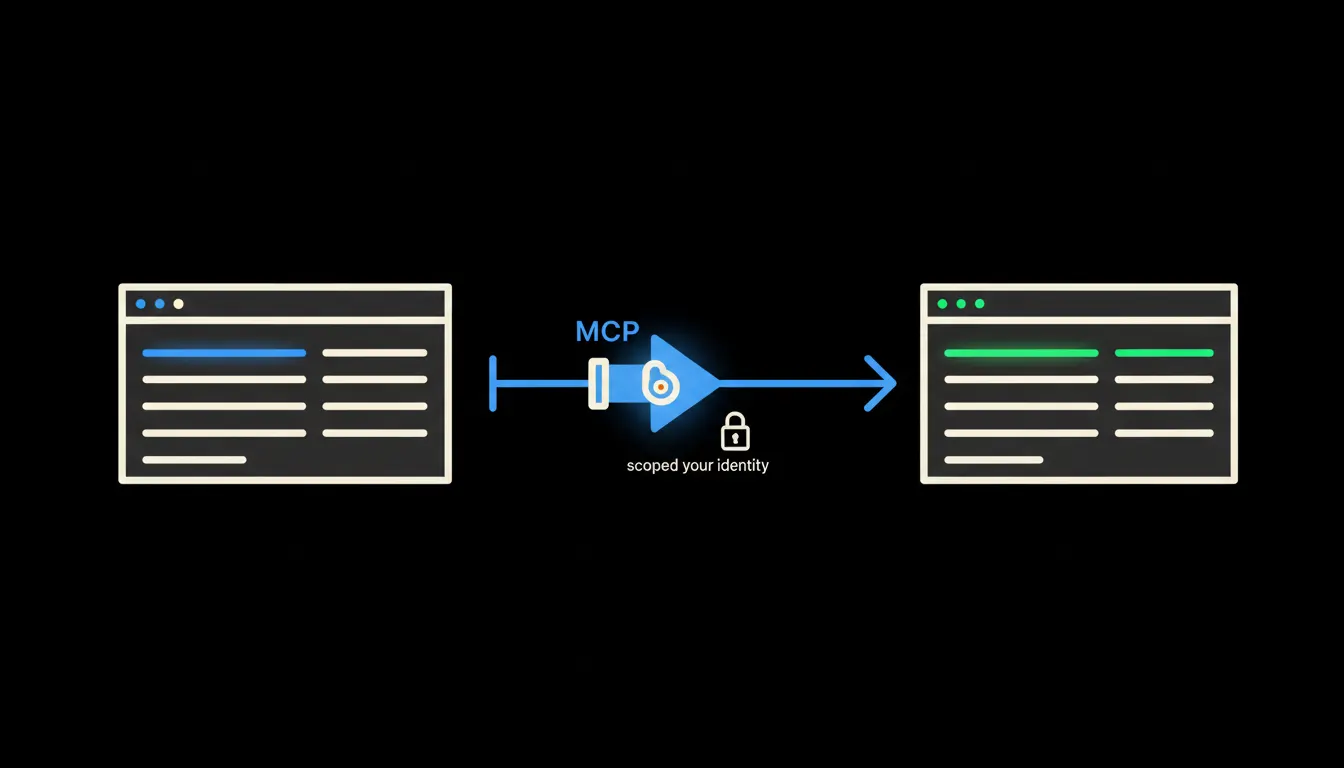
Relatoo CRM and Claude: what a sales rep can do when the data is connected
Relatoo is a Czech CRM that companies actually use. Here is what changes when Claude gets direct access to the data inside the system rather than waiting for an export.
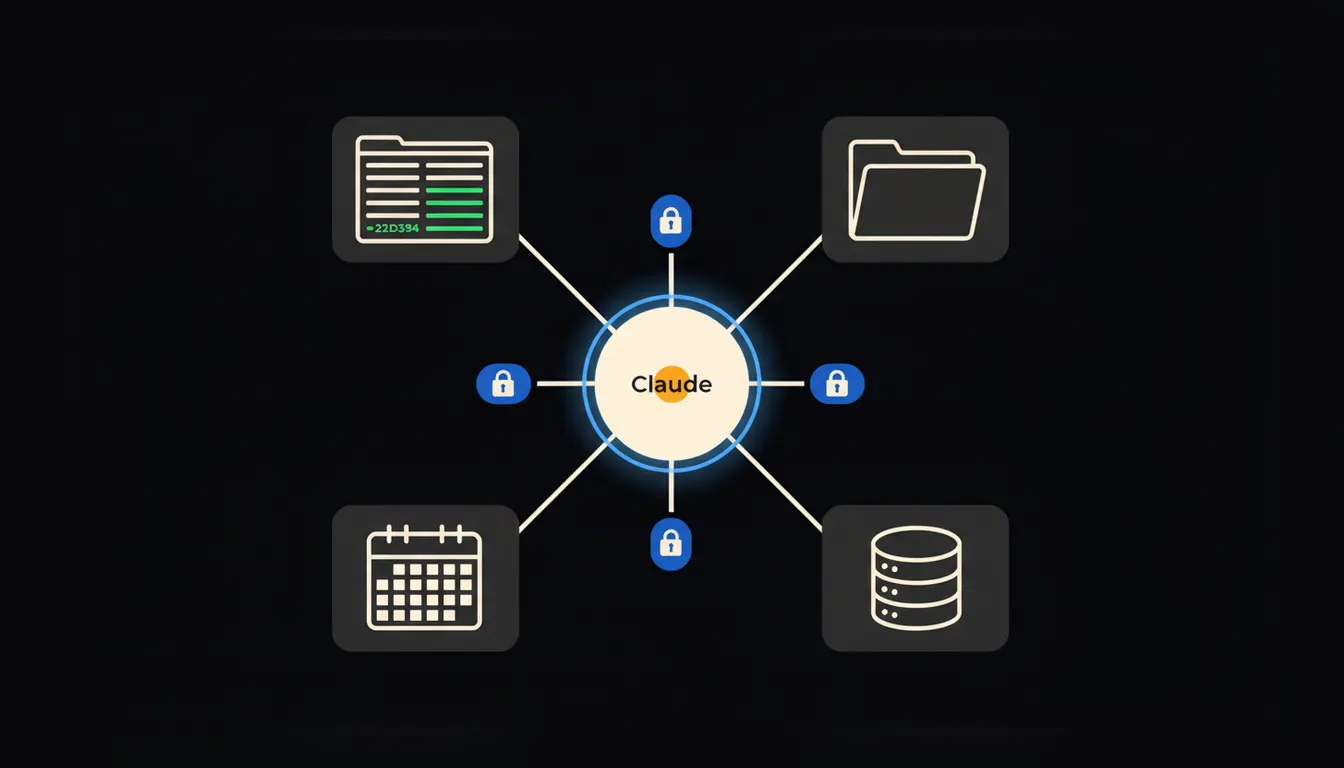
An AI assistant for your company: connecting it to your own data
A generic chatbot knows nothing about your prices, contracts, or internal processes. An AI assistant built on your own data is a different class of tool.
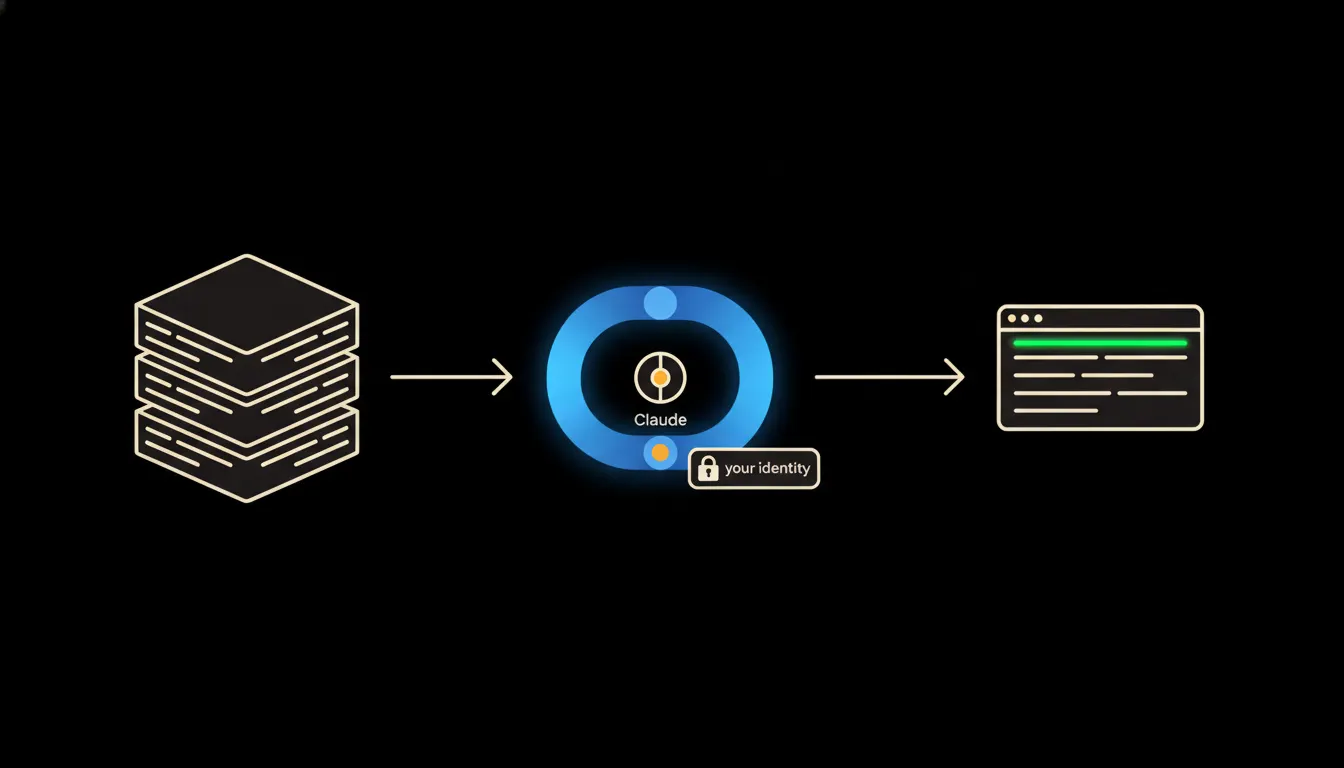
MCP server for Claude: what it is and how a company uses it
An MCP server is the bridge between Claude and the data your company already has. This article explains how it works, what it does, and why it matters even to people who never write code.
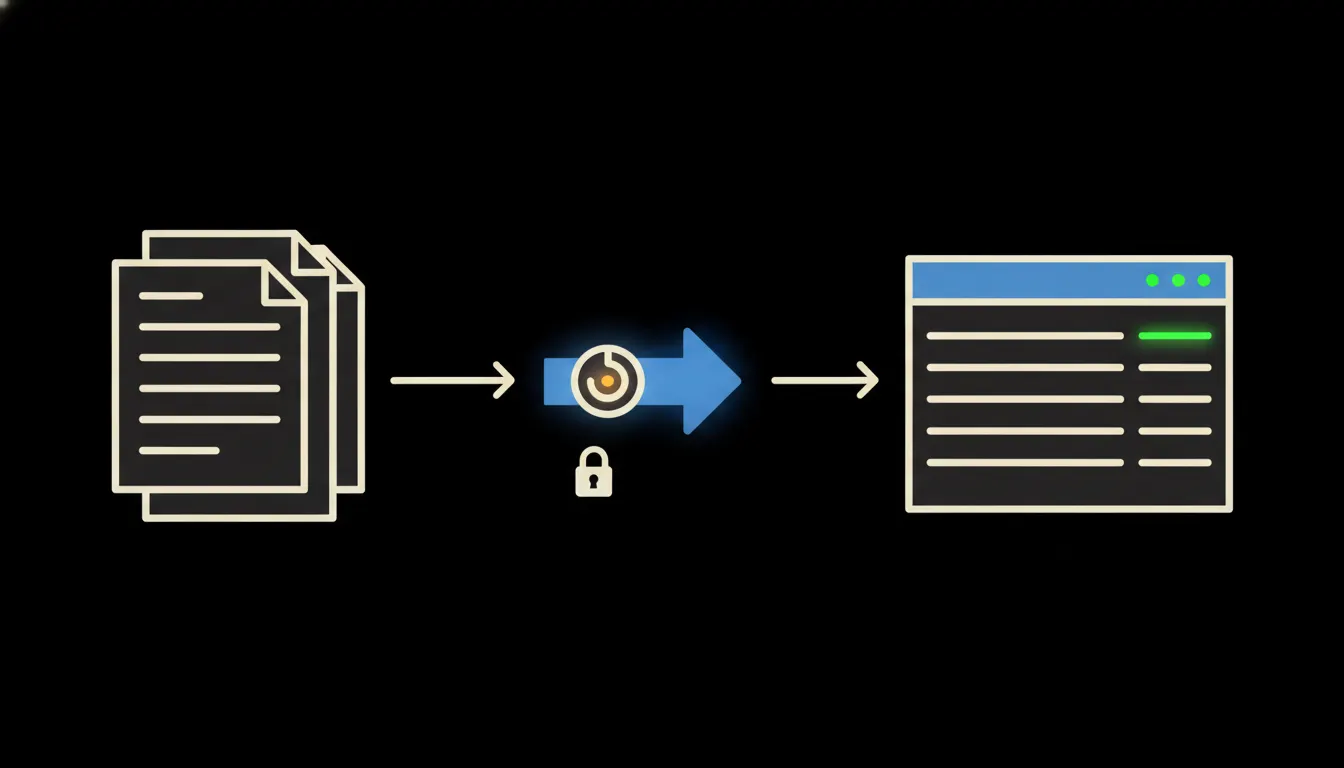
Automatic invoices without manual entry: how it works in practice
Order received, invoice issued within two minutes, record straight into Pohoda. No retyping, no waiting for the accountant.
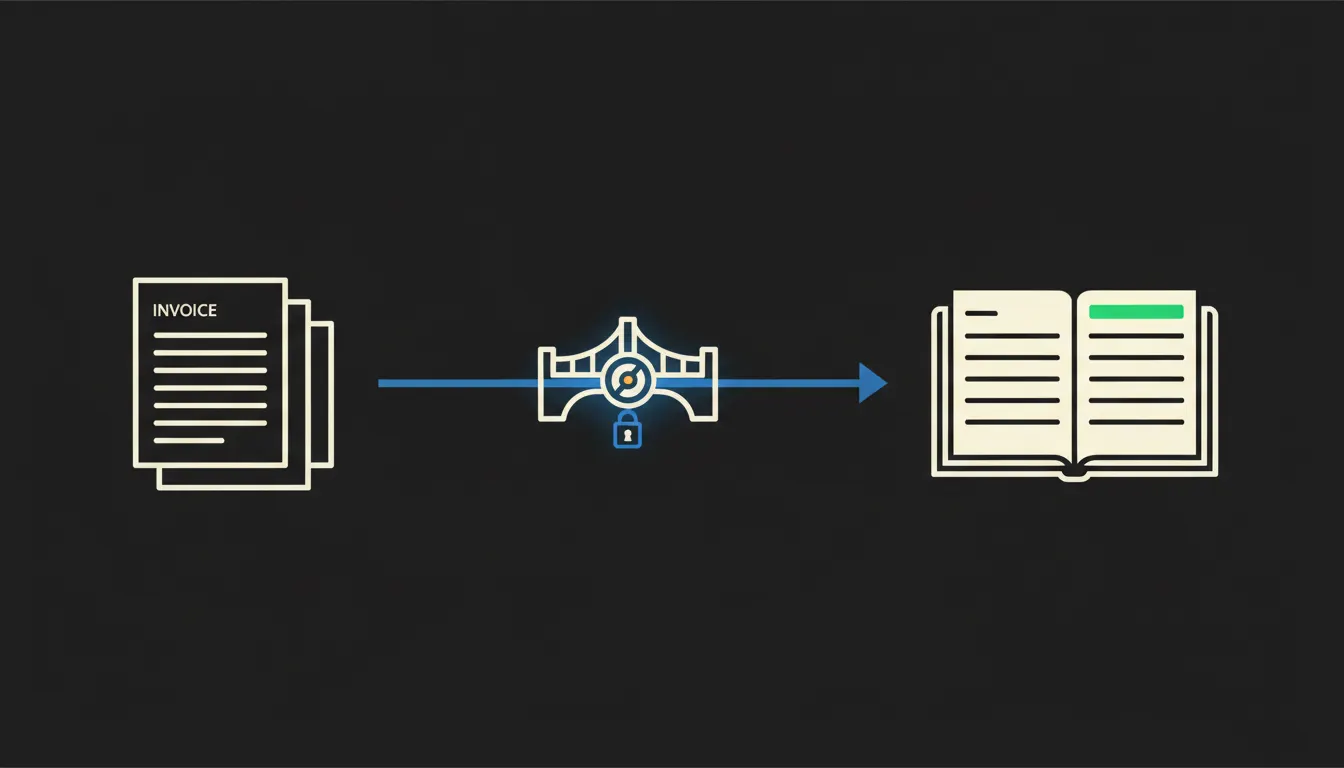
AI in accounting: where to start when you are not willing to experiment on live data
Companies are right to be cautious about AI in accounting. This article shows which tasks are safe for a first step and how Claude handles them without access to things that are not its business.
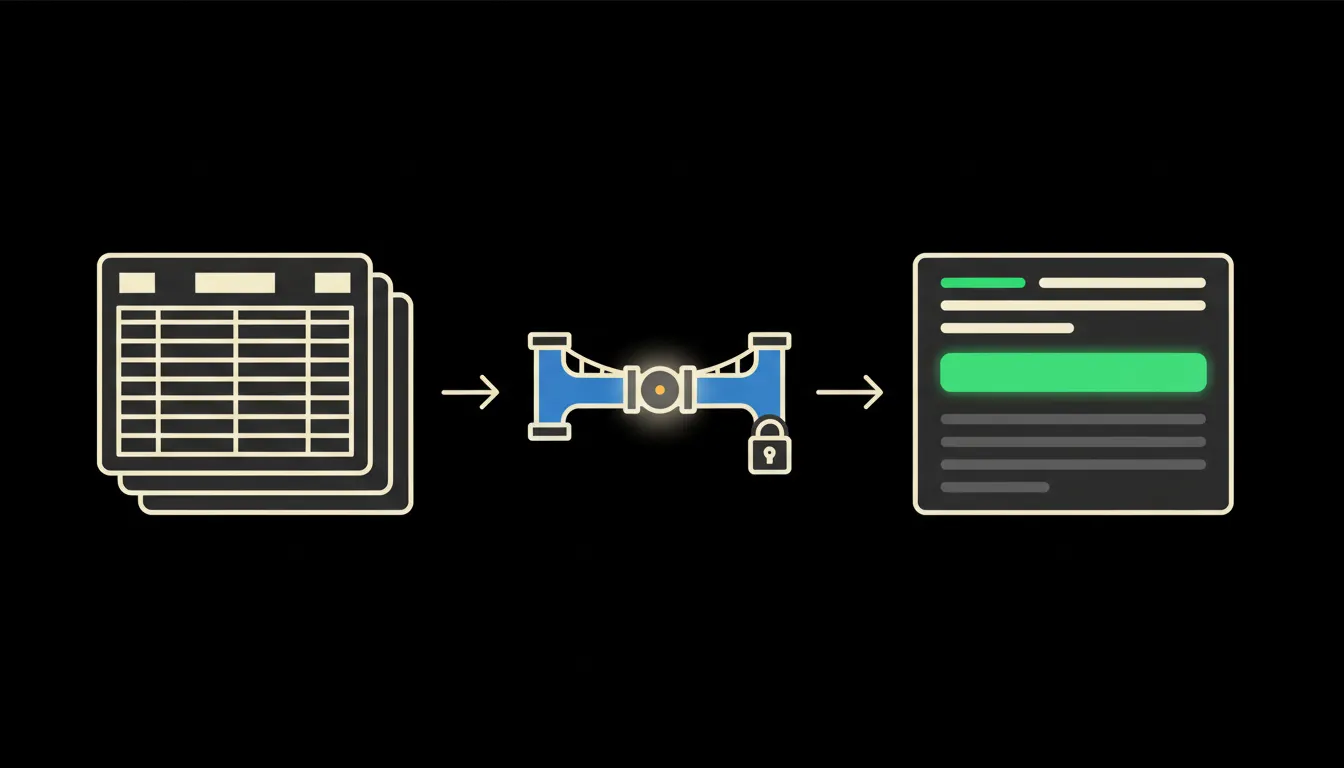
Pohoda and Claude: ask in Czech, get the number in a second
Instead of clicking through menus and exporting to Excel, you ask Claude a question and get the figure straight from Pohoda. No helpdesk, no waiting.
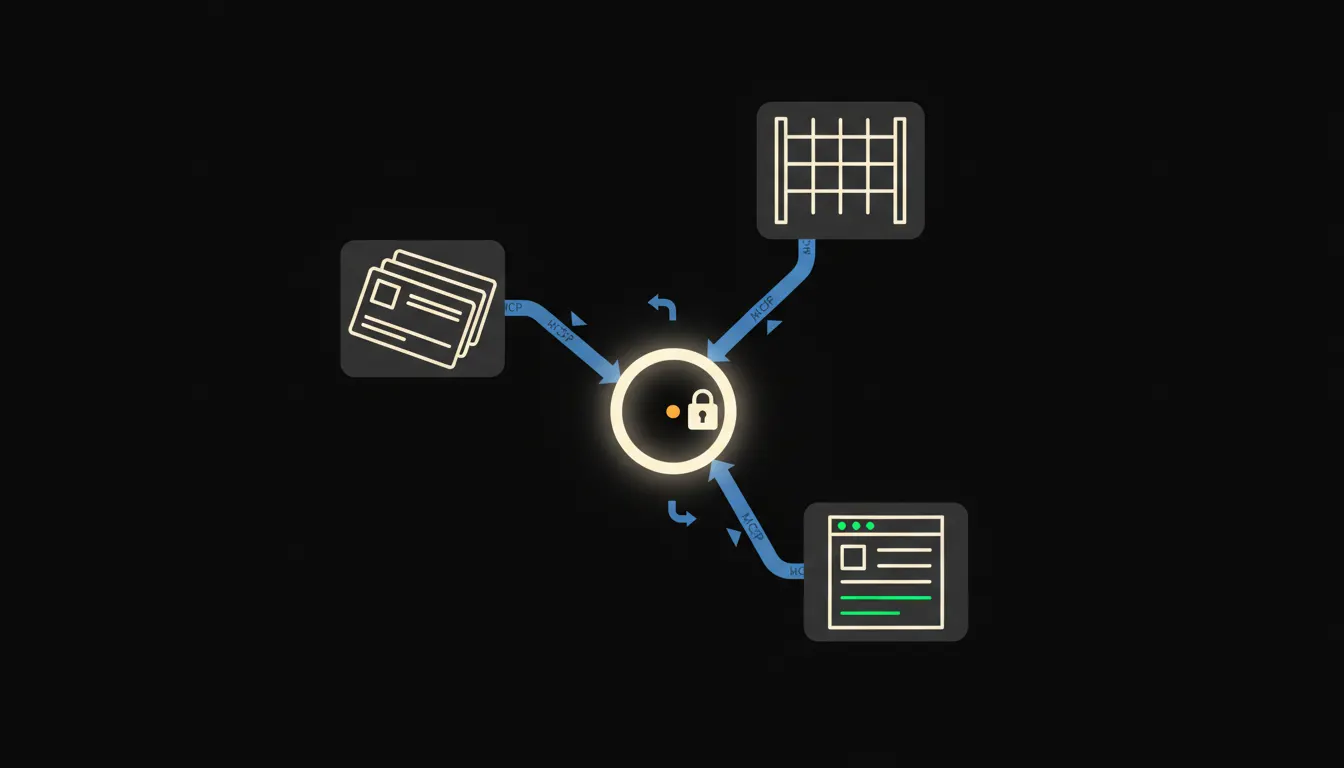
MCP server: three concrete examples of how Czech companies use it today
An MCP server is not a technical acronym for the IT department. It is a bridge that gives Claude access to your CRM, warehouse, or accounting system. Here are three examples that make sense immediately.
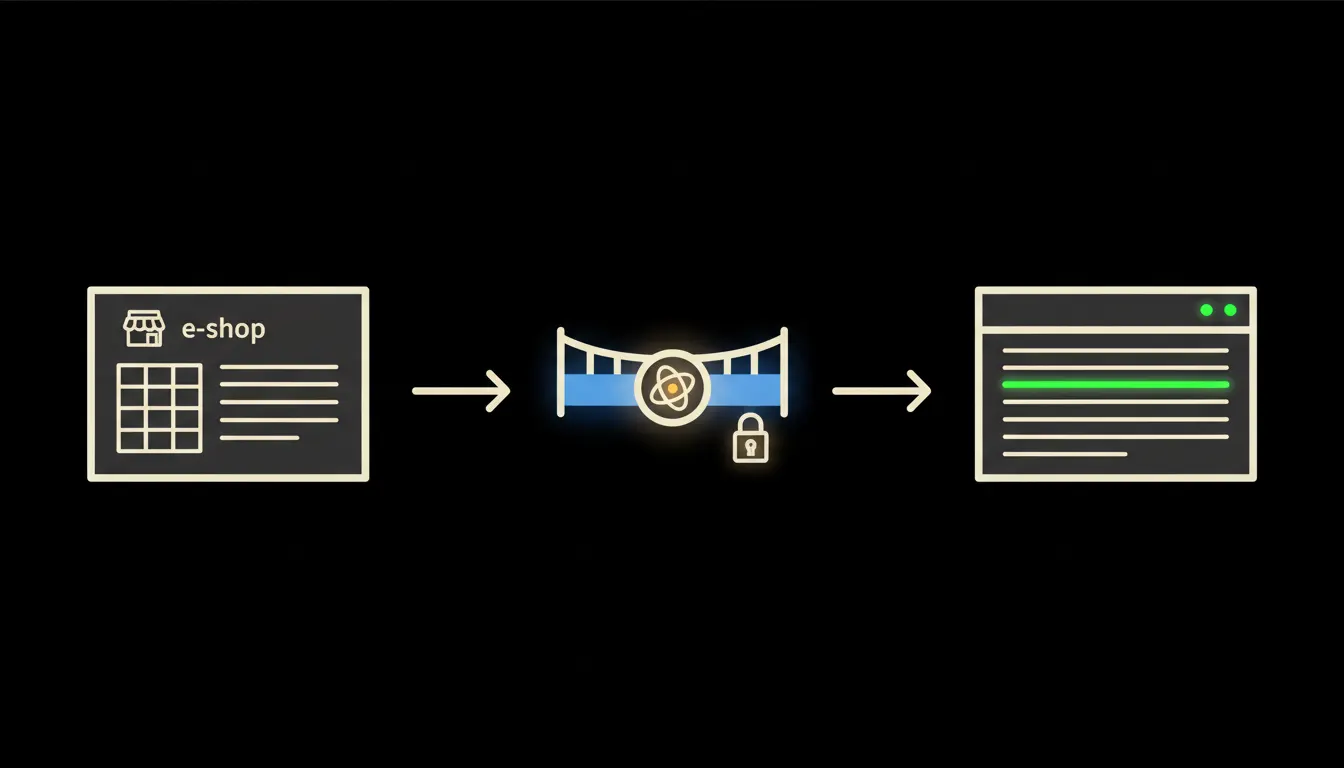
Pohoda connected to your e-shop: orders, stock and invoicing in one place
Every order from your e-shop ends up copied by hand into Pohoda. An MCP server removes that step entirely.
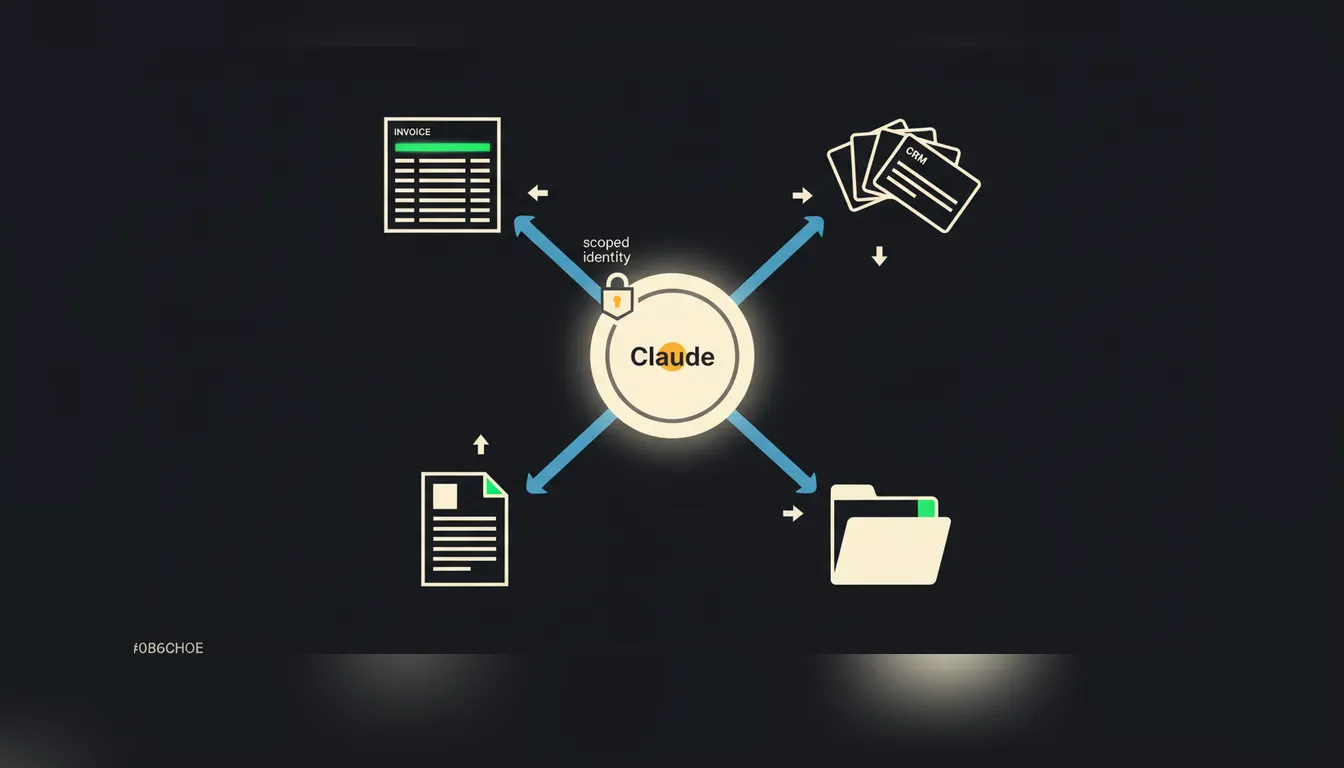
MCP server: what it is and three real-world examples
An MCP server is a small bridge between Claude and a system your company already uses. We explain the concept through three practical examples: invoicing, CRM, and company documents.
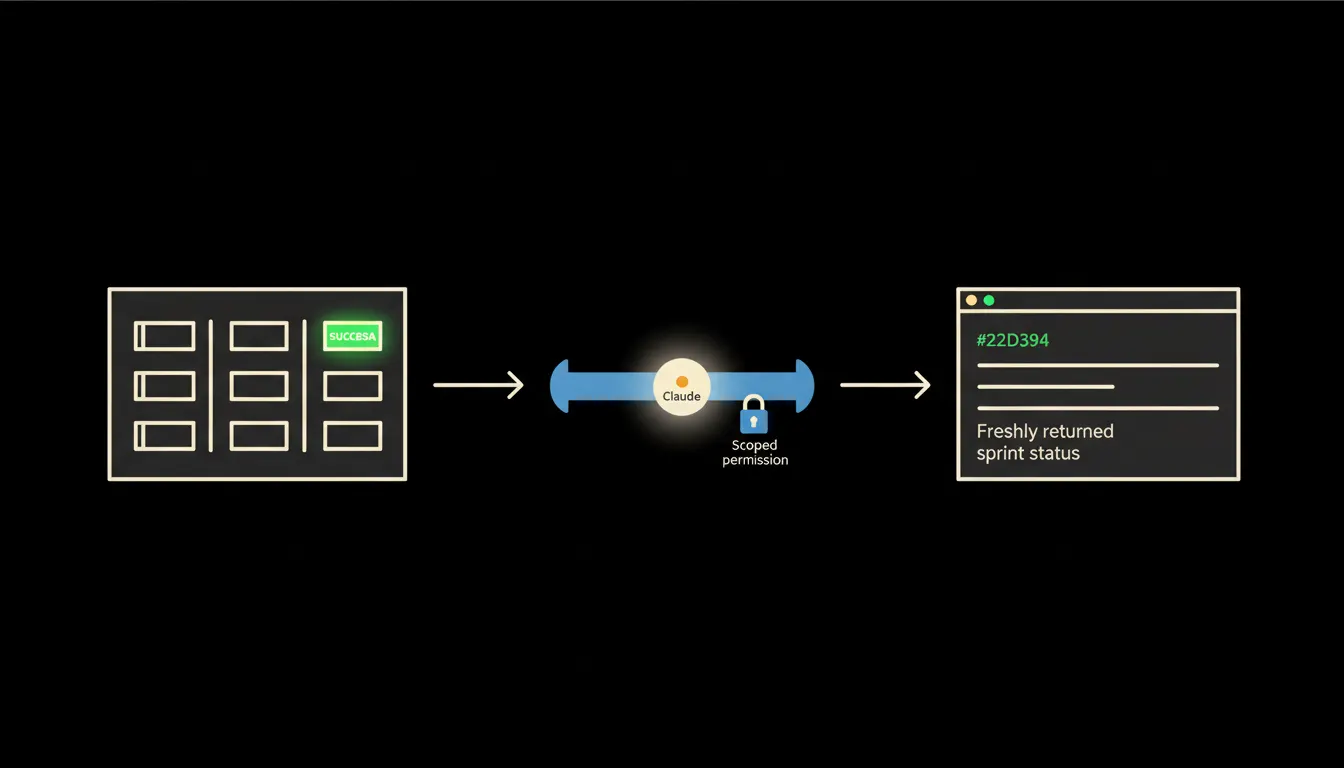
MCP server and Azure DevOps: sprint status and builds directly in Claude
A development team stops switching between Azure DevOps and their chat window when Claude can ask about pipeline status or open work items itself. An MCP server is the bridge that makes it possible, without sharing credentials.
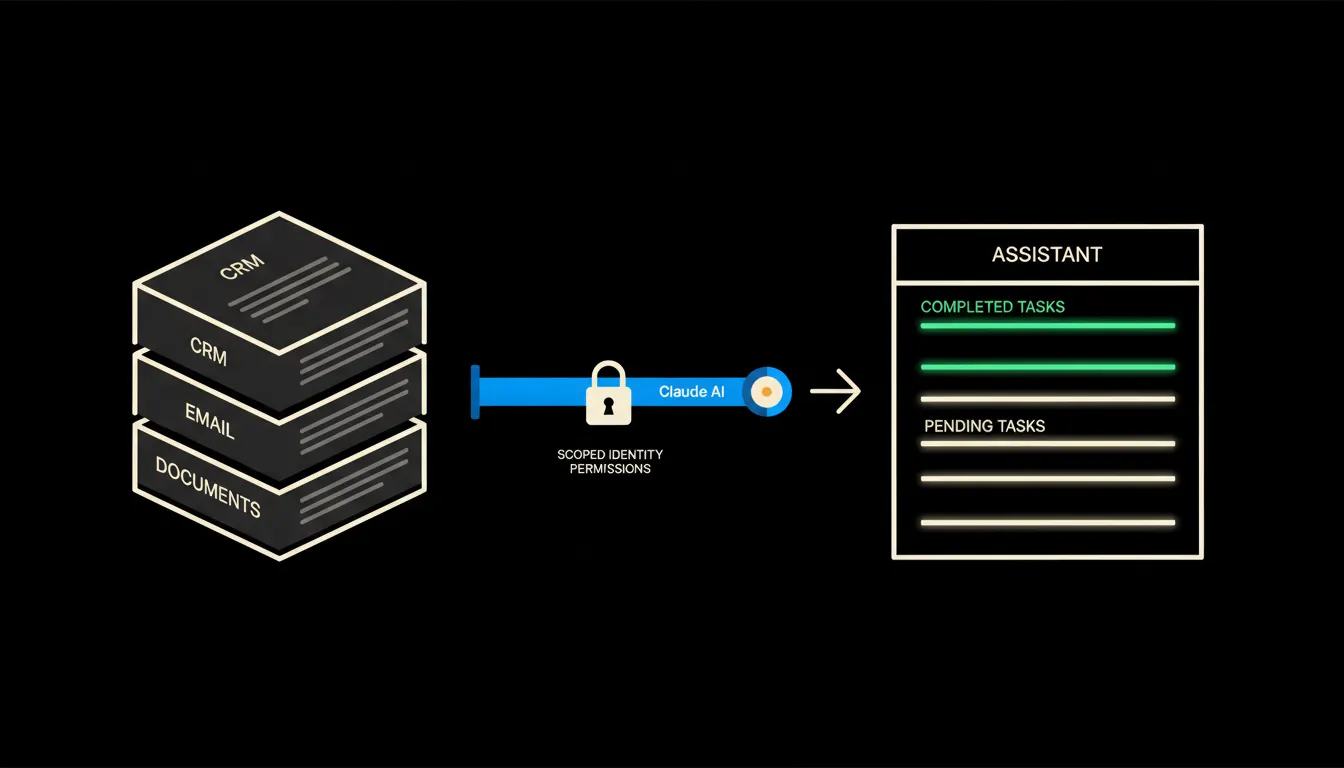
A personal AI assistant that knows your company
A personal AI assistant is useful. One that sees your orders, emails and CRM without sending your data to a third-party server is a different matter entirely.
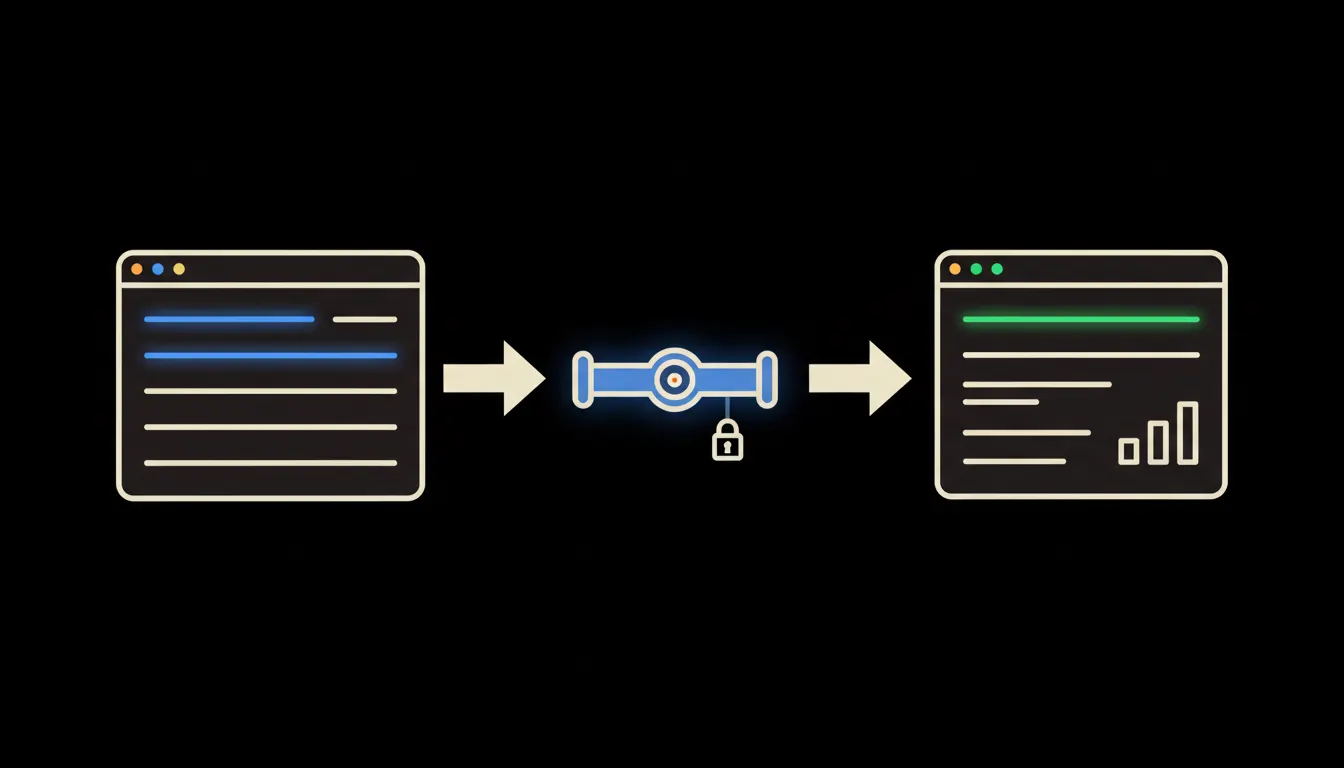
CRM reporting without exports
A sales report shouldn't come from copying columns out of your CRM into a spreadsheet. When Claude talks directly to your CRM, the overview is ready before the coffee finishes brewing.
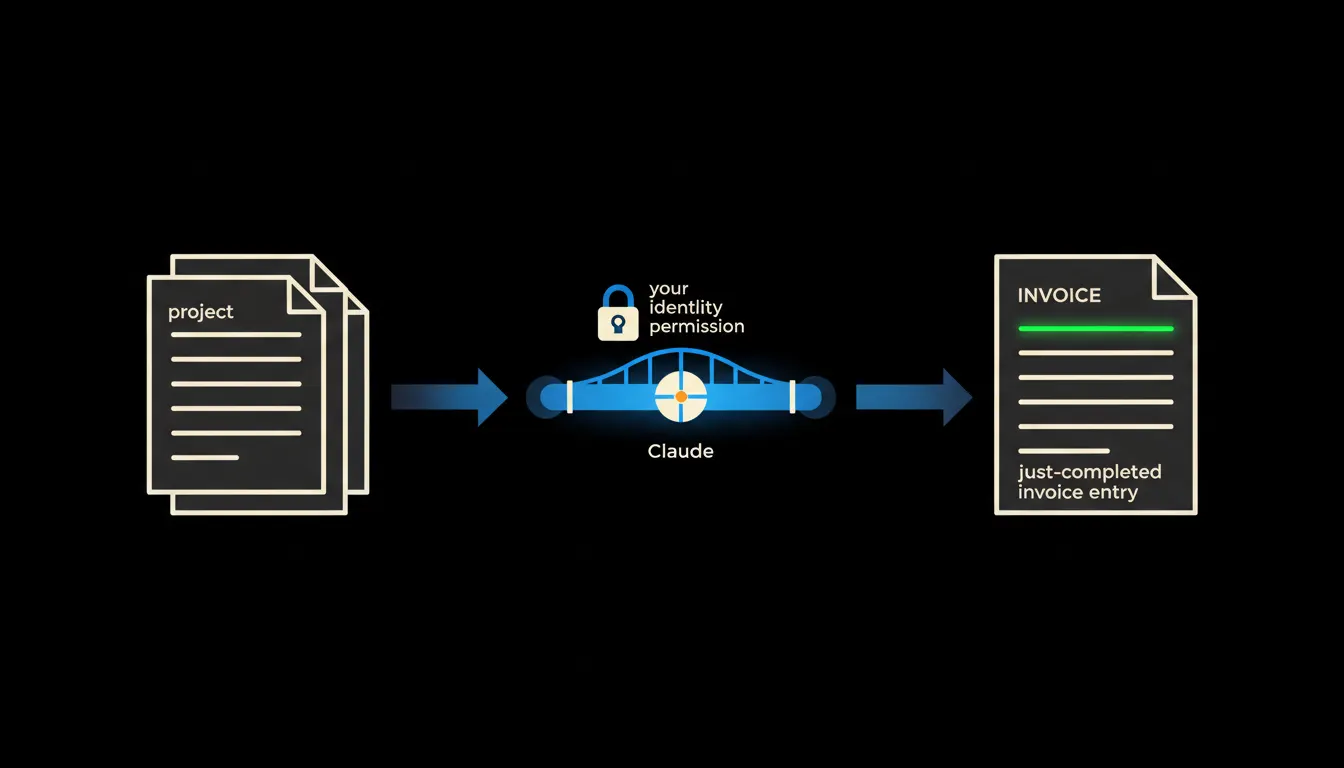
Automated invoicing: how to set it up without coding and what it saves
A company issues dozens of invoices a month. When Claude knows your projects, your price list and your accounting system, it prepares most of them on its own.
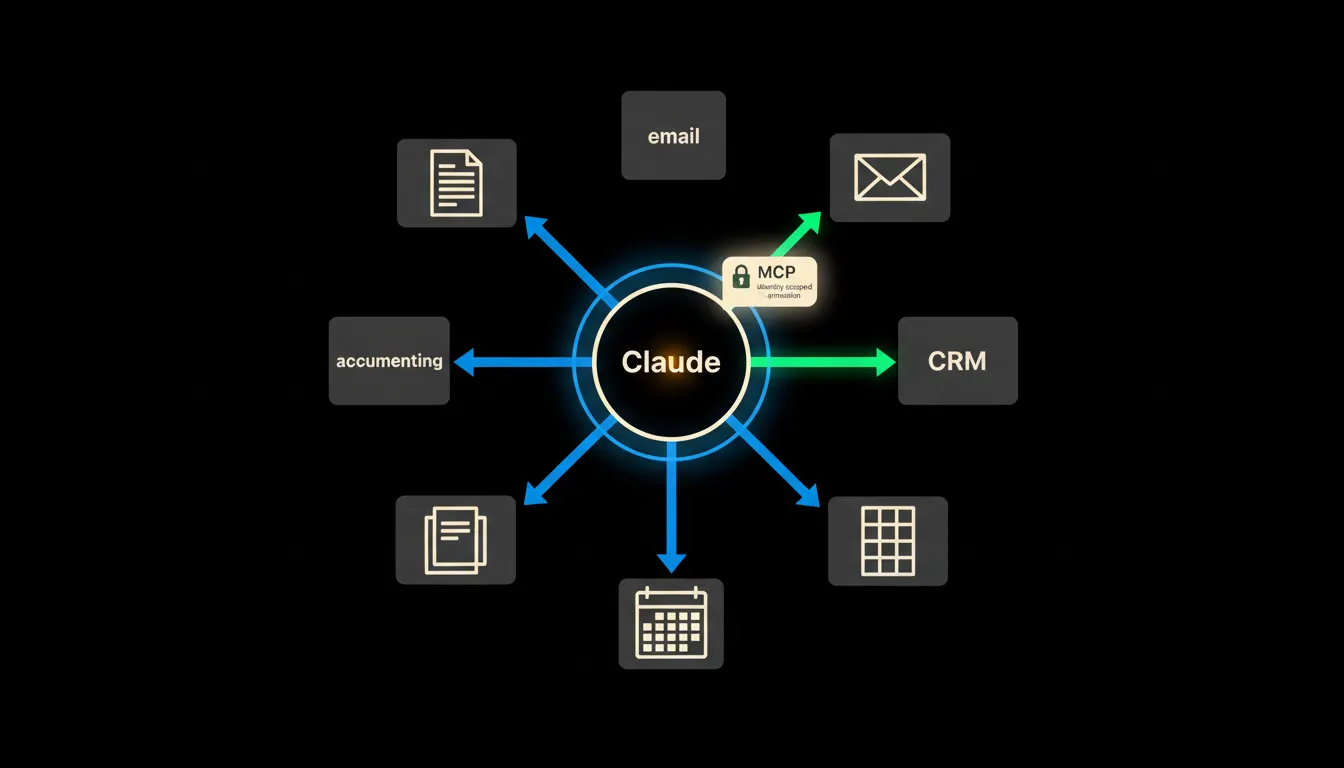
Company data and AI: where to start so it actually works
Most companies have data scattered across five systems and an AI assistant that sees none of it. This article explains what to connect first and why the order matters.
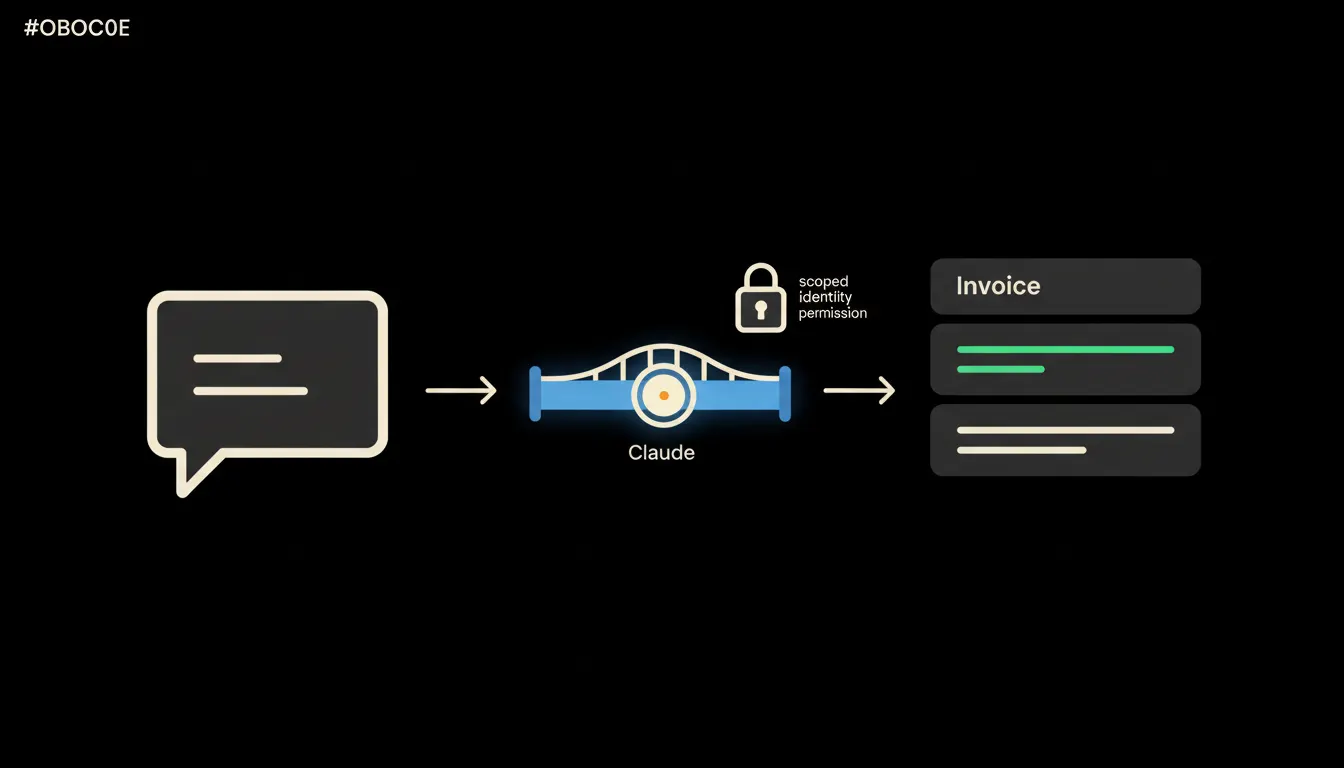
Automatic invoice generation: connecting Pohoda to Claude
Invoices can be issued without manual re-keying. Connect Pohoda to Claude via an MCP server and the document creates itself from a sales rep's plain-text request.
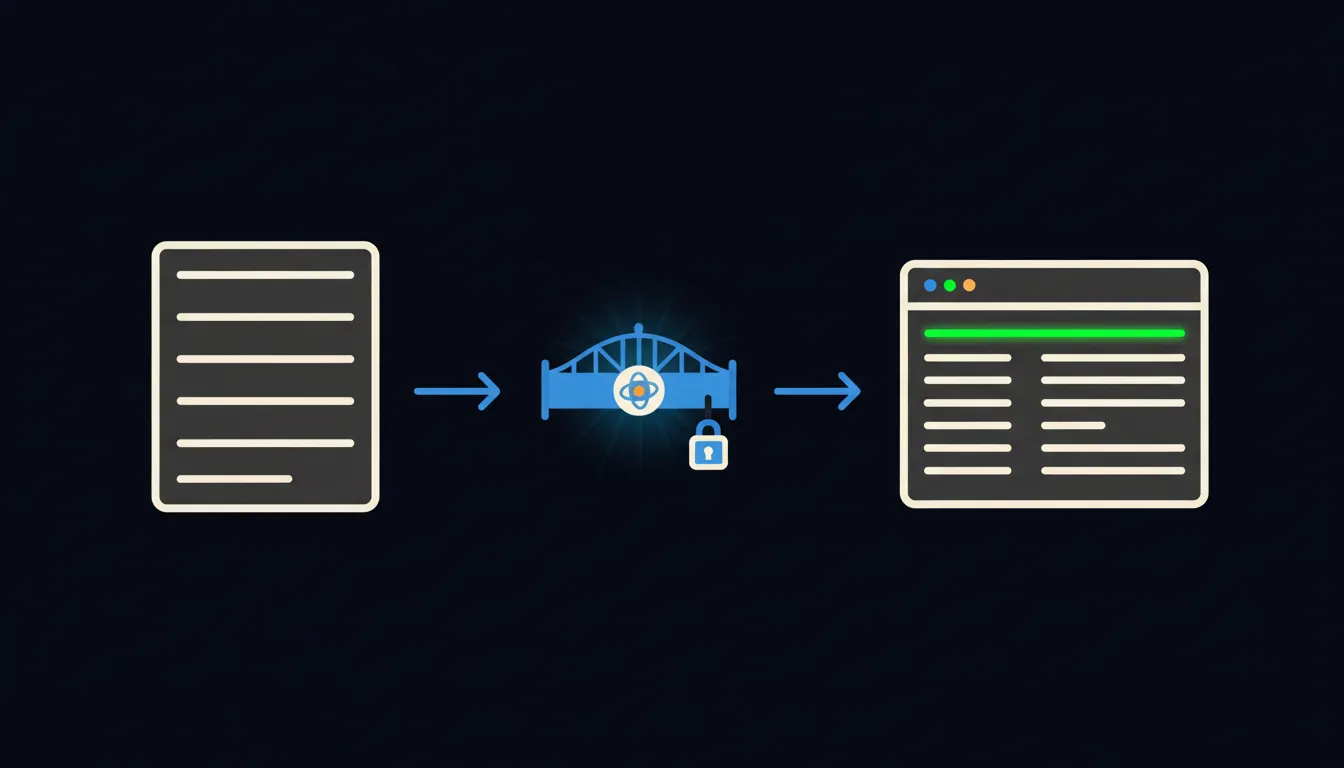
AI for accounting: what Claude can actually do with your Pohoda data
Your accounting software is full of data. Your AI has no access to it. Connecting Pohoda to Claude via an MCP server means you can just ask about invoices, due dates, and cash flow in plain language.
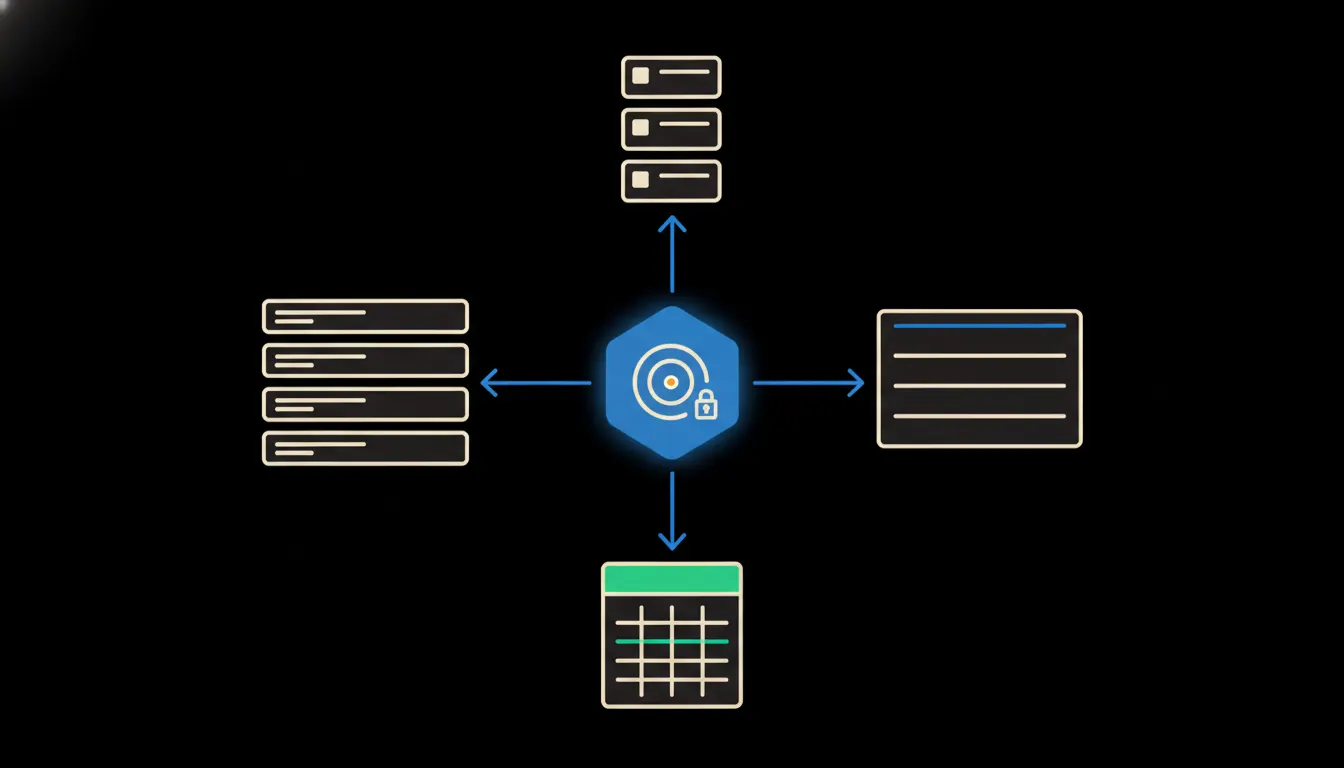
What's happening in the company: a summary without meetings or reports
Instead of a weekly round of status meetings, the manager asks one question and gets a summary from projects, CRM and finances at once. Claude reads data, not people.
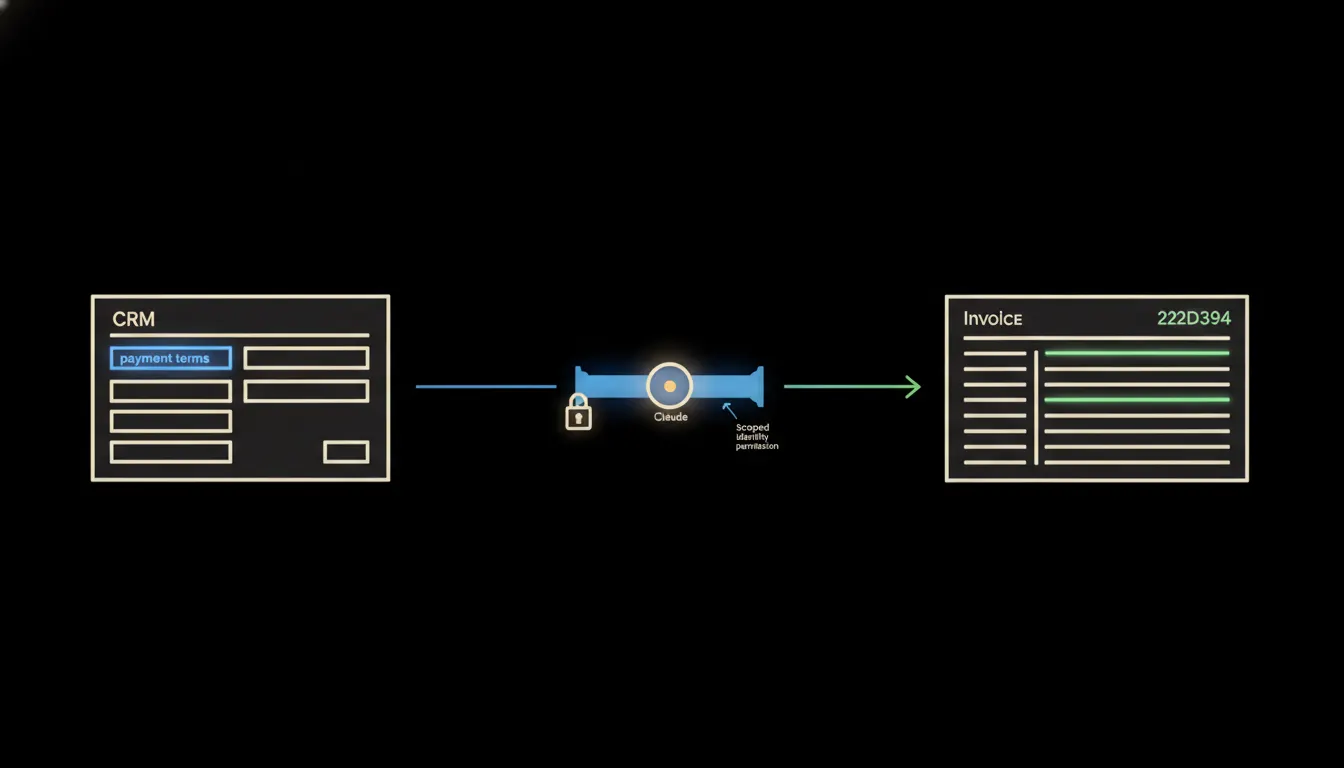
Payment terms straight from the CRM, no questions asked
Your accountant no longer waits on the sales team. Claude looks up the agreed terms itself, in the CRM where they already live.
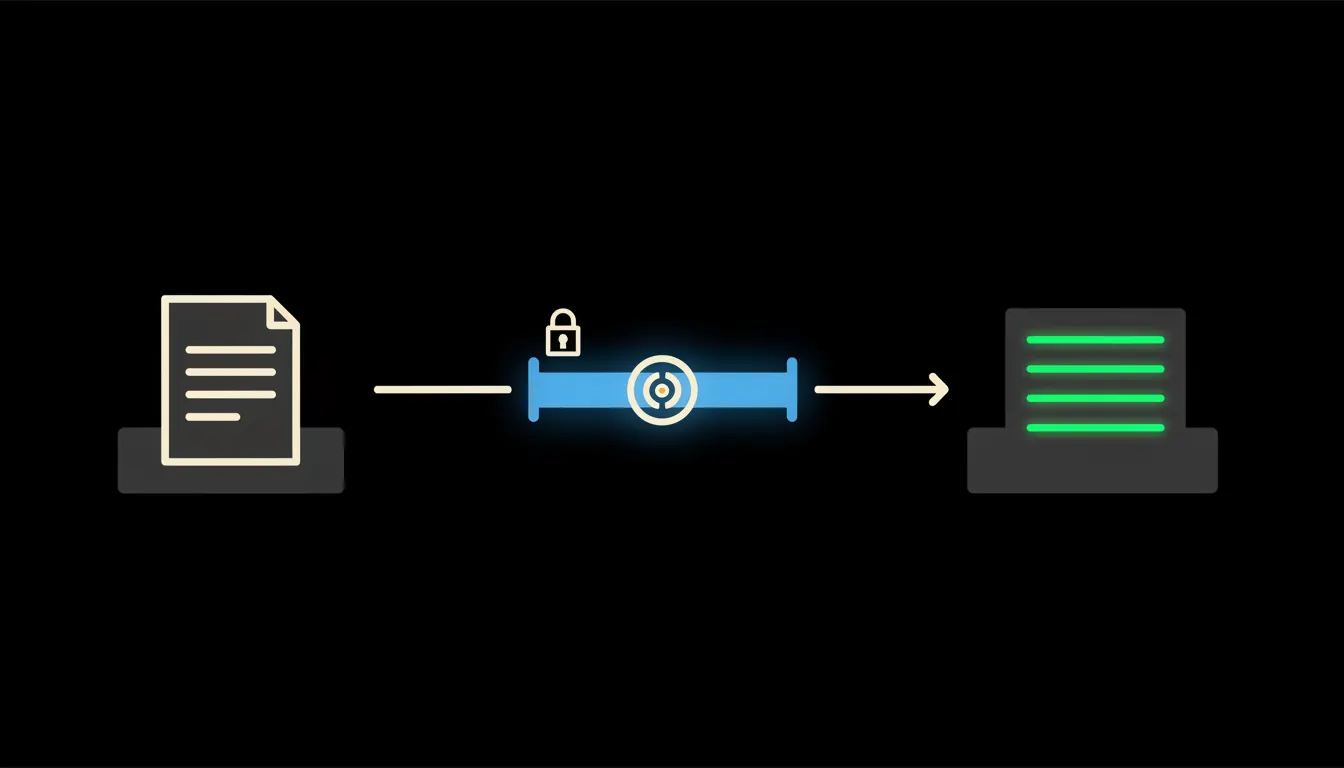
Invoices that file themselves
Manually retyping received invoices into your accounting system is work that someone at every small company does every month. They don't have to.
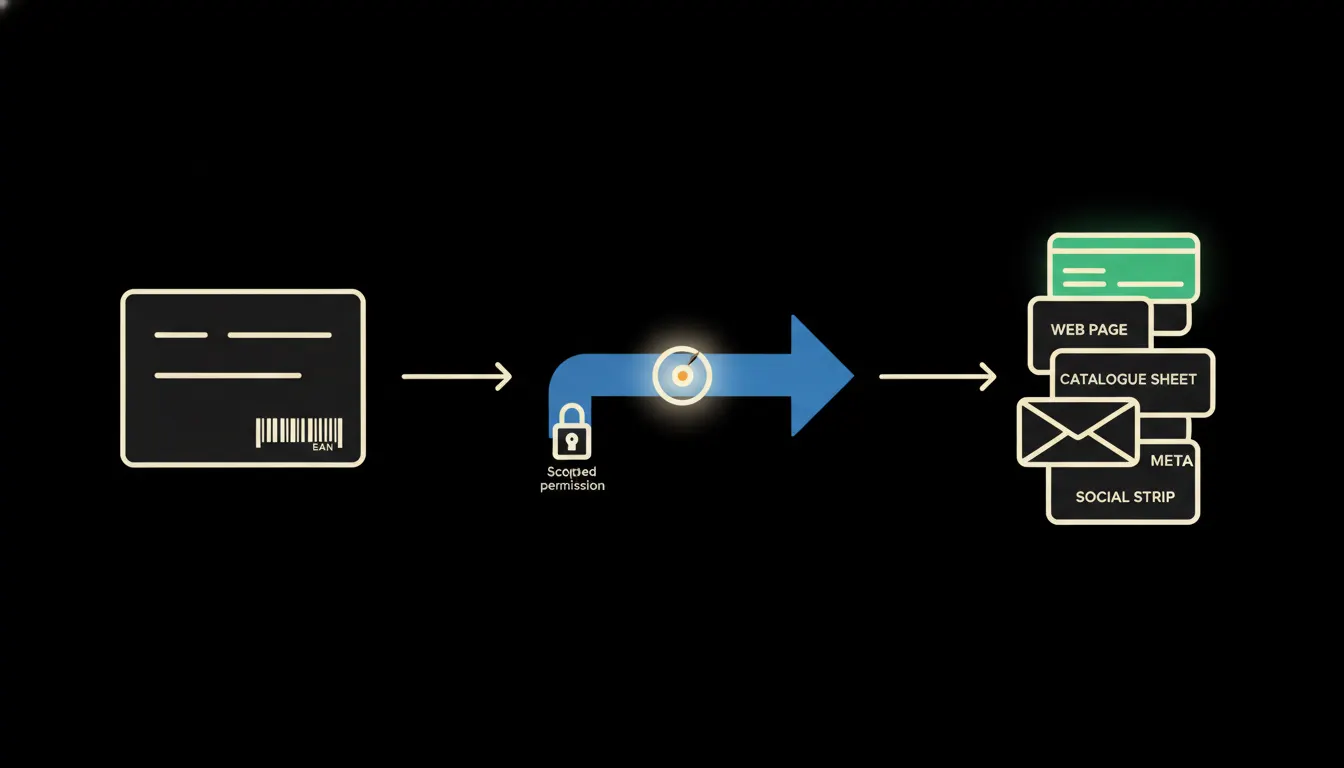
A new product described in five minutes, not five days
Every new product in your e-shop means copy for the website, catalogue, social media and newsletter. We show how Claude takes one technical spec card and assembles all formats at once, straight into the systems the e-shop already uses.
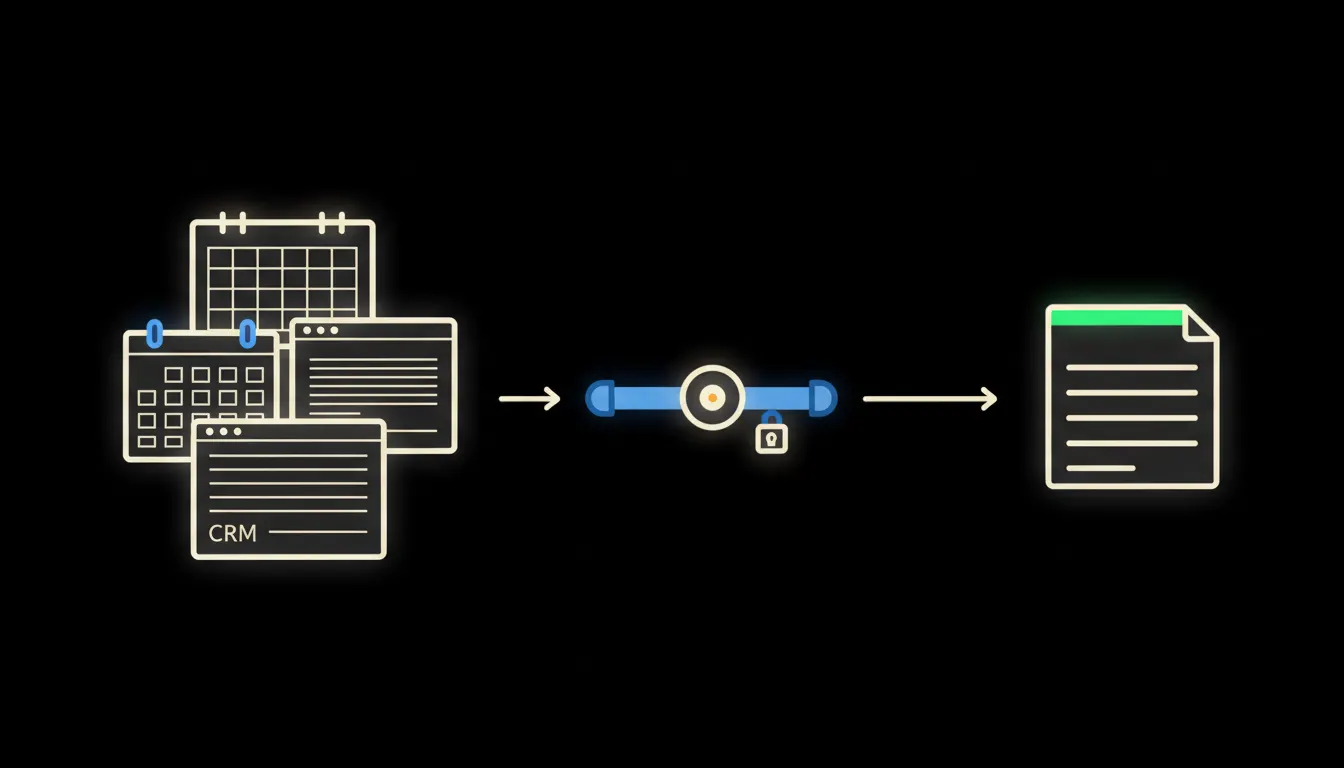
The meeting that never happened
Every week, hours of people sit in a meeting whose only purpose is to find out where things stand. Claude finds out on its own: from your systems, in two minutes, no calendar invite needed.
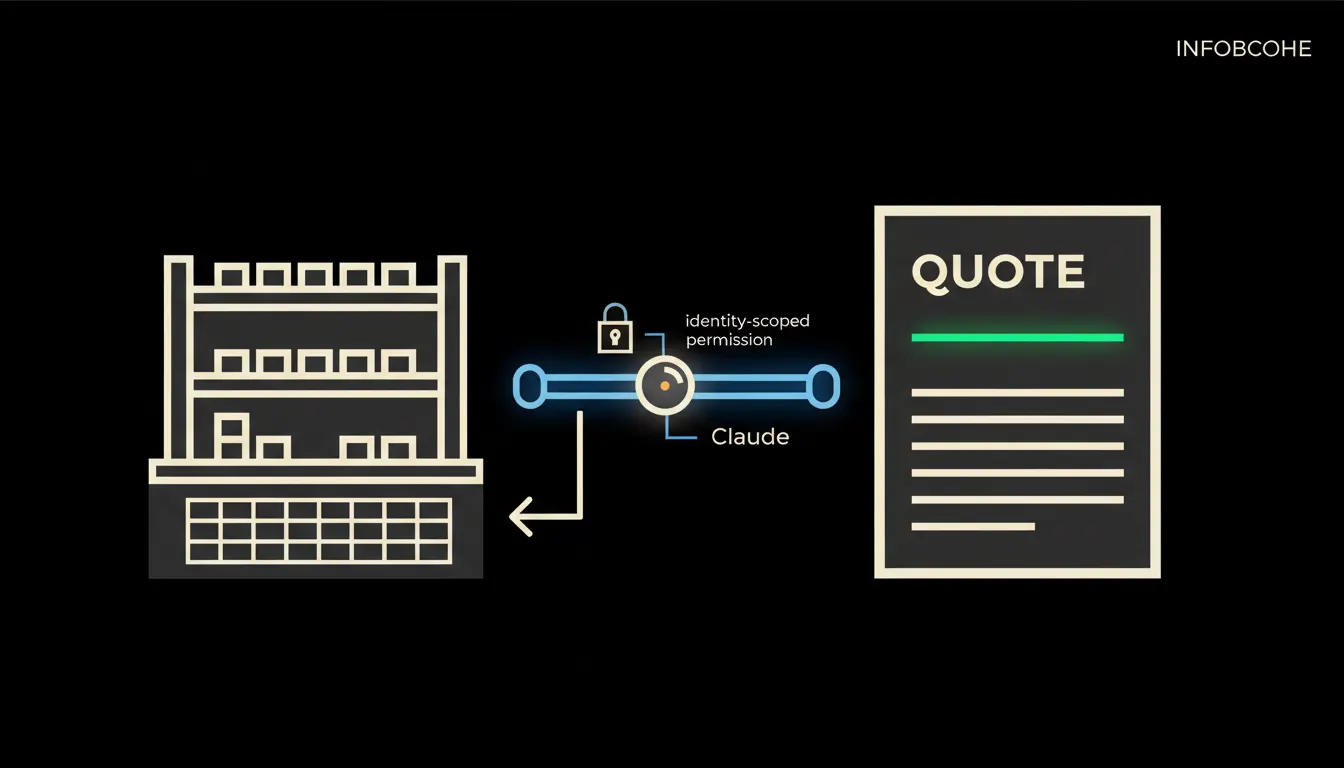
A quote without waiting for the warehouse
A sales rep asks about stock availability and Claude answers directly from the warehouse system, no phone call, no email, no waiting. How connecting inventory data to your sales team gets every quote out at the right moment.
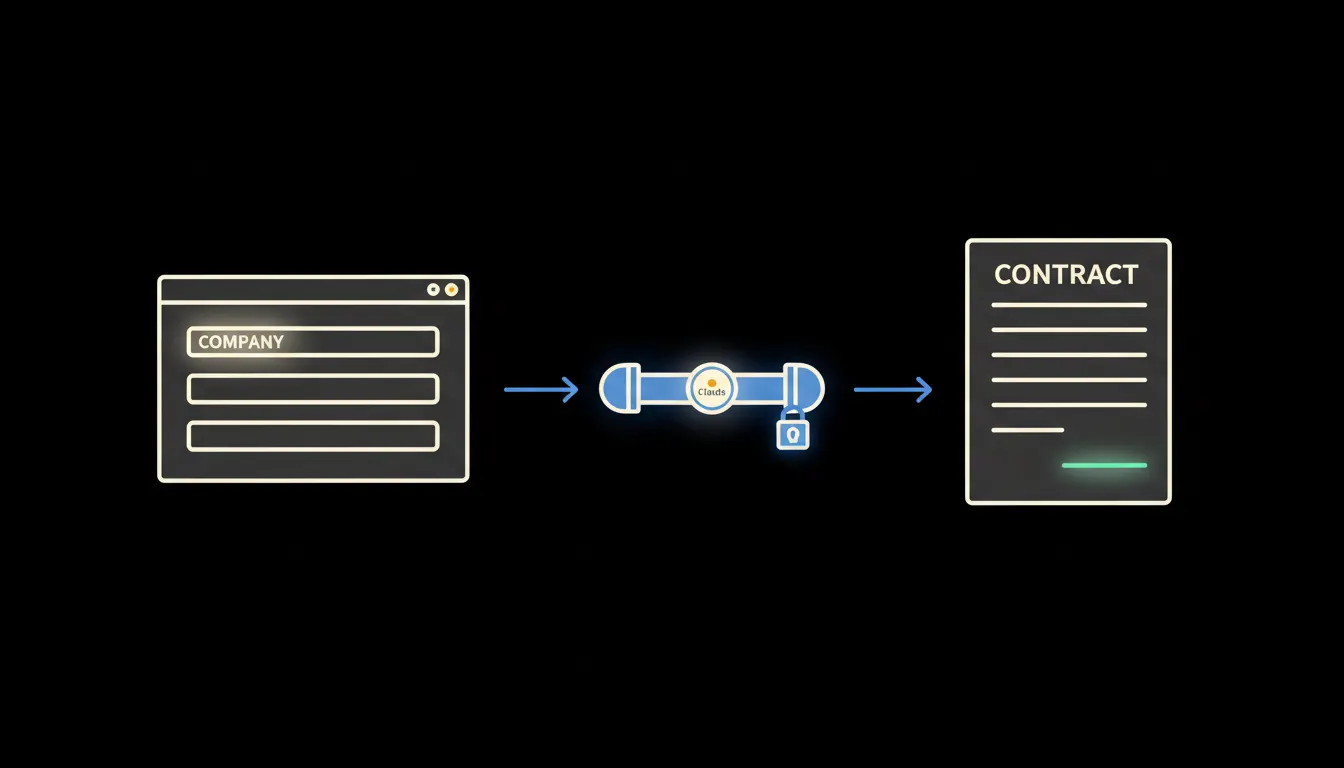
Contract ready to sign before the customer puts down the phone
A sales rep closes a call and Claude immediately drafts a contract from CRM data, no waiting for legal or a template buried in email.
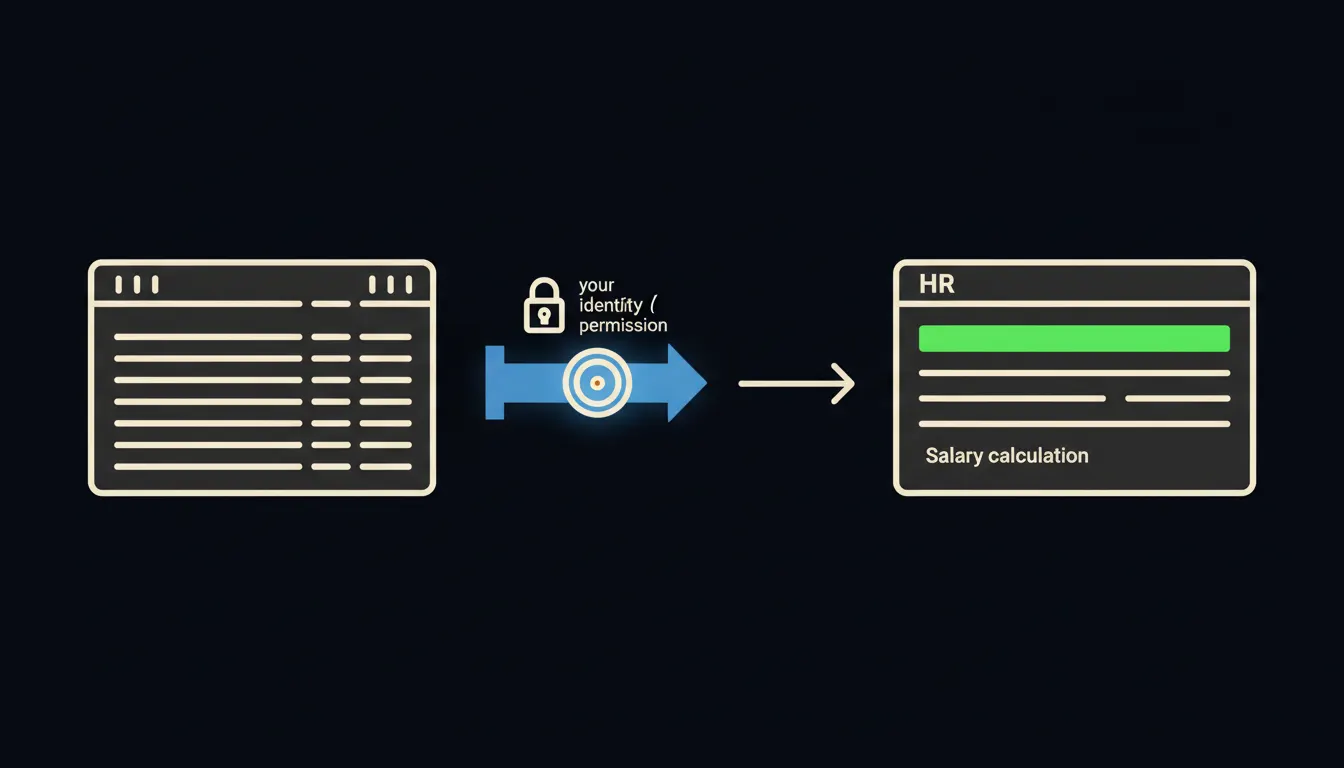
Payroll calculations without waiting for IT or the accountant
An HR manager asks Claude about the impact of a contract change and gets an answer in thirty seconds, not three days. The data stays where it belongs.
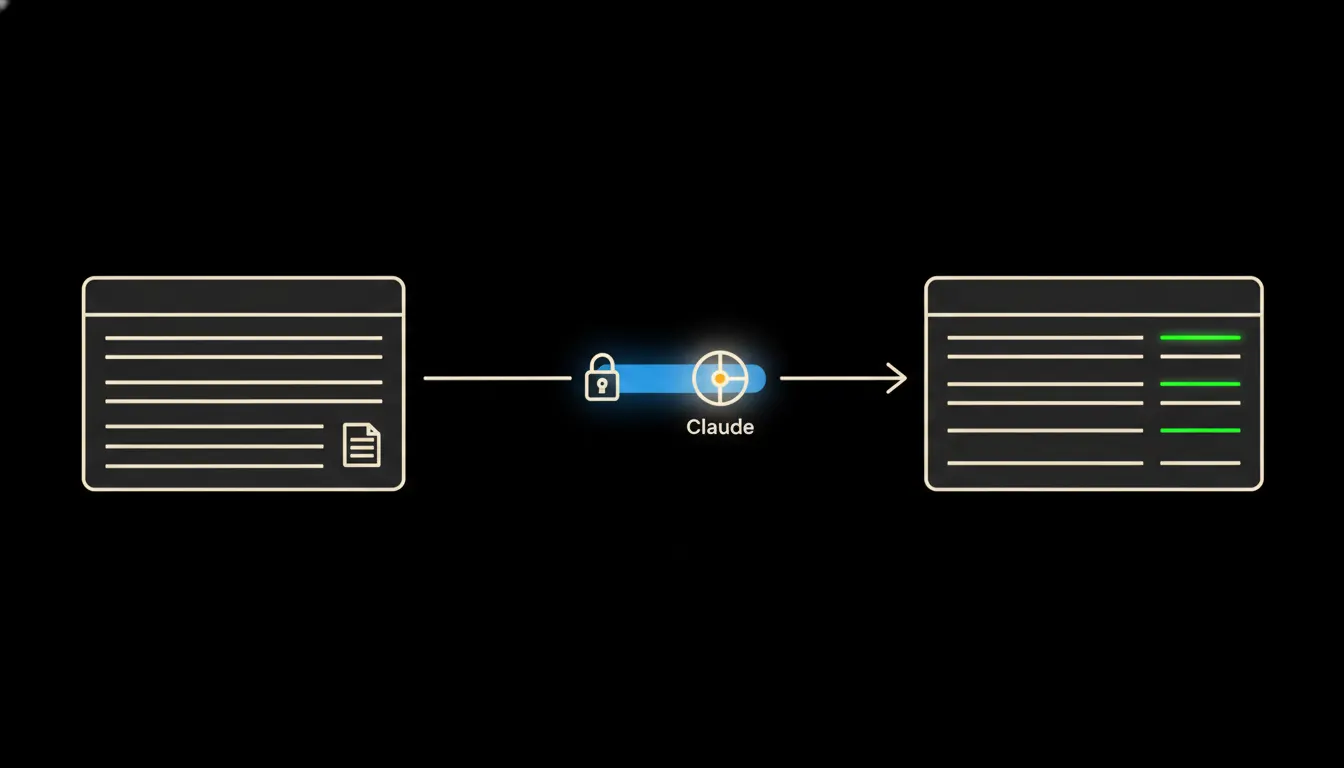
Pohoda talks to Claude: financial overview without a single export
Most Czech business owners spend hours every week pulling reports from Pohoda into Excel. Here is how Claude reaches directly into Pohoda and answers before you have opened a new tab.
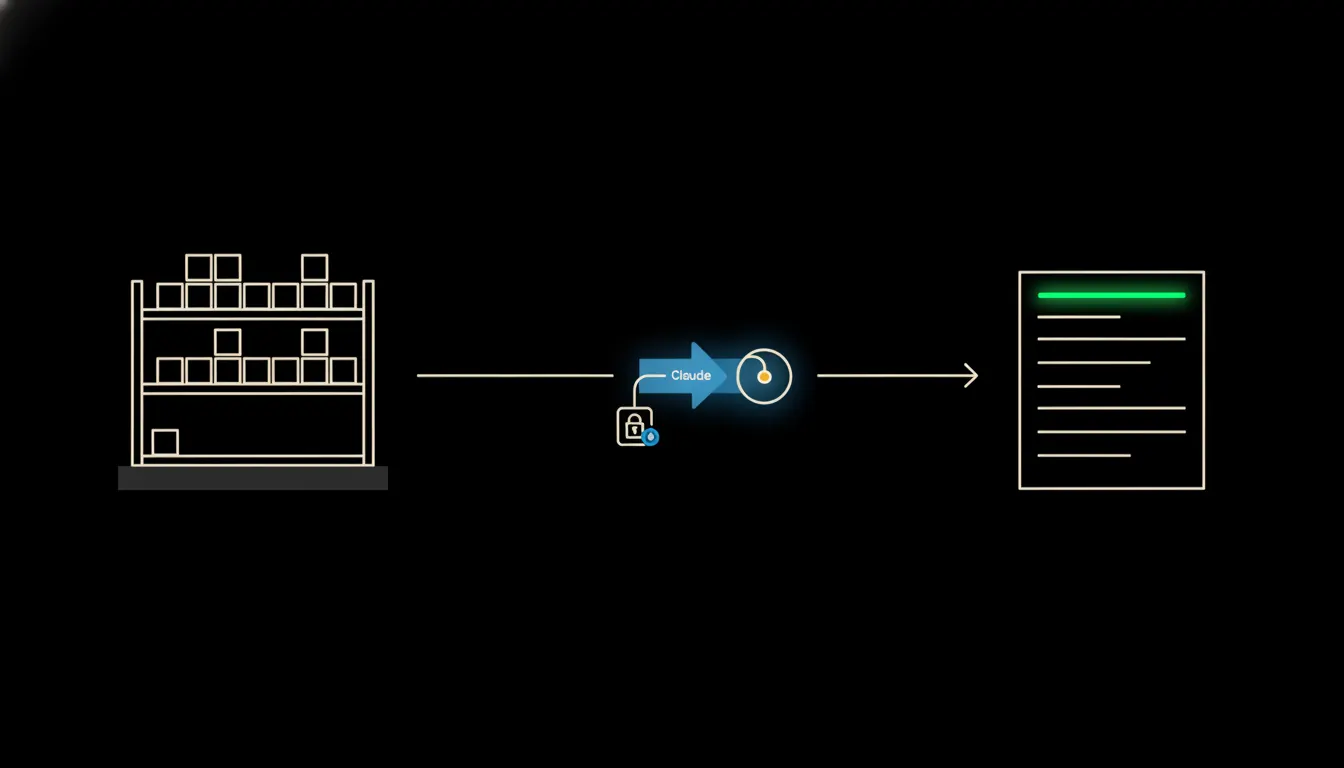
A stock alert before the first cancellation arrives
Most businesses find out something is missing only when the customer calls. Claude monitors stock levels continuously and notifies the right person while there is still time to act.
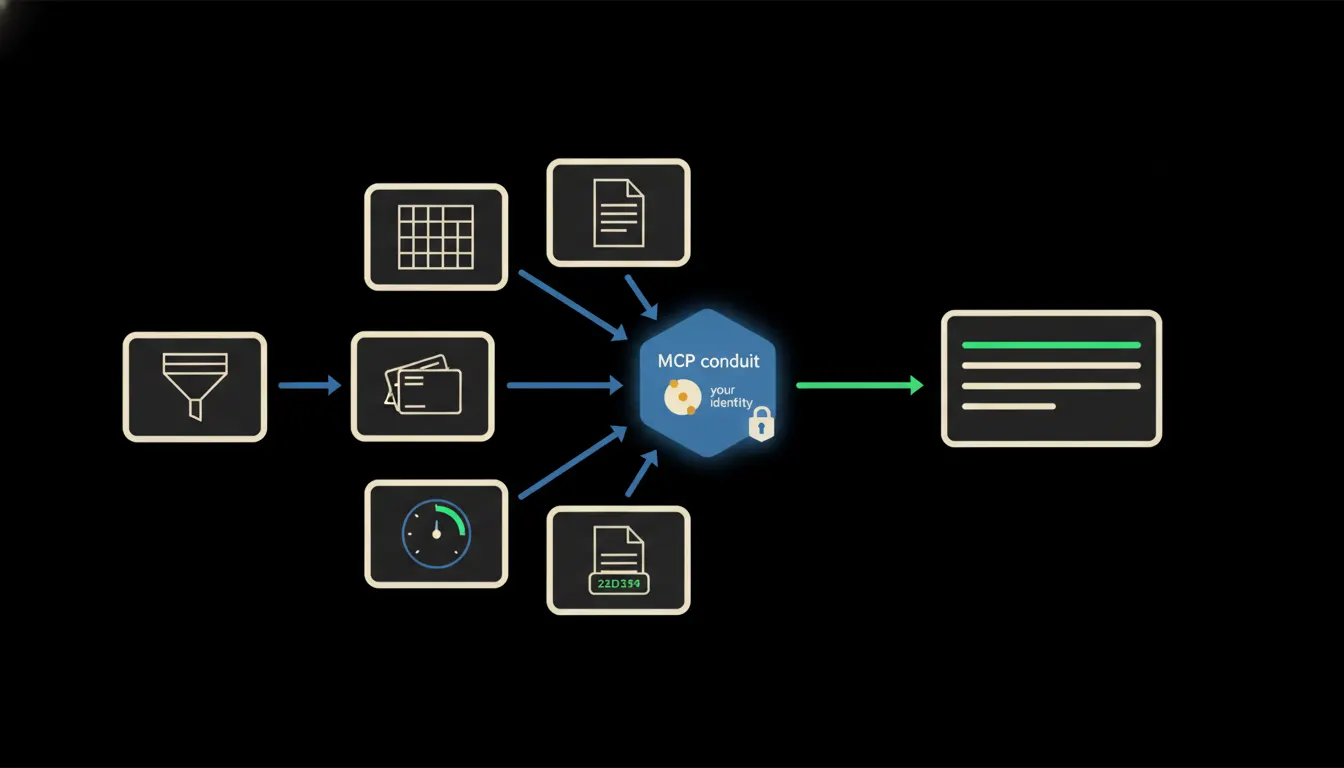
A report from five systems at once: no exports needed
Every Friday, someone on the team spends two hours pulling data from the CRM, accounting, and warehouse into one spreadsheet. Claude does it in five minutes and answers follow-up questions immediately.
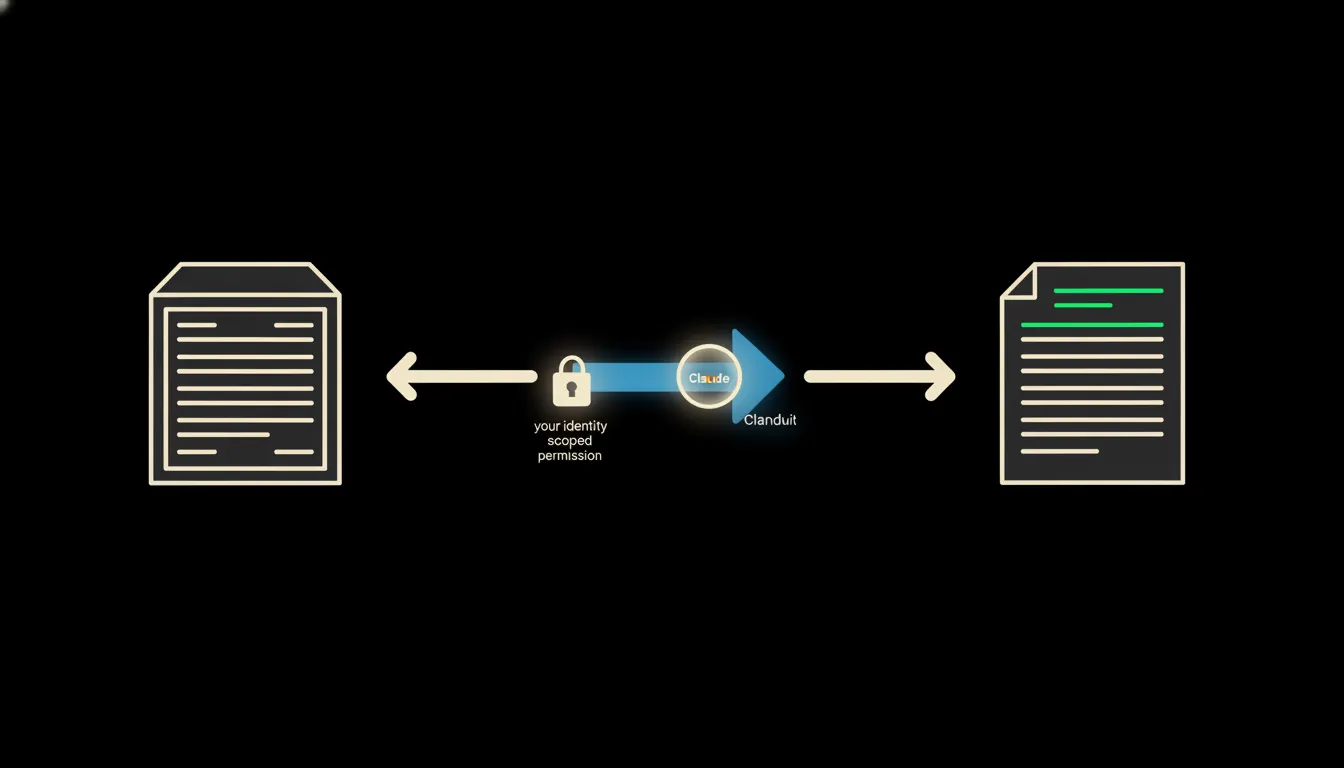
What is an MCP server and why it matters even if you never write code
MCP is not an acronym for engineers. It is how Claude reaches into your company data safely, and nowhere else. An explanation with zero lines of code.
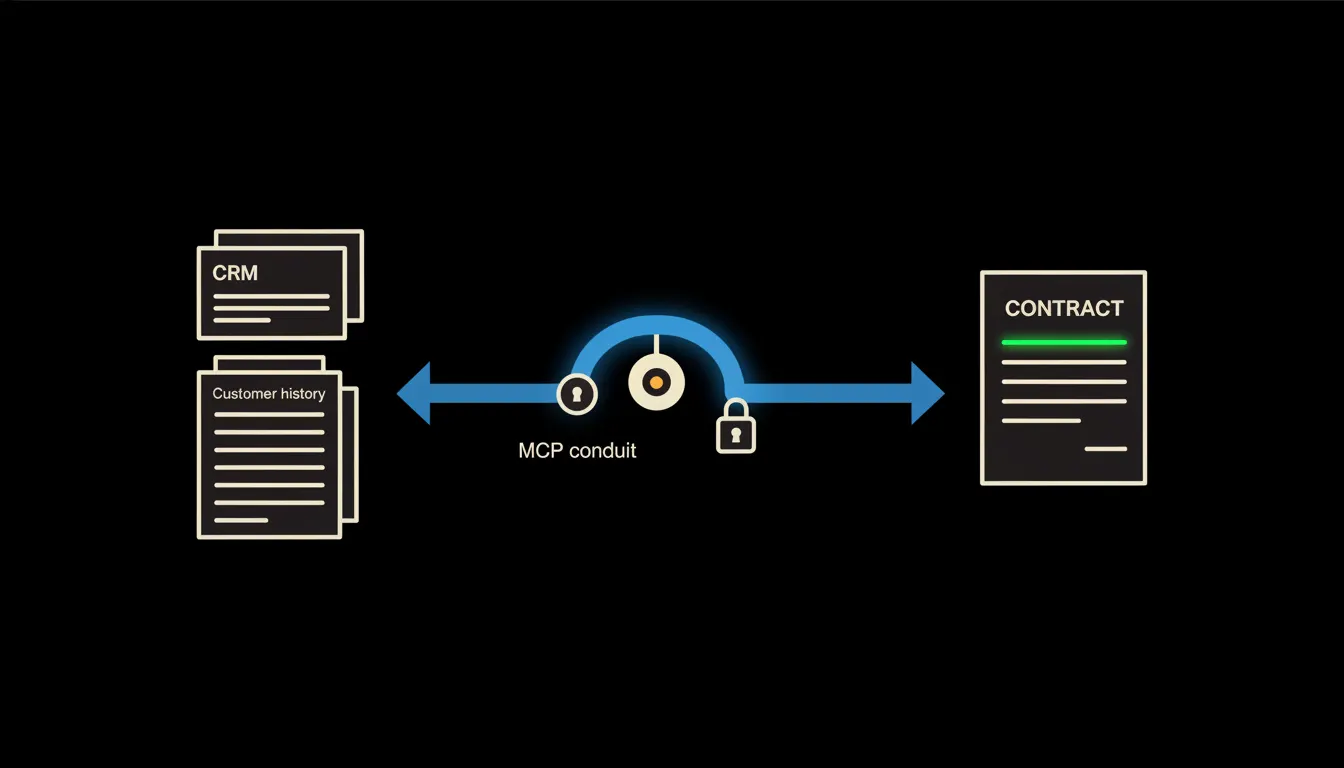
A service contract built from customer history, not an empty template
Before a renewal, a sales rep loses hours digging through what the customer actually bought last year. Claude pulls it from the CRM and Pohoda in a minute, and suggests what to add.
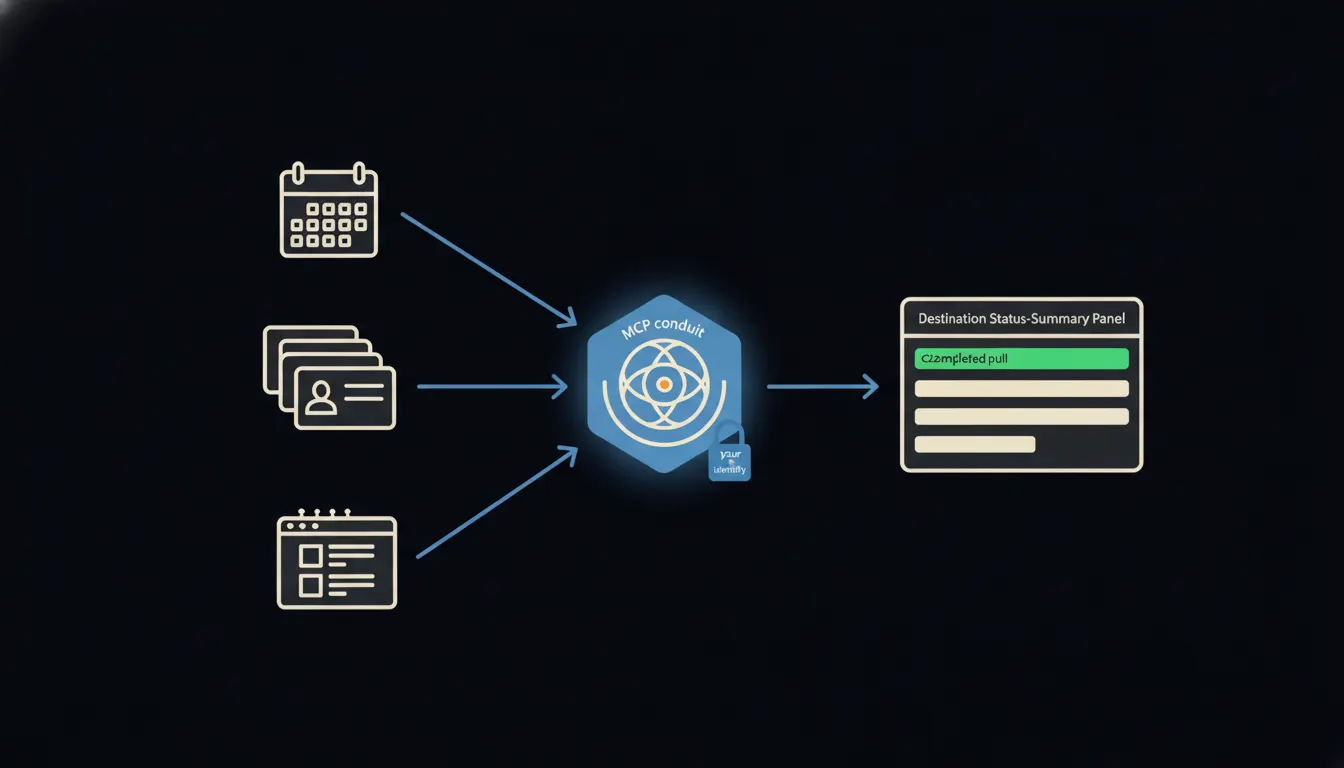
Project status without a status meeting
When Claude knows what's in the calendar, the CRM and the task board, you don't need a thirty-minute call to find out where a project stands. The answer arrives before you've poured your coffee.
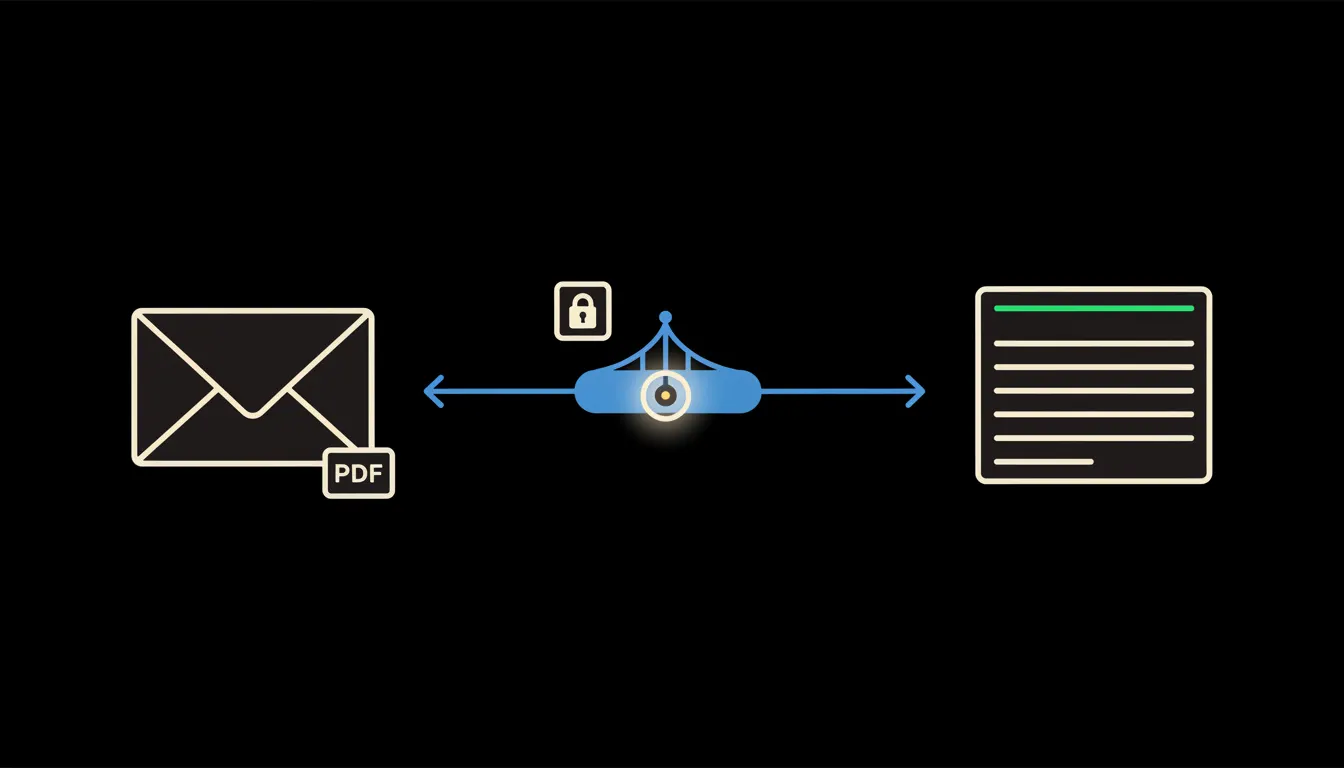
Supplier invoice processed before you get to open it
An incoming PDF lands in your inbox and Claude records it straight into your accounting system, no manual re-entry, no waiting for your bookkeeper. How small firms cut invoice processing from hours to minutes.
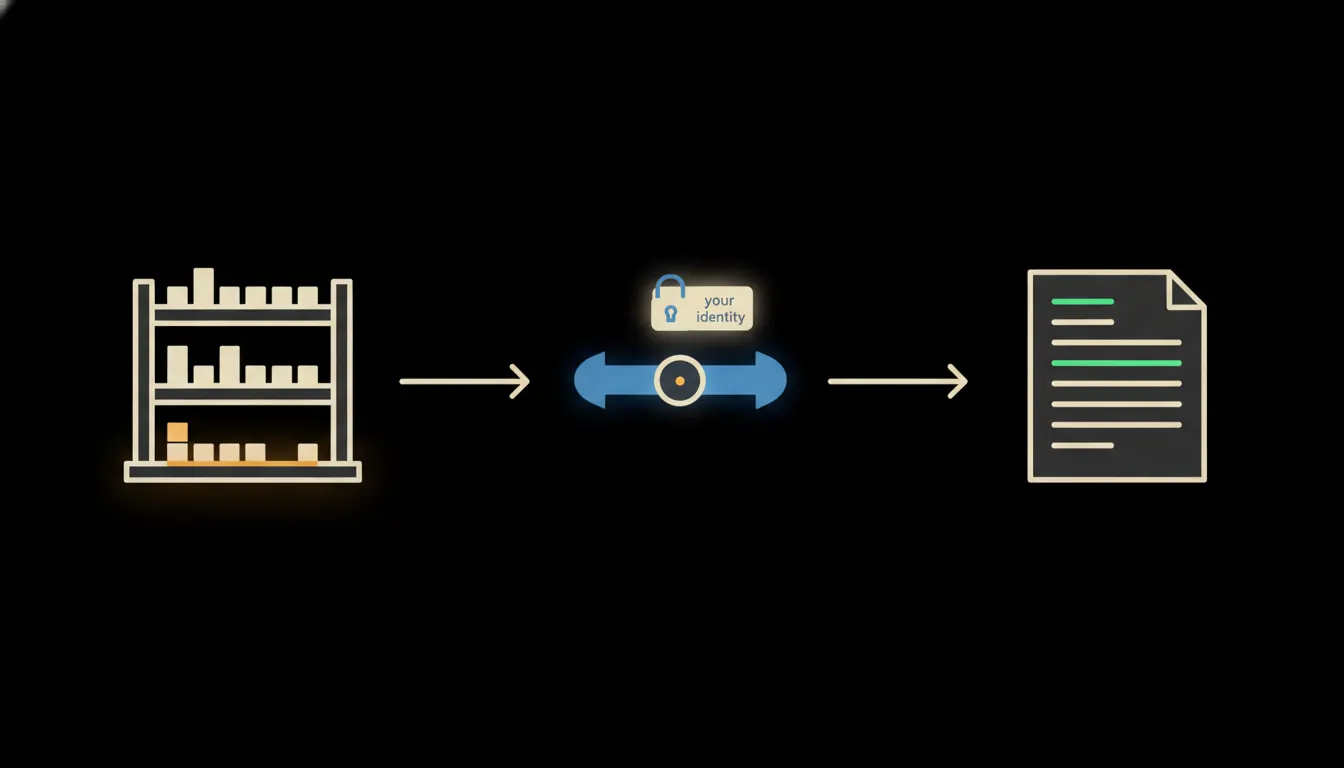
Reorder triggers that run themselves: no spreadsheet, no waiting
When stock drops below the threshold, Claude sees it, drafts the order, and sends it to the supplier. The warehouse manager just confirms.
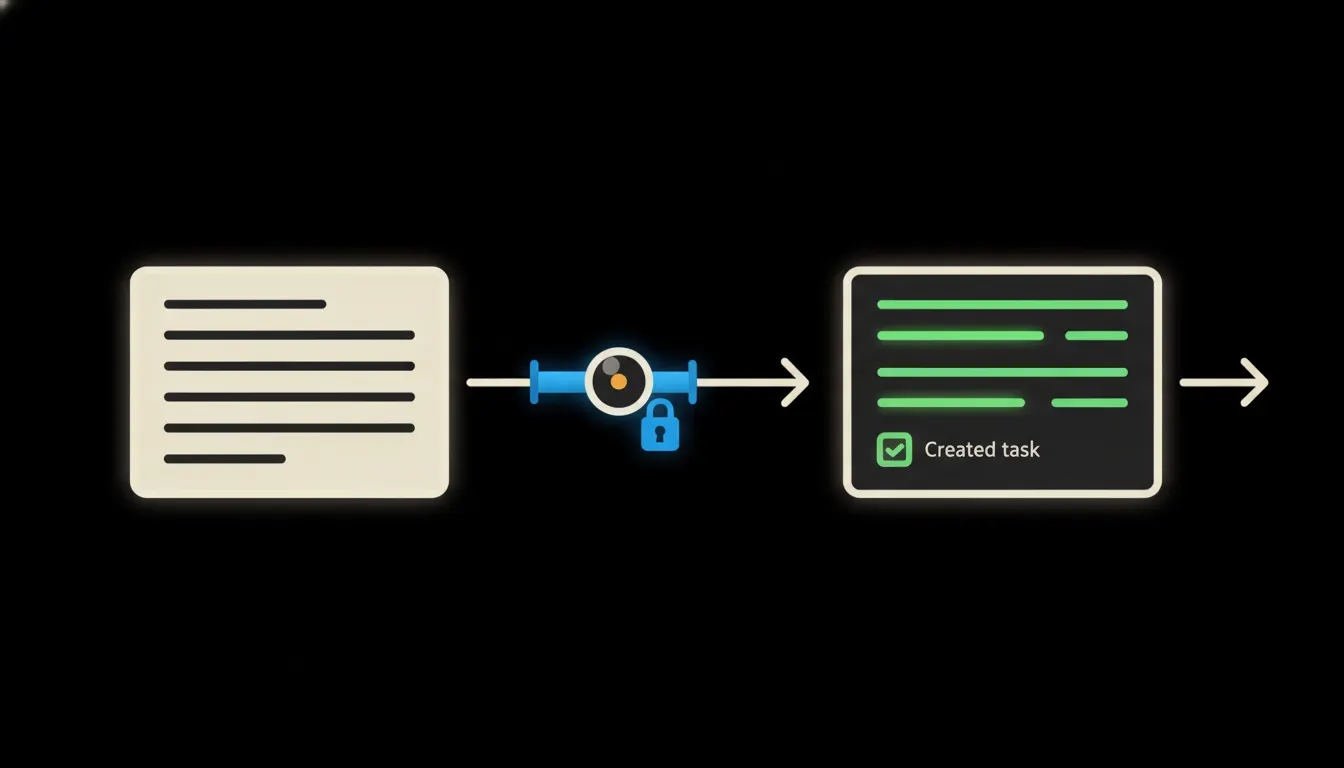
Meeting notes that write themselves into your CRM
After every sales call, someone rewrites notes into the system. Claude does it instead and immediately creates a task, updates the opportunity, and drafts the follow-up.
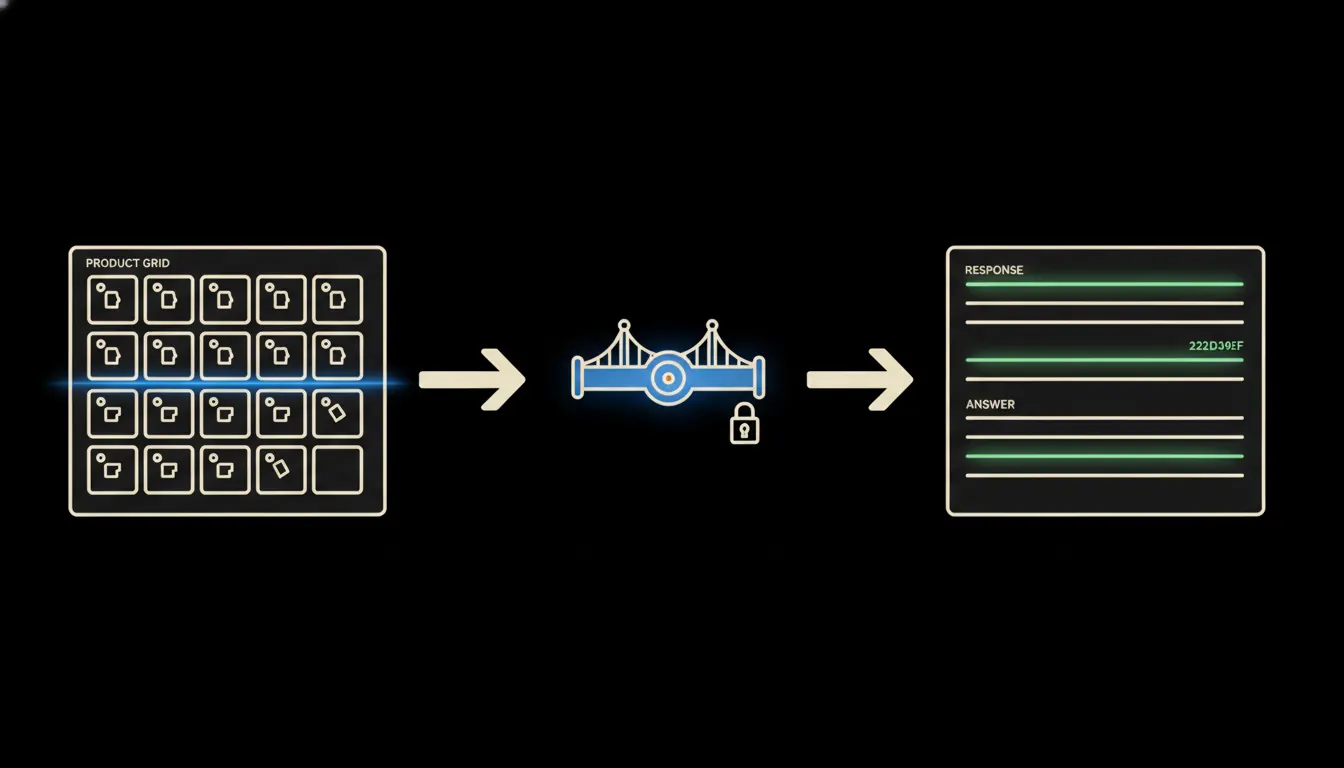
A catalogue that searches itself without logging into the admin
Sales staff and support teams lose minutes every time they look up a product in the e-shop backend. Claude connects directly to the catalogue and answers before you finish opening the second tab.
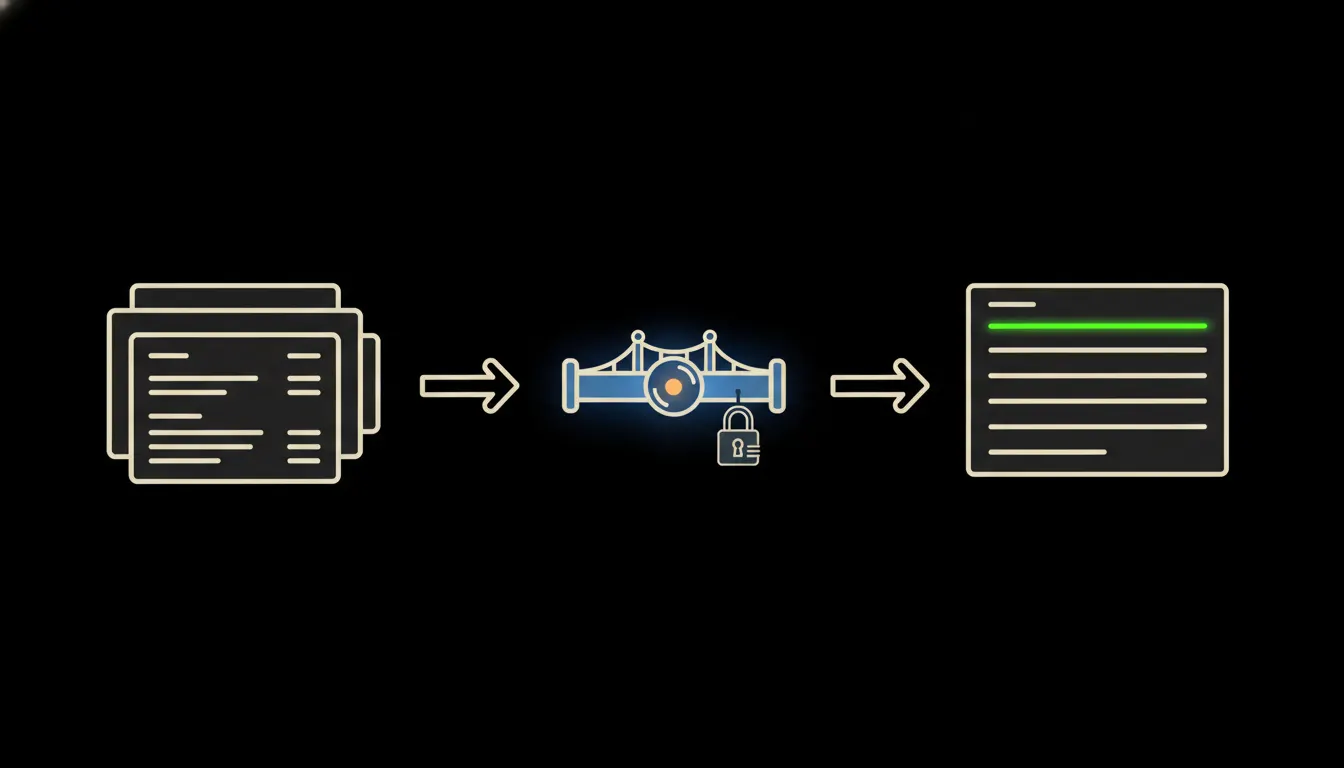
Ask your ERP in plain language. No IT helpdesk, no waiting.
Most company data sits in systems that first require a person with the right access. An MCP server removes that dependency: you ask, the answer arrives in seconds.
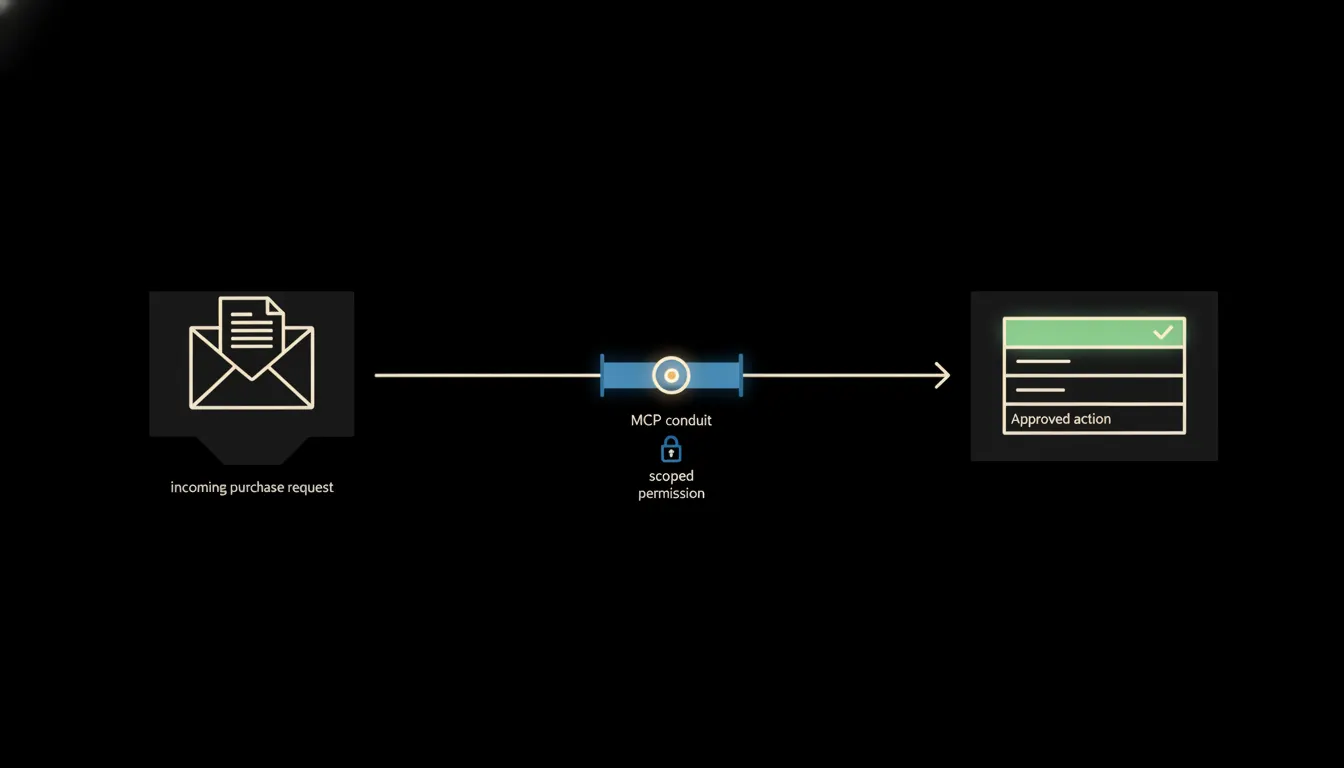
The purchase order approved before your coffee is ready
Purchase requests pile up in email queues and slow the whole company down. Claude connected to your existing systems reads the context, checks the limit, and routes the approval to the right person, without the wait.
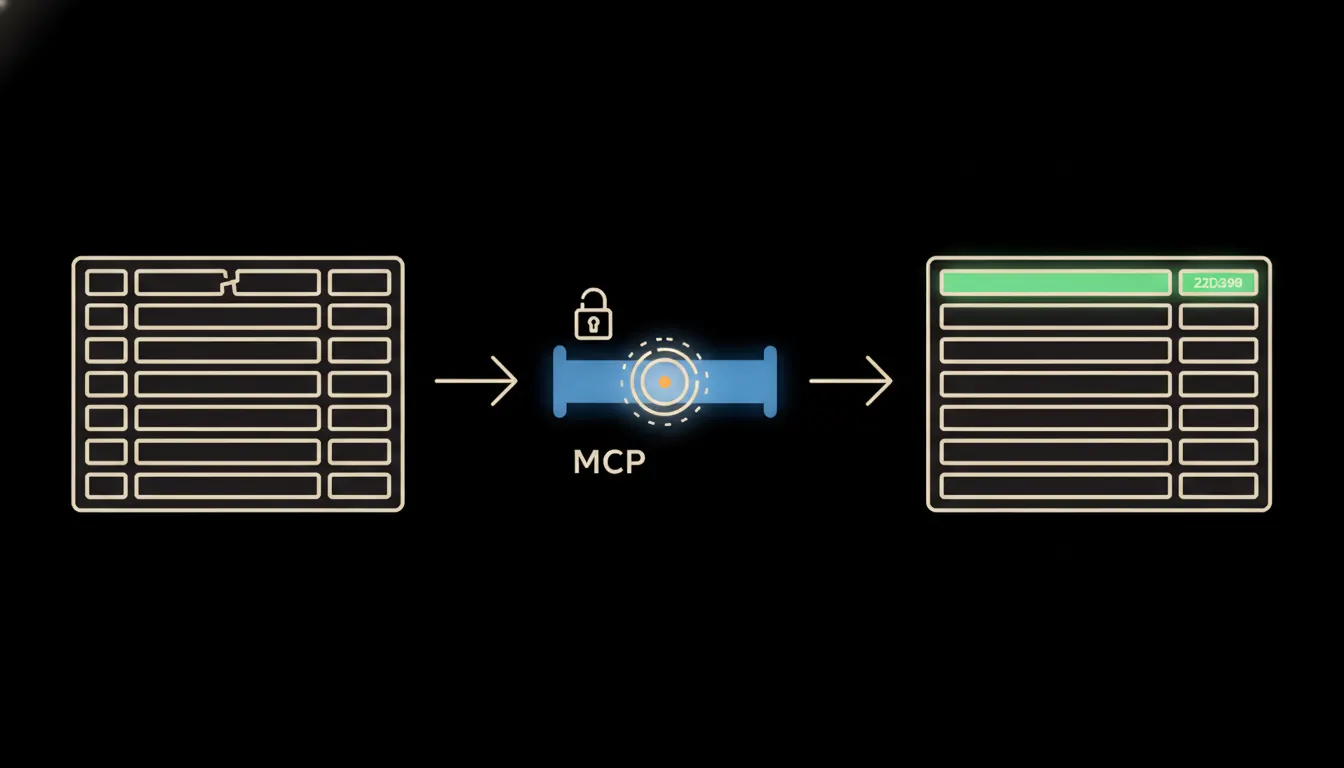
GDPR records without the spreadsheet nobody updates
Companies keep their records of processing activities in Excel, and that file is always out of date. Claude connected to your company systems replaces it with a living record that keeps itself current.
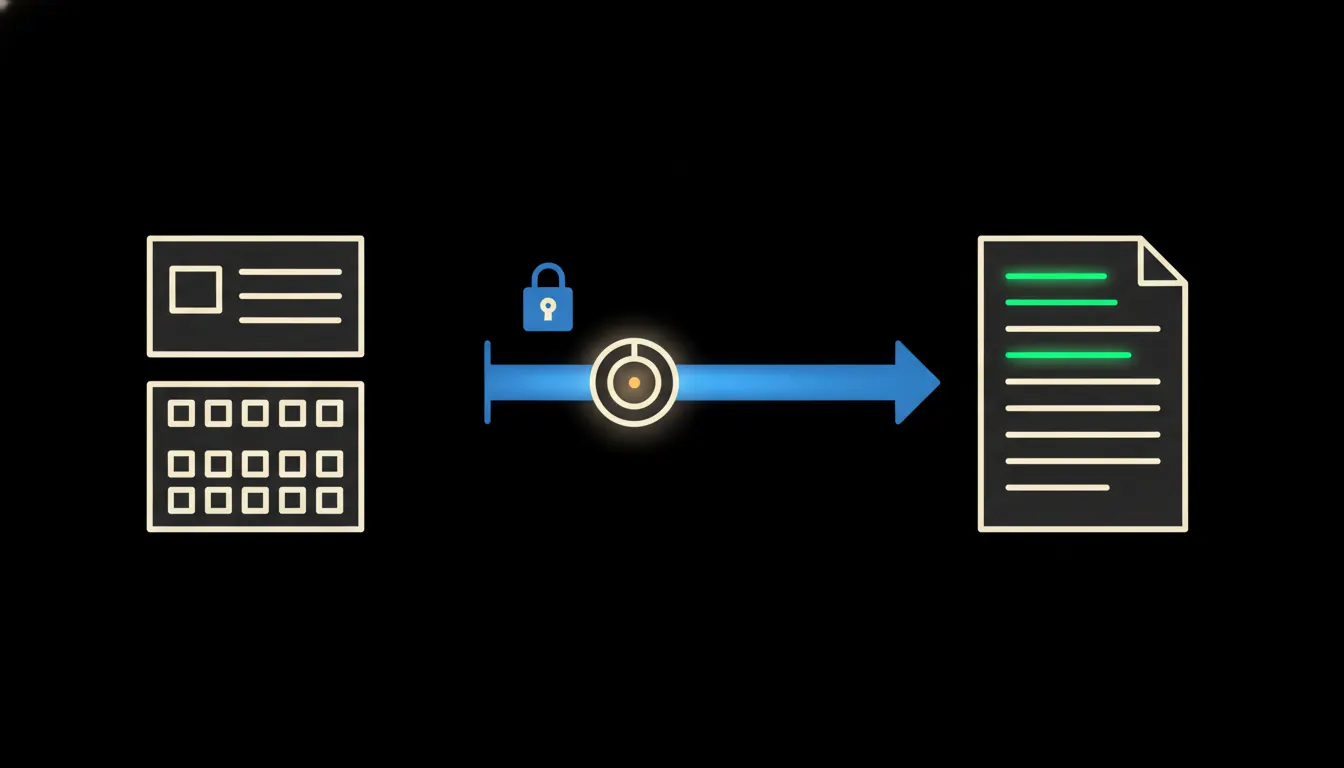
The proposal that ships the same day
Most salespeople send a follow-up email on day two or three. Claude drafts it five minutes after the meeting (from notes, a price list, and CRM data) and you just hit send.
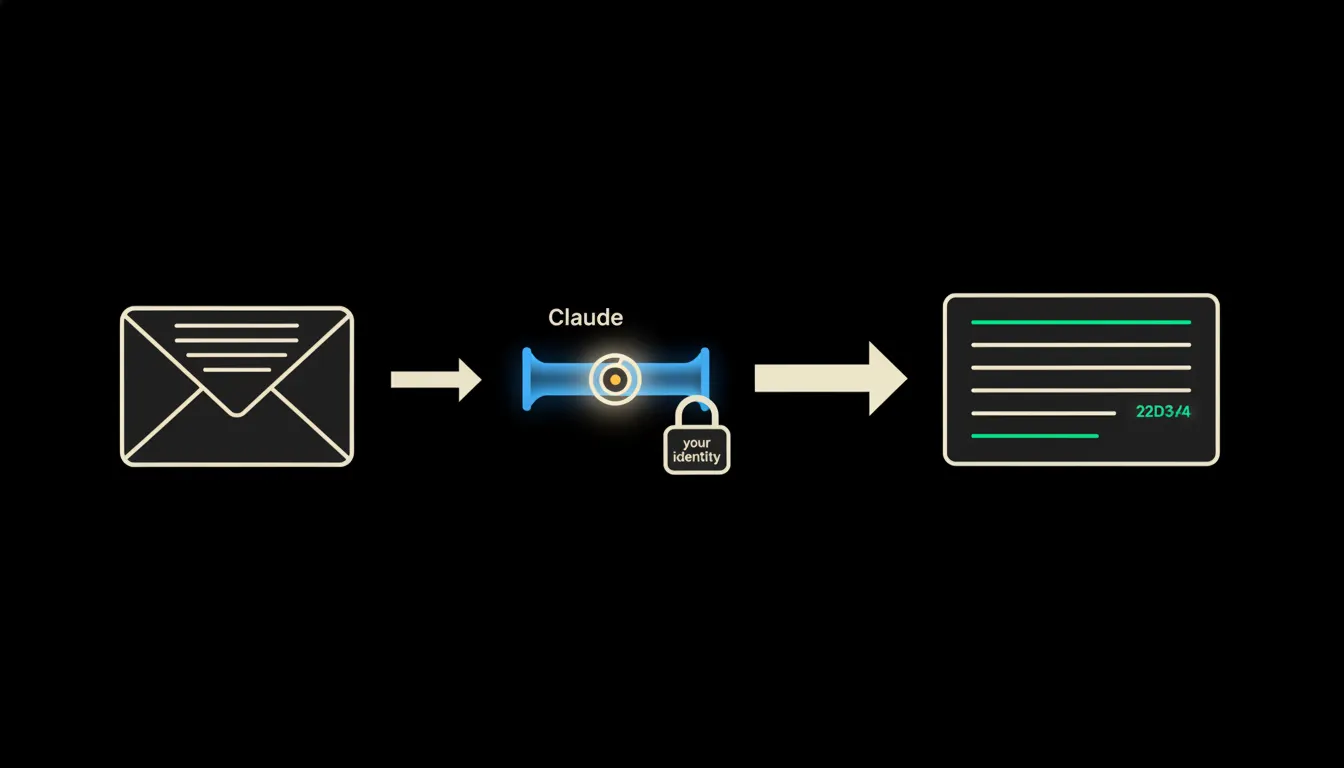
Every email straight into the CRM, no copy-paste required
After every call or meeting, a sales rep retypes notes into the CRM by hand, field by field. Claude does it immediately, in the right format.
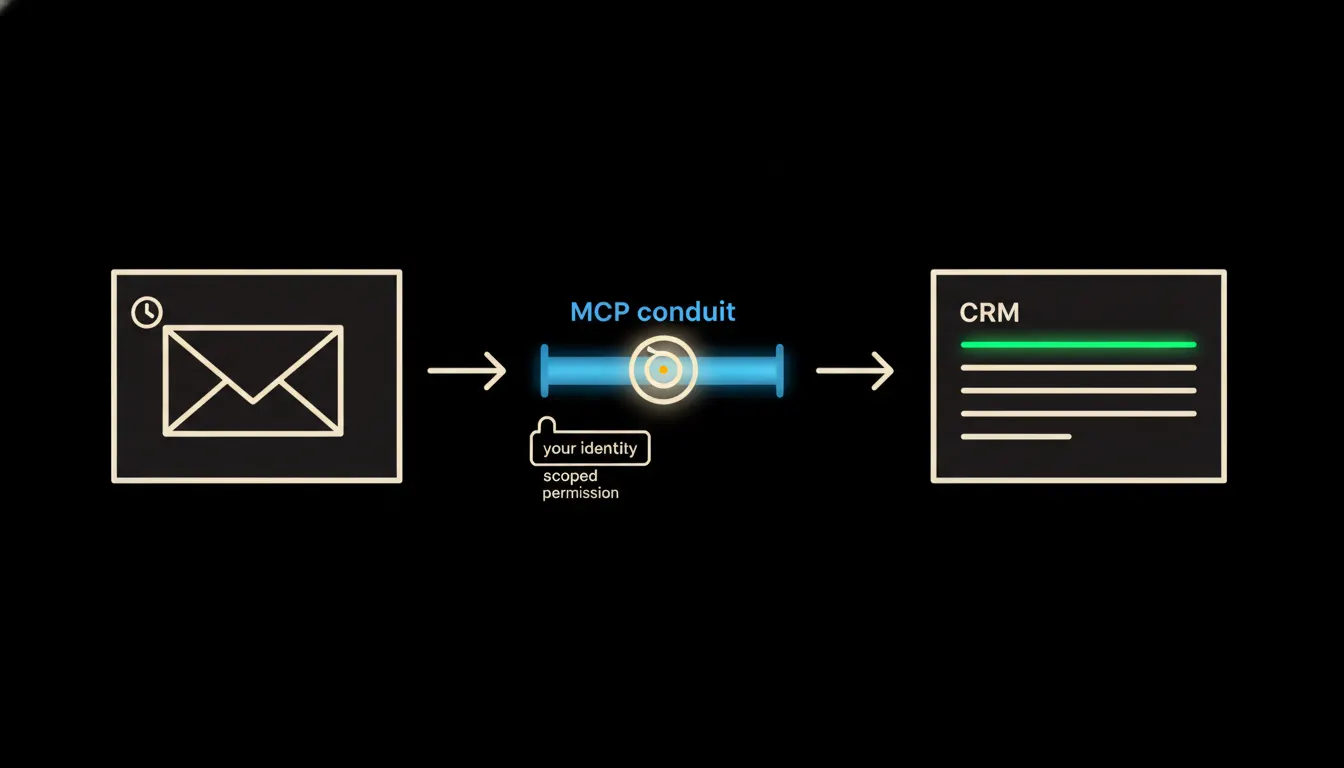
First reply to an enquiry in a minute, not a day
A customer sends an enquiry Friday afternoon. Monday morning they find they already chose the competitor who replied immediately. Claude reads the enquiry, pulls relevant data from your CRM, and drafts a reply before you've made your coffee.
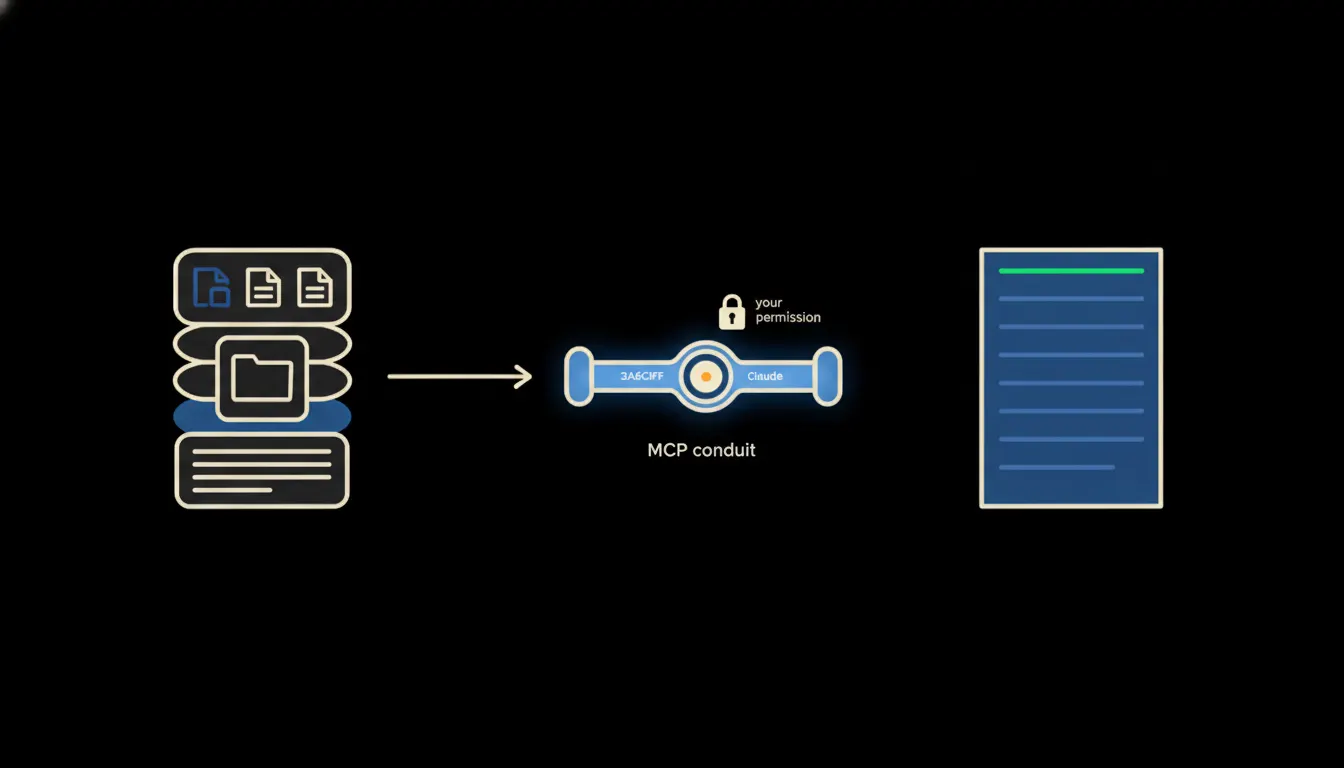
MCP server: what it is and why your company needs to know
MCP is the protocol that gives Claude access to your company data, with your permissions, not someone else's. A plain-language explainer for anyone who doesn't write code.
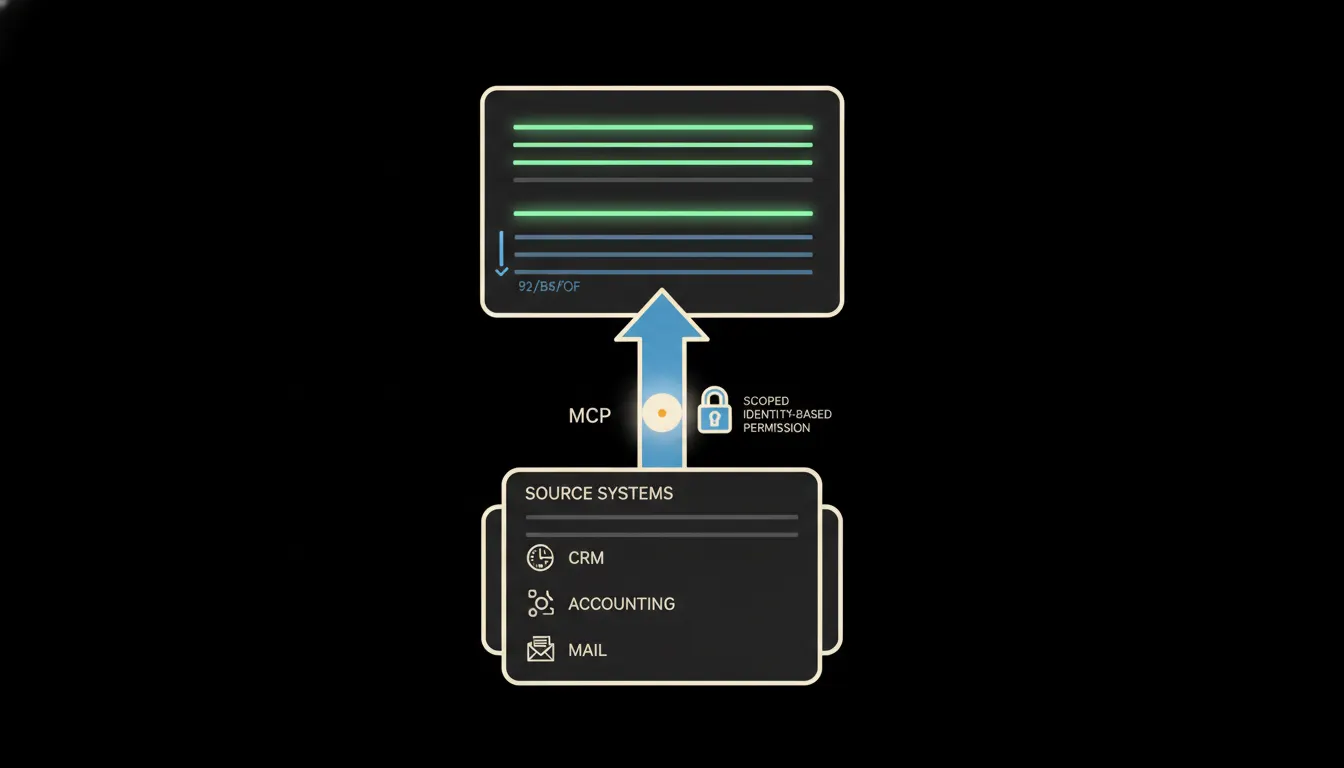
The audit trail nobody had to write
Every decision, every query, every answer: logged automatically on your infrastructure. No manual logging, no uncertainty when the auditor arrives.
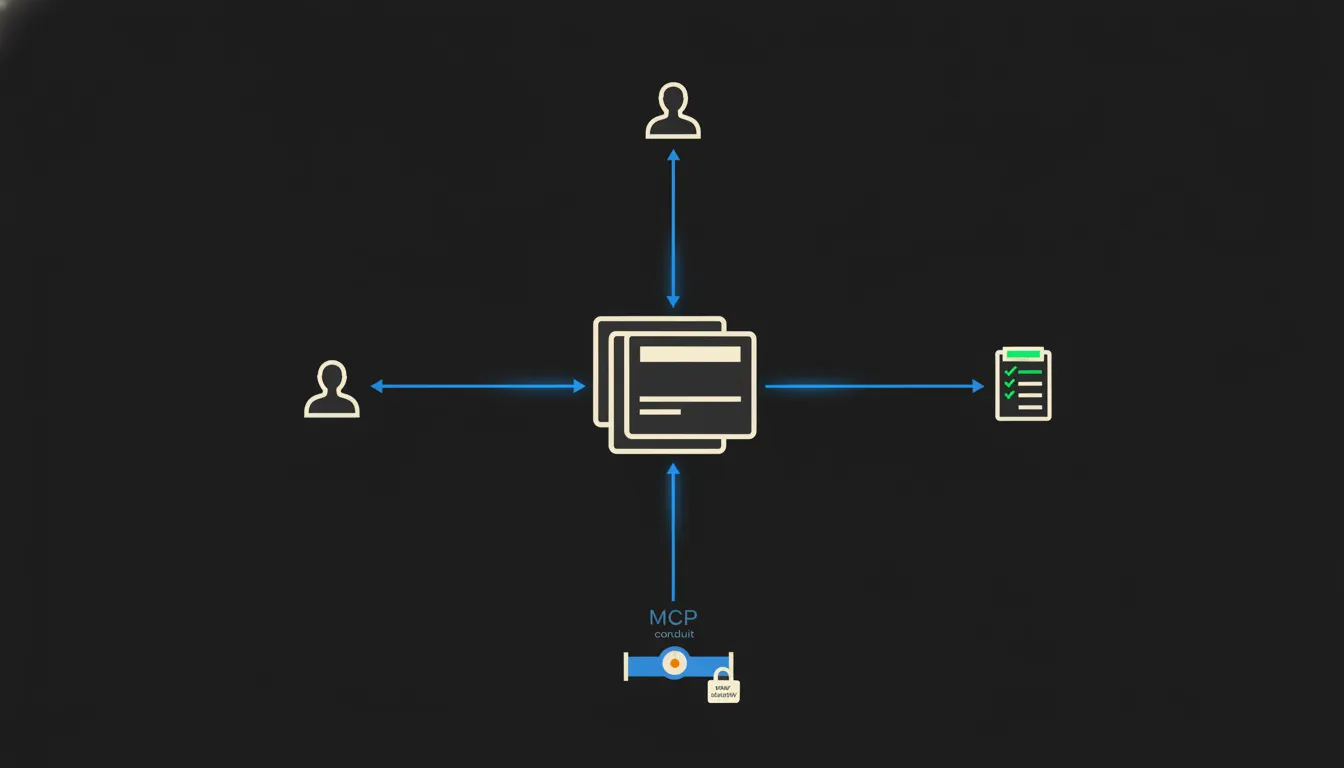
A new hire can manage day one on their own
Instead of a binder full of procedures, a new colleague gets access to a shared skills library: they ask Claude and get an answer built on the process the team approved just yesterday.
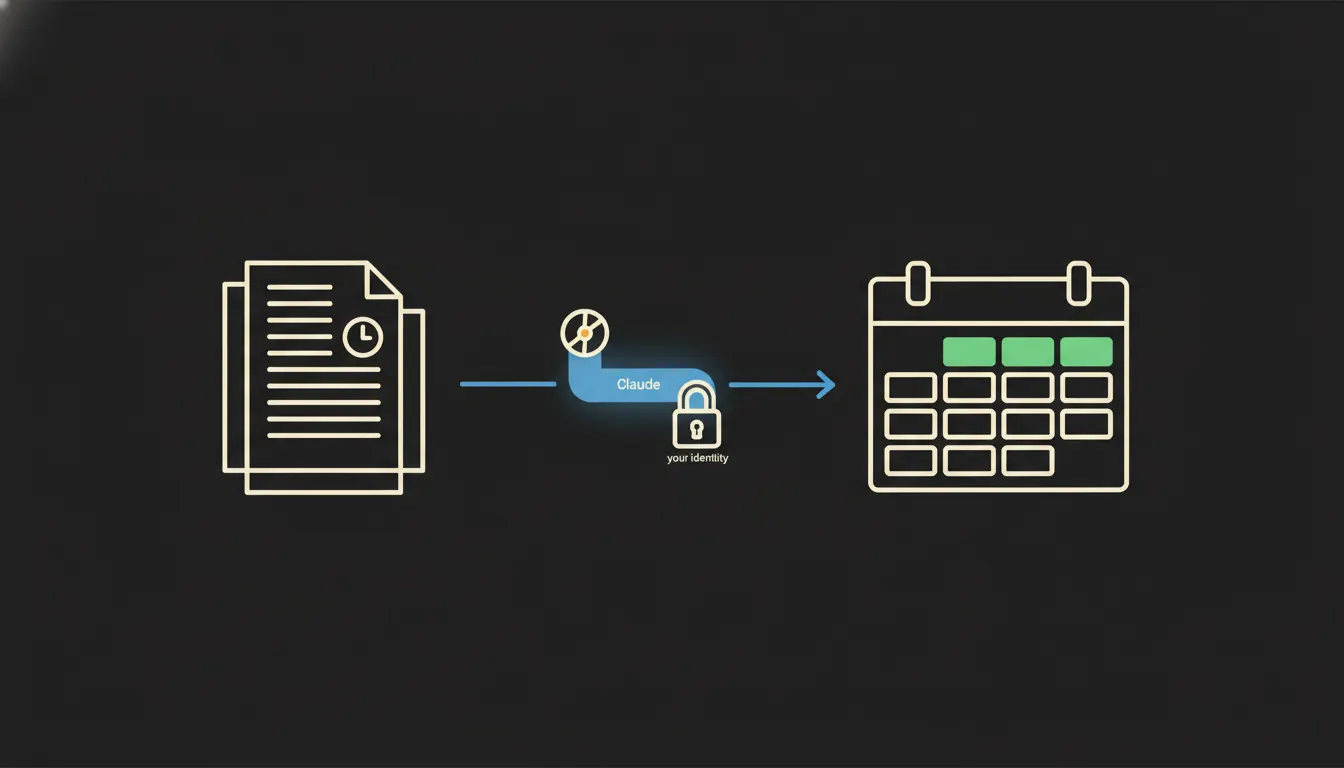
The tender deadline you will never miss
Tracking dozens of RFPs, deadlines and conditions at once is a full-time job. Claude handles the watch and alerts you before the window closes.
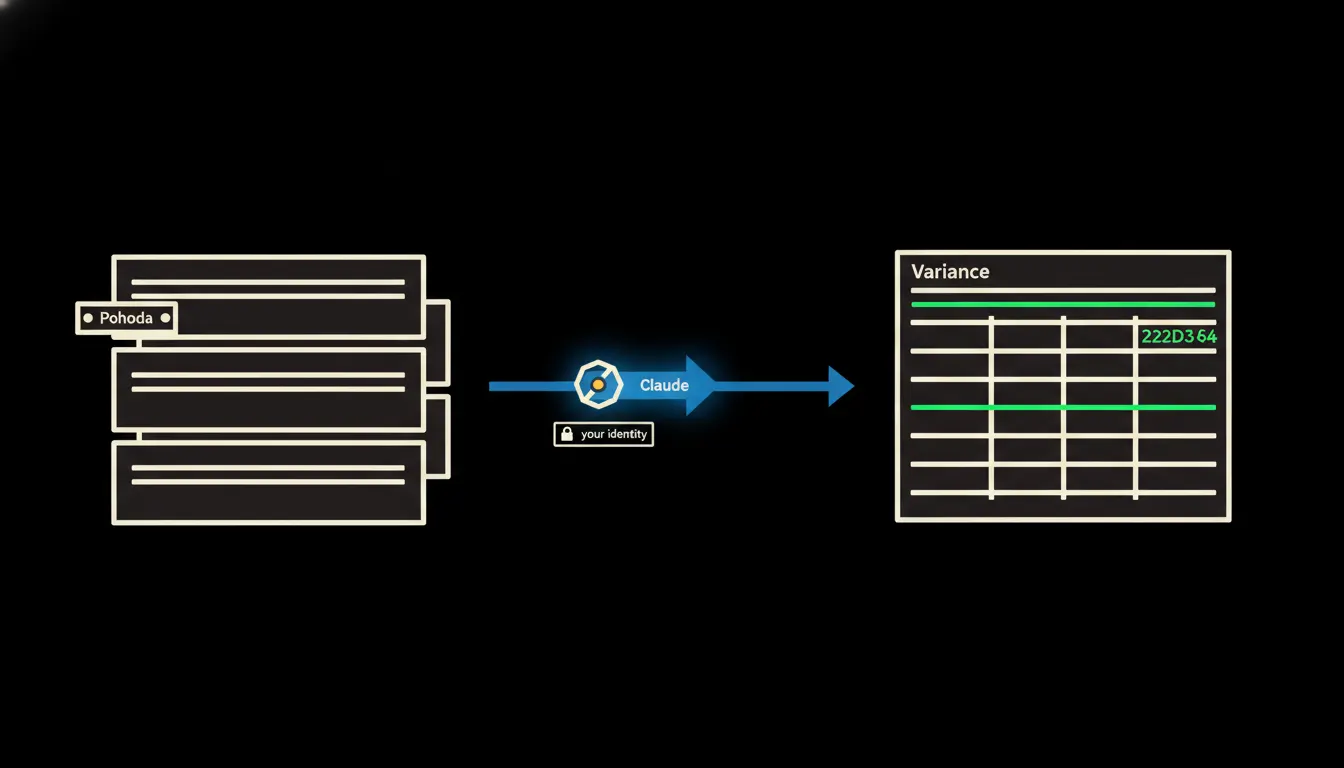
Budget vs. actuals: without a single pivot table
The finance manager asks Claude where spending diverges from budget, and Claude reaches directly into the accounting system. No export, no Excel, an answer in thirty seconds.
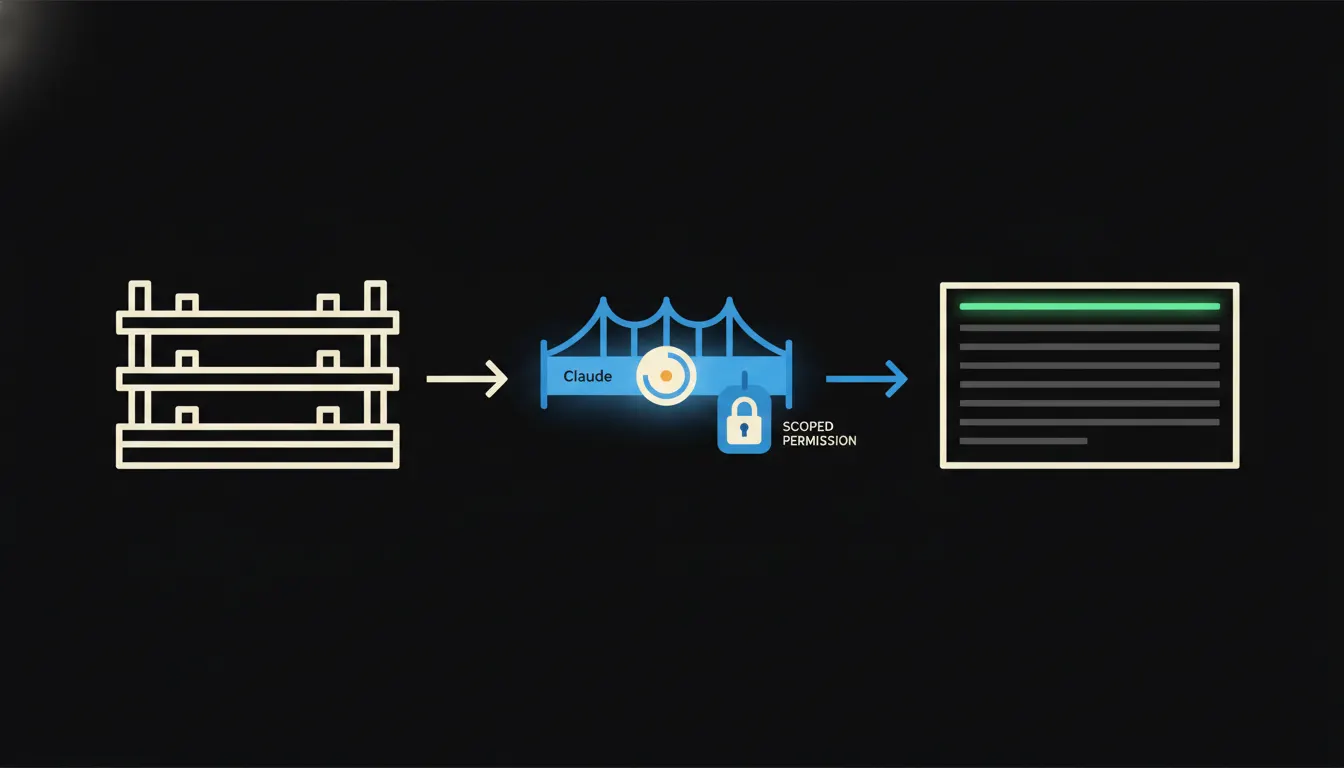
A warehouse that can answer questions
A second-hand shop, an antique dealer, a consignment store. A warehouse full of one-off pieces, where "how many do we have" makes no sense: it's either one or none. Instead of walking the shelves and paging through records, every colleague gets a direct answer on whether a specific piece is still in stock, straight from Claude. One bridge between your records and AI is all it takes.
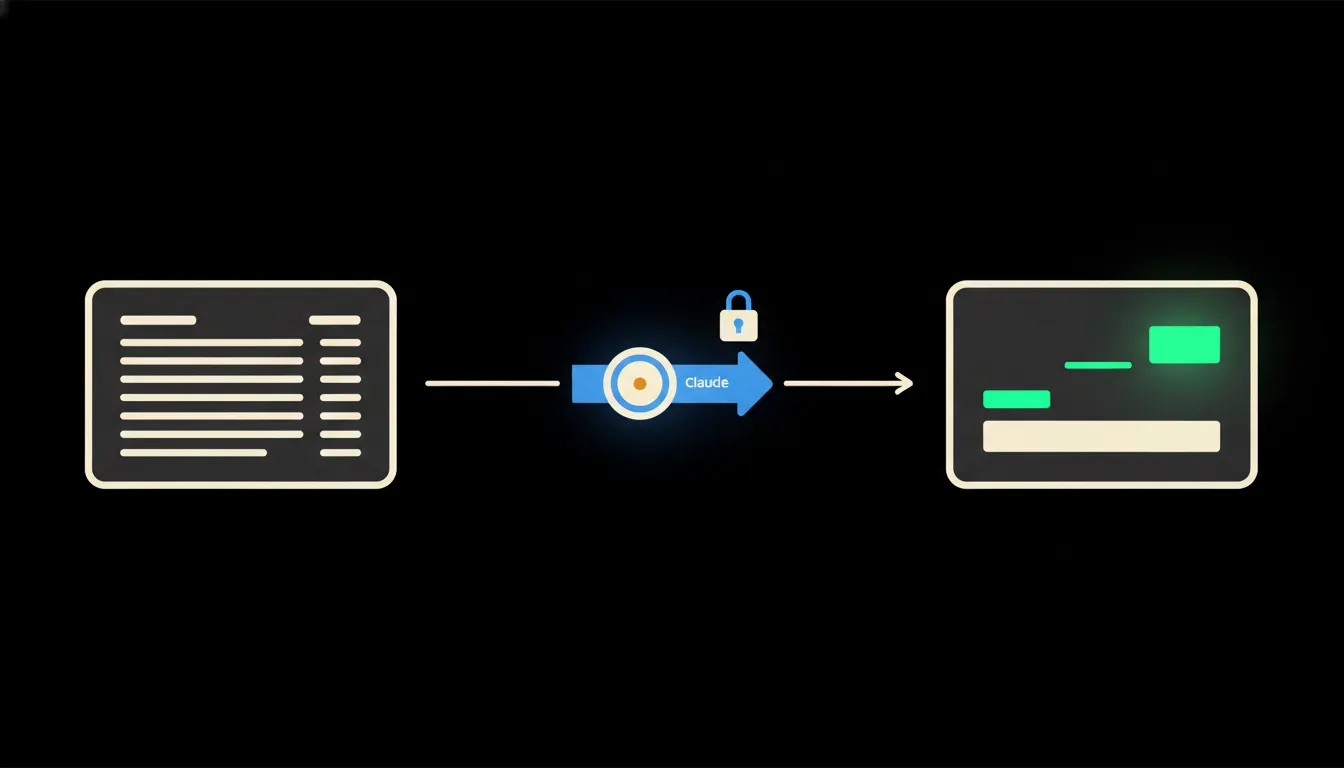
Cash-flow forecast straight from Pohoda, no spreadsheets
When Claude has access to open invoices and payment history in Pohoda, it assembles the weekly cash-flow outlook on its own. No copying, no export, no guesswork.
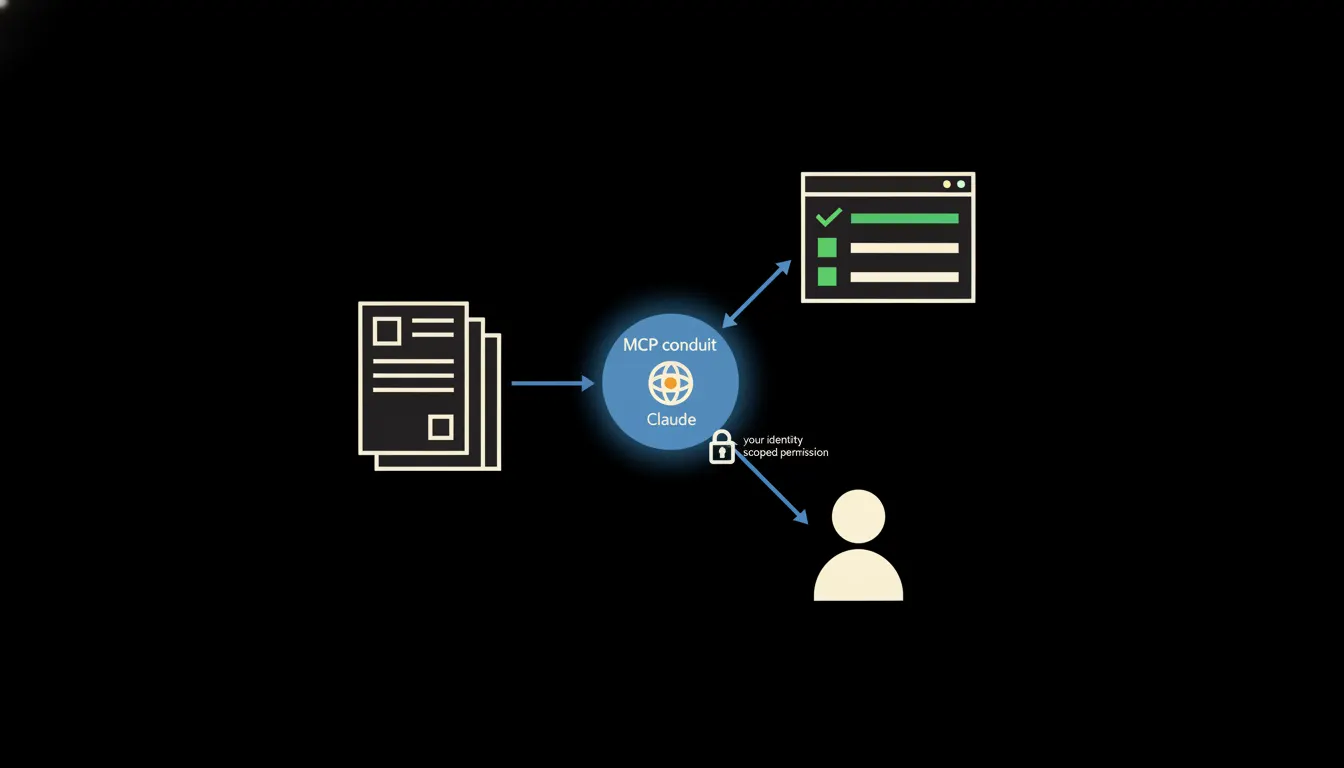
The new hire stops asking five times a day
The first week at a new job is a flood of questions: for HR, the manager, whoever is nearby. Claude steps in as a quiet guide that knows the internal processes and answers what everyone is afraid to ask.
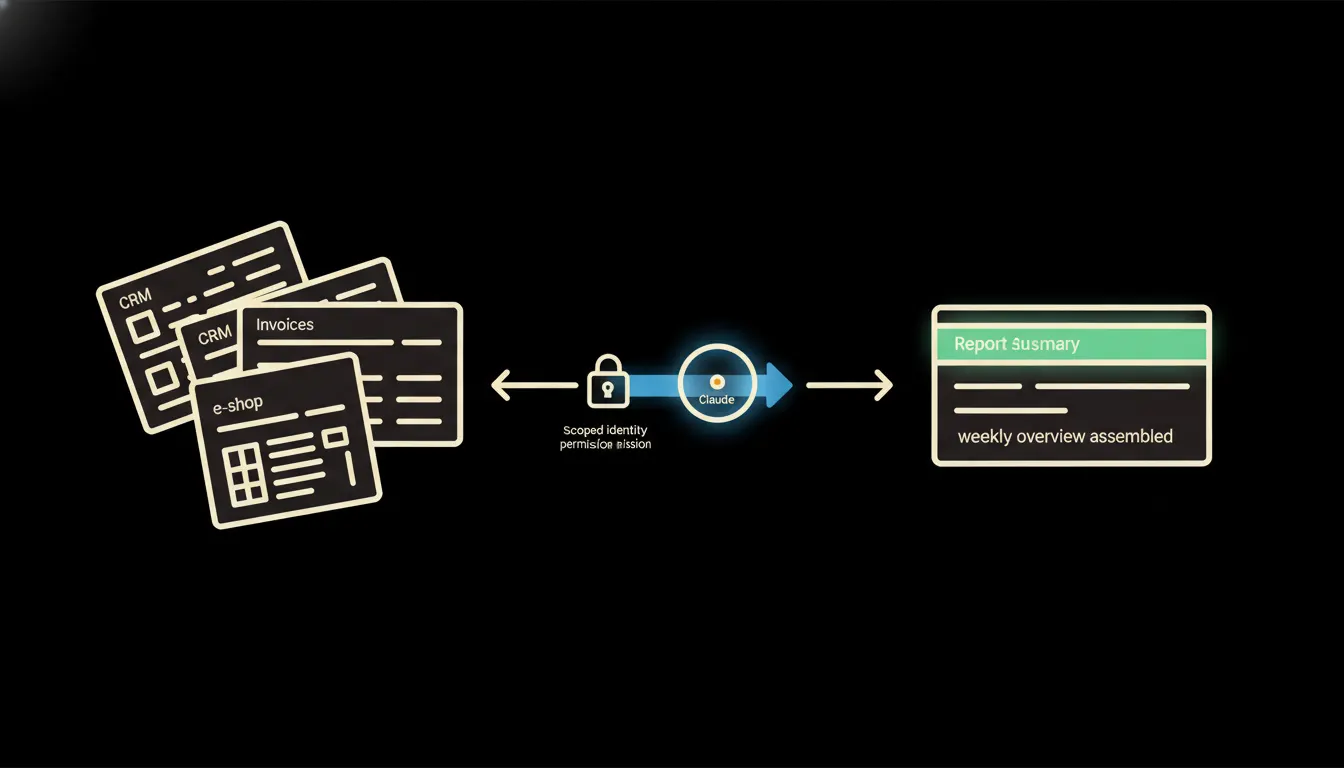
The weekly report that writes itself
Instead of hours spent copying numbers from different systems, a manager gets a finished overview every Monday morning, assembled by Claude directly from company data. No templates, no manual updates.
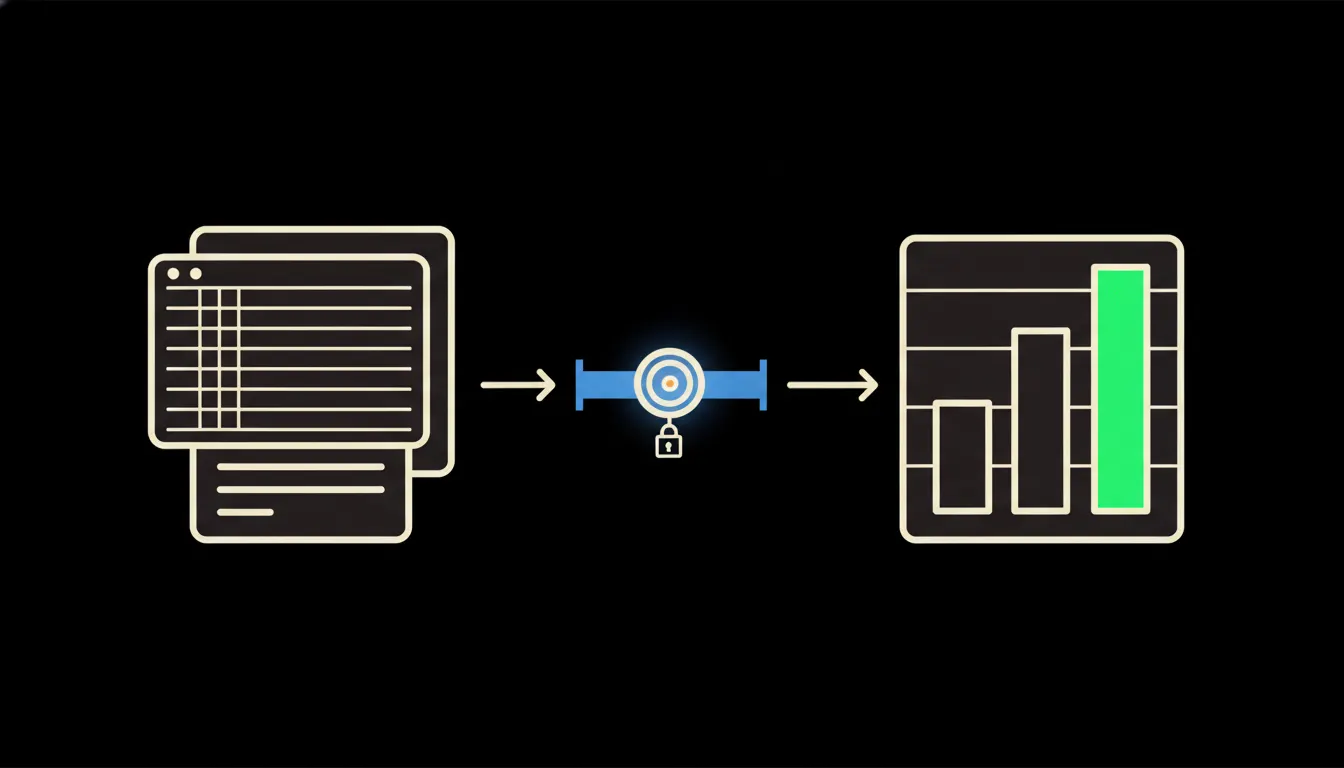
Salary benchmark in seconds, not hours of research
Before every hire, an HR manager opens the company's Claude instance and gets a current market range for the role in under a minute, pulled from internal records and the external sources they already have access to. No manual portal-browsing required.
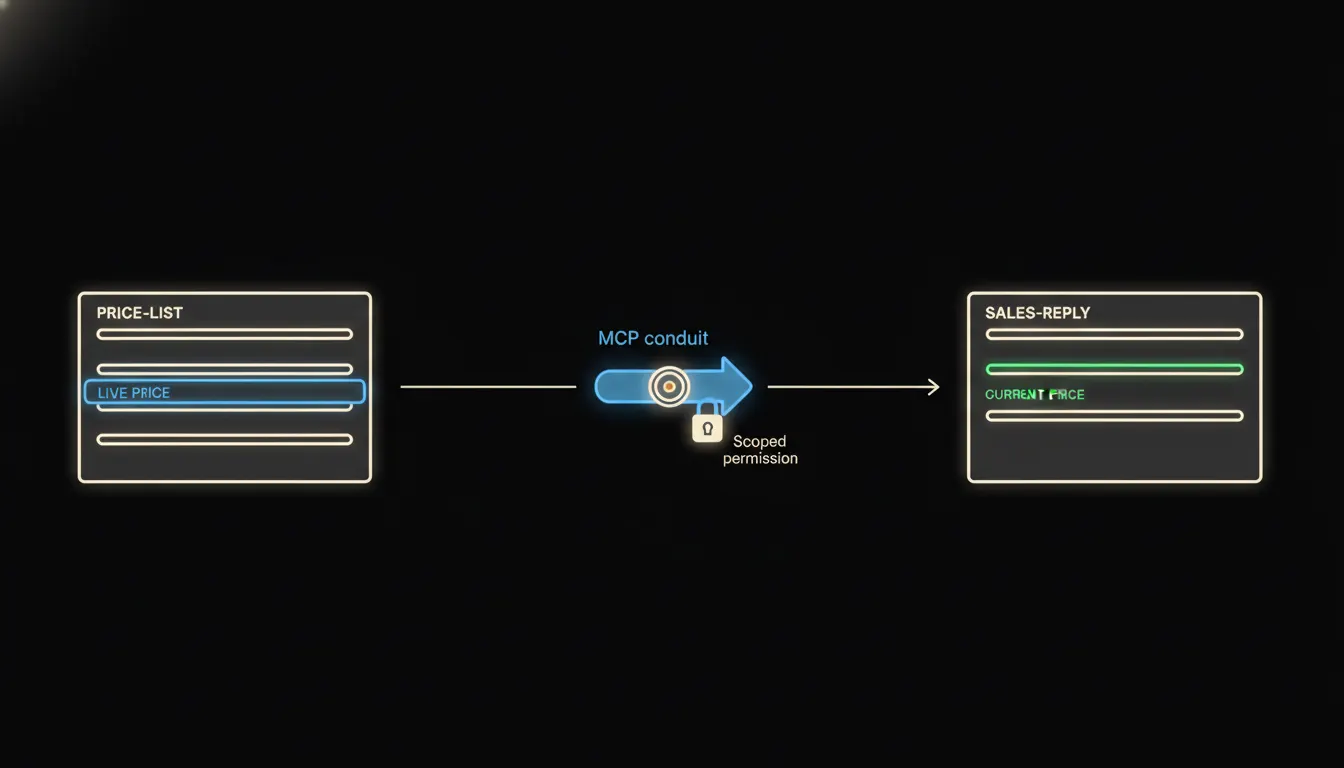
The price list that never needs to be resent
When a price or condition changes, the sales rep doesn't chase it by email. Claude pulls the current data itself, straight from where it lives.
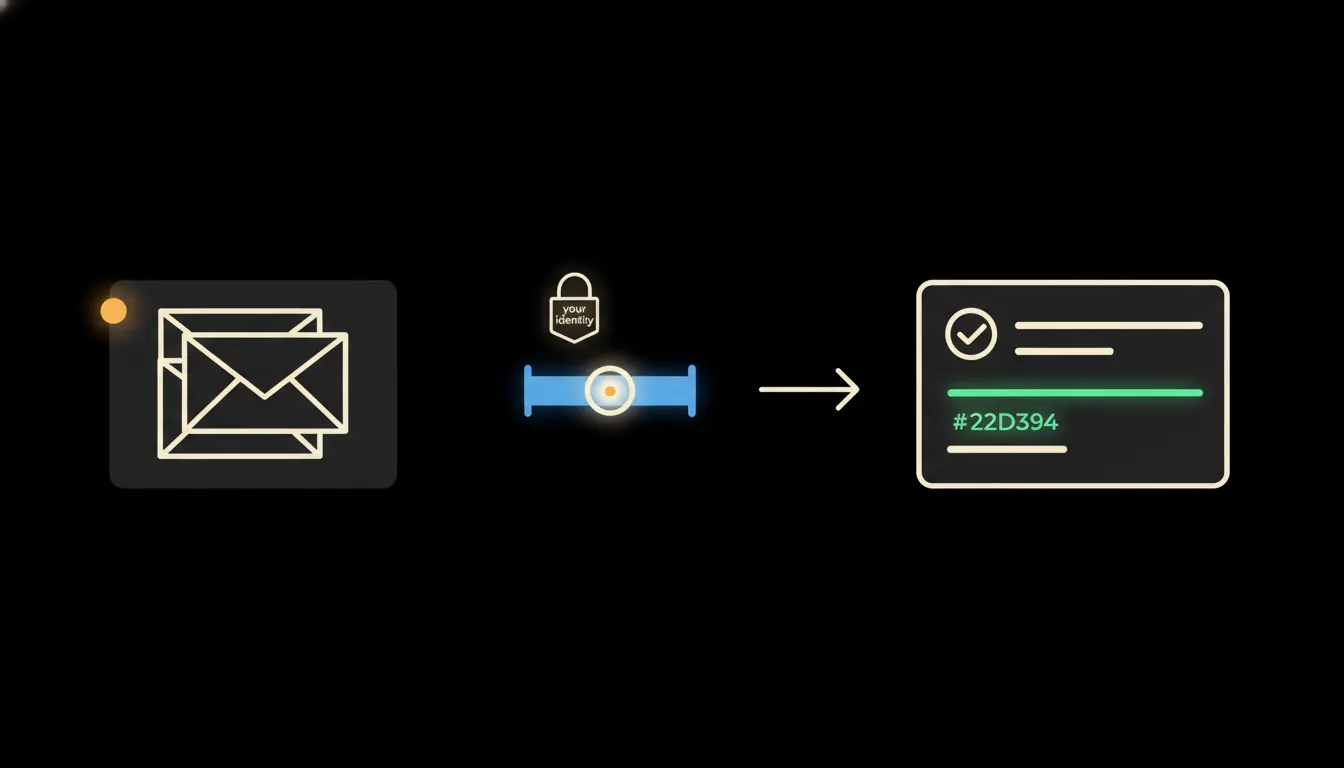
Approvals without the email ping-pong
Every internal request waits on a reply. Claude connected to your systems knows who approves what, sends the nudge, logs the outcome, no forwarded email required.
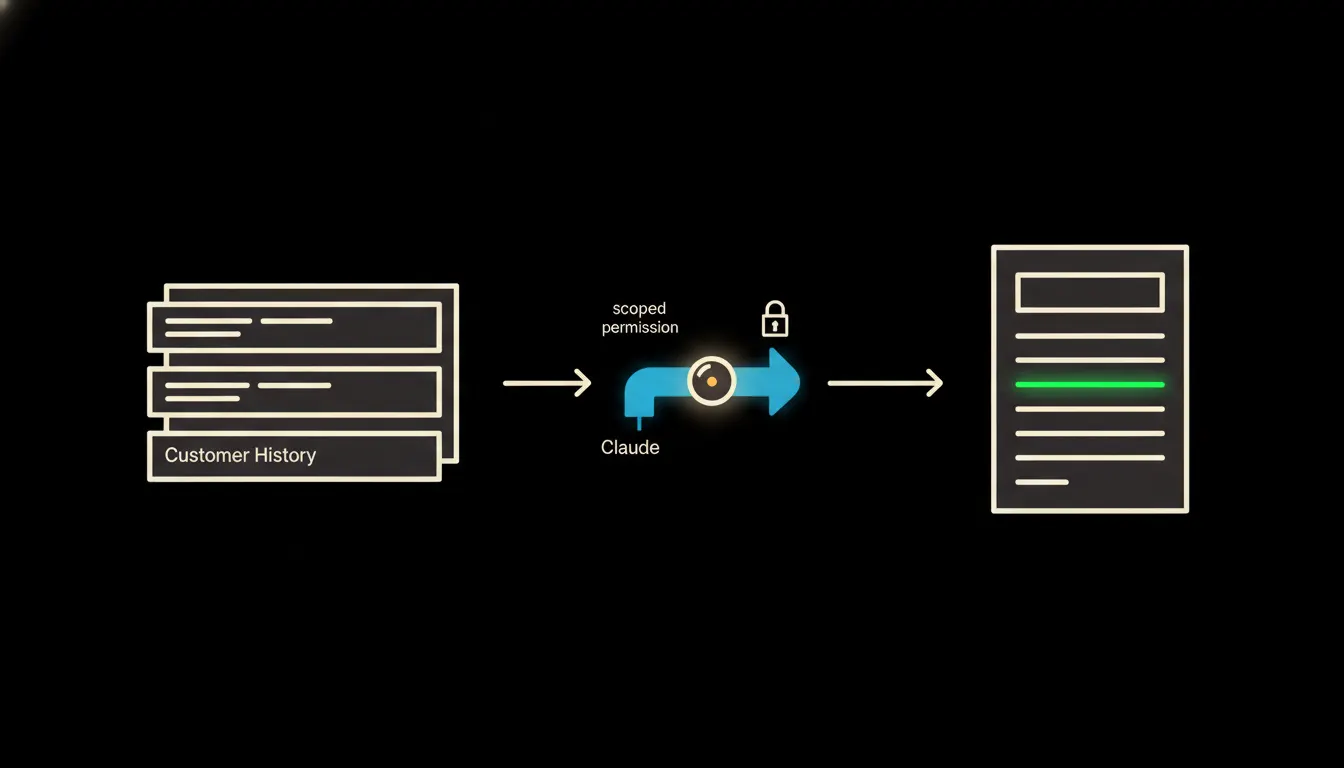
A proposal built from CRM data before you open your laptop
A sales rep opens their laptop in the morning and the proposal for today's meeting is already there, built from order history, open opportunities, and CRM notes. No copy-paste, no forgotten details.
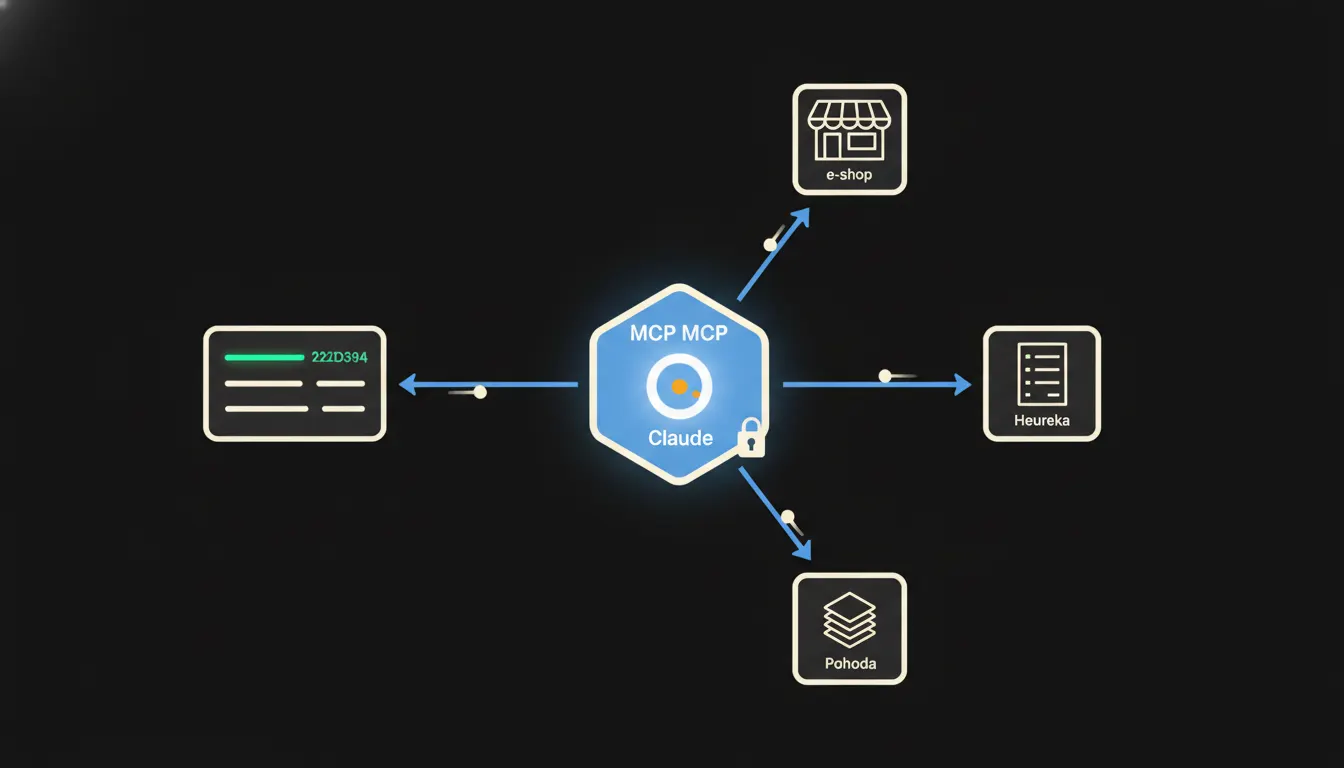
Change a product once, update it everywhere
Updated a spec, price, or availability? Claude takes the revised product card and pushes the change to your store, warehouse system, and sales materials, in one pass, with the right permissions.
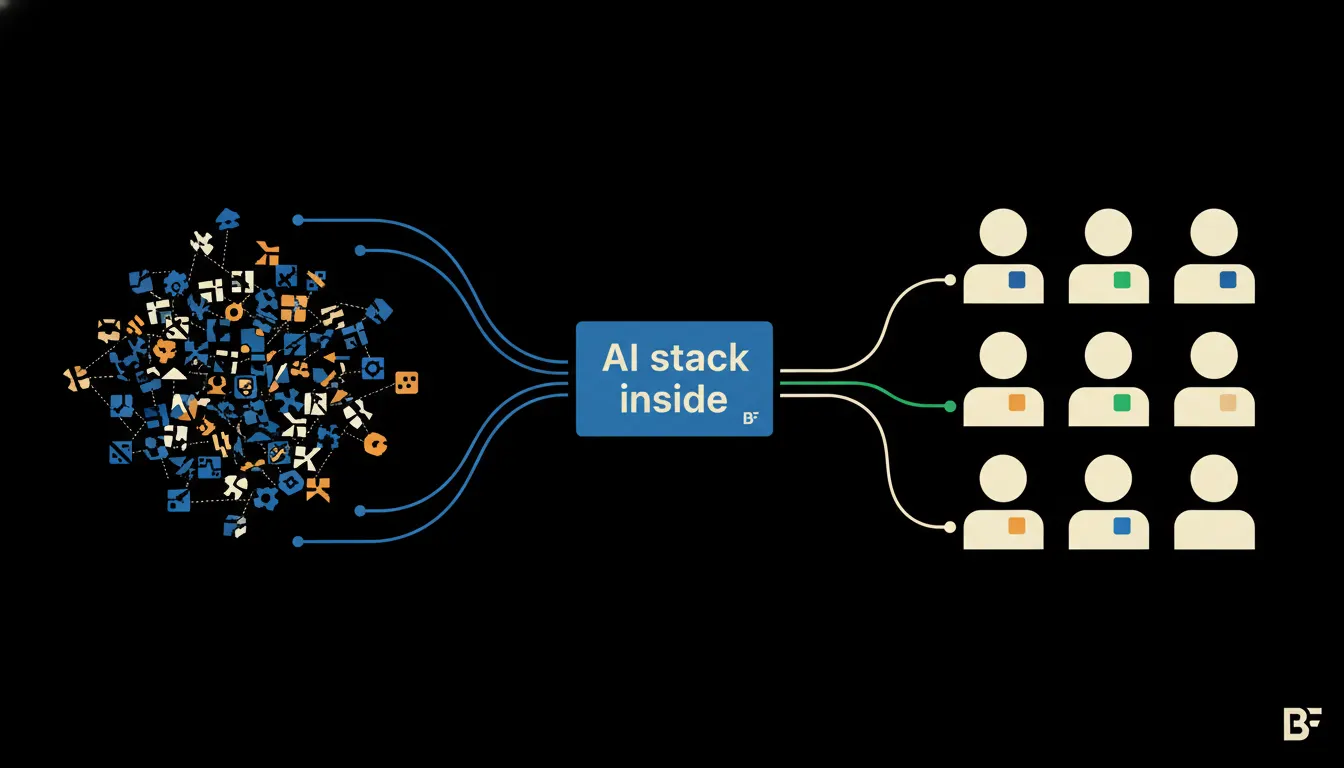
How we built shared AI infrastructure for Business Factory
Every team had a different AI subscription: GPT here, Claude there, locked-down Google Drive everywhere. Here is how we replaced the chaos with one governed platform that respects every existing permission.
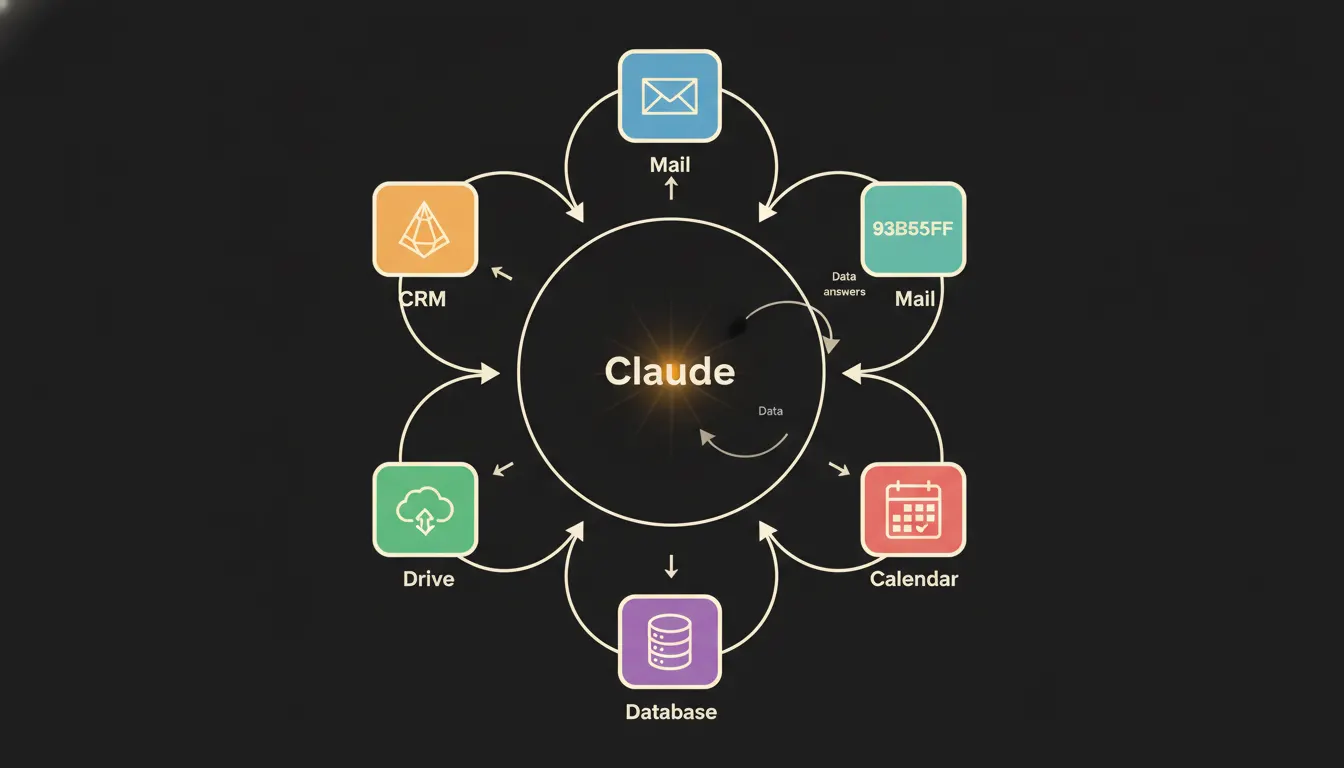
Claude is only as smart as the data it can reach
A demo of Claude answering generic prompts is not what changes a business. Connecting it to your CRM, your calendar, your books. That is. Here is what we have learned about which connections matter and why.