People search for a way to connect data to an AirTag at the moment kit starts wandering around the company and nobody quite knows where anything is. The answer has two halves. The awkward half: you cannot pull an AirTag location into your own system, Apple offers no public interface for it. The useful half: everything else you need to know about company kit can be connected.
The work nobody wants
In a company of twenty people, equipment moves constantly. A laptop goes to Brno for two days. A measuring device leaves with the crew and comes back when the job is done. A projector went to a conference and has not been seen since. Nobody does this out of bad faith. It just never gets written down anywhere.
Then comes the moment it matters. Someone starts on Monday and needs a laptop. An inspection asks for a list of instruments. Something goes missing and you are trying to work out whether it cost eight thousand or eighty, and whether the warranty still runs. That is when a tracker starts to look attractive, because it promises the first question: where is it.
The drill shows up on the map somewhere near Kolin. Whose it is and when it comes back, the map does not say.
— A Monday stand-up, abridged
What actually connects, and what does not
Start with what does not. Apple runs an accessory programme that lets third-party hardware join the Find My network. It is a certification programme for devices, not a data interface for your server. The location appears in the Find My app on one person’s phone. You can share a link to a lost item’s location, but that is a link for a human to open, not a feed that keeps your register up to date.
Now the part that matters. What is missing around company kit is not coordinates. What is missing are sentences: Pavel has this case, he took it on Wednesday, it was due back Friday, it cost thirty-four thousand, the warranty runs until next spring. Those facts already exist in the company. They sit in the accounting system, in a sheet on Drive, and in supplier mail. Nobody joins them up until somebody asks loudly enough.
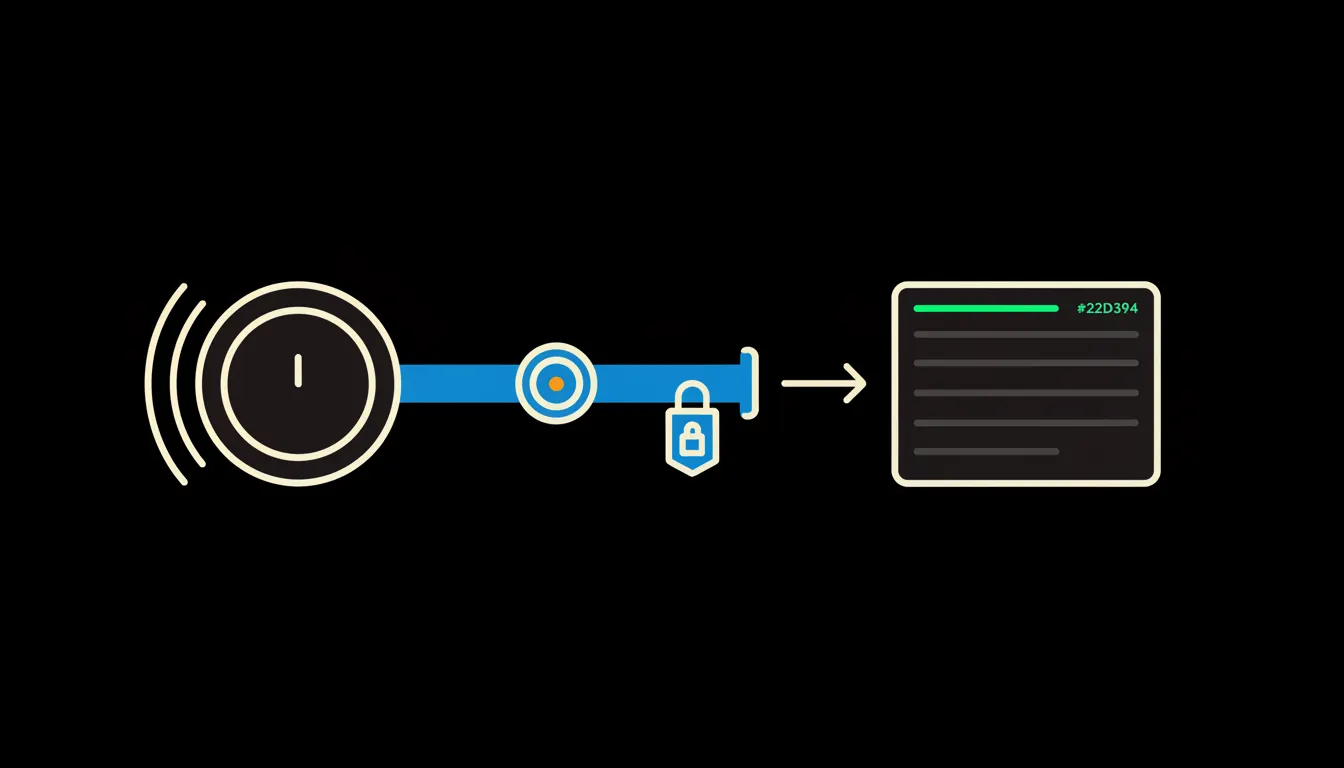
Connecting your data means exactly this: one small MCP server, a bridge between Claude and the register you already keep. The bridge carries the identity of the person asking. No database gets copied, no second list appears to drift away from the first one.
Concretely: asset cards in Pohoda and a lending sheet on Drive
Most companies keep the register in two places. Asset cards in Pohoda, because Czech income tax law works with an acquisition price threshold of 80,000 CZK for tangible assets and the bookkeeper has to keep those cards anyway. Alongside it, a sheet on Drive kept by whoever runs the store, because that one is more current. Both stay exactly where they are. All that gets added is a bridge Claude can ask through.
- Finds the asset card by serial number, name or plain description, the yellow cordless drill included.
- Says who the item is booked to, since when, and what return date was agreed.
- Fills in purchase price, purchase date and warranty from the supplier invoice.
- Lists what is overdue and drafts a short message to the person holding it.
- Builds a per-site list before a stocktake, so the walk-around happens once instead of three times.
A three-person construction firm might use it like this: a tracker on every tool case, a simple sheet on Drive recording who took what. The foreman asks in the morning what the crew has out and what should have come back yesterday. The answer arrives in seconds, and only then does he open the map on his phone to walk to the case. Illustrative, not a customer, but this is usually the shape of the first bridge.
What this will not do, and why that is good
It will not read location out of Find My, and it will not find a way around that. Trackers are designed so that a person gets alerted when a stranger’s tag travels with them, and there is an international specification for exactly that behaviour. Tracking equipment is fine. Tracking people is not. That line does not bend here, because the bridge has no access to Find My in the first place.
The bridge also decides nothing. It does not write off a lost instrument, does not accuse anyone, does not send a reminder on its own. It prepares the answer and drafts the message. A person reads it and sends it. That limit is the reason to trust it: the work is checkable, and every figure can be traced back to where it came from.
What it would take
One bridge to a list you already keep, running on your infrastructure, under your identity. It is not a year-long project. You start with one system, usually the one where the equipment list genuinely lives, and one team that asks most often. Once that holds, mail with invoices and the calendar of return dates and inspections get added.
What is left
Claude can already answer who has the drill and whether it is overdue. The model is not the bottleneck. The bottleneck is the gap between Claude and the list sitting in Pohoda and in a sheet on Drive. We close that gap, and the tracker goes back to doing what it does best: walking a person to the thing.
Write to us. A short call is enough to work out where your equipment list actually lives and what the first bridge would need to do to be worth building.