Every salesperson knows the feeling: an RFP lands on Friday afternoon, the deadline is Tuesday, and three key questions from the specification only get answered Monday evening. Companies do not miss tenders from lack of interest: they miss them because the capacity to track everything at once simply does not exist.
The work nobody wants to do
Public procurement registers publish dozens of new notices every working day. On top of that come private RFQs by email, through the company website, or via sector-specific portals. Each has different conditions, different mandatory annexes, a different deadline. Who reads all of this?
In practice: either one person who has no time for anything else, or nobody, and tenders get filtered only when someone stumbles across them by chance. Firms with five to fifty employees rarely have the budget for a dedicated procurement specialist. The result: a missed deadline, or a bid assembled in three hours at the last minute.
The specification was eighty pages long. We found out on Monday that a required certificate was missing. The deadline was Wednesday.
— Sales director, construction firm, twenty employees (a typical situation)
What "connecting tenders" actually means
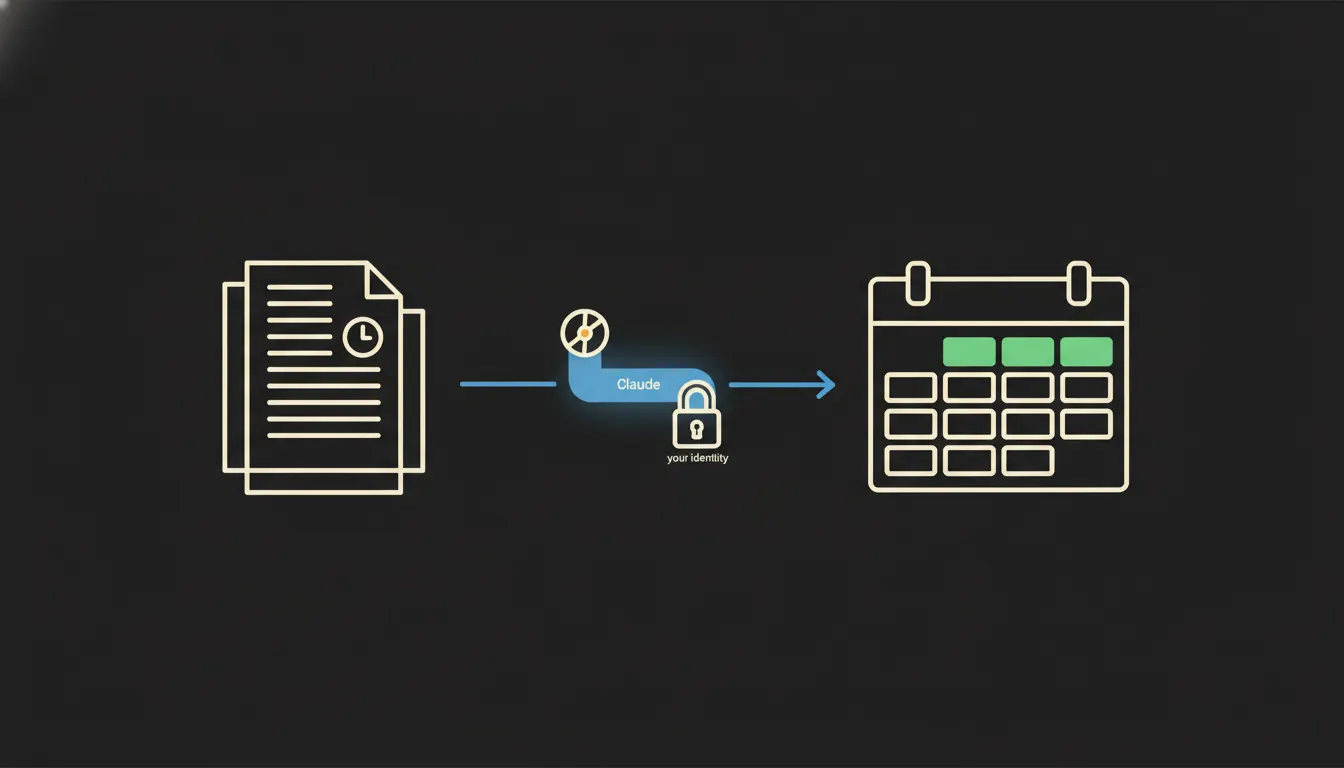
Claude does not read portals by itself. The change happens when you give it a small MCP server, a single-purpose bridge that knows where to reach and under whose identity. The server logs into the procurement registry or your inbox using your credentials. Claude sees exactly what you would see, and nothing more.
That bridge runs on your infrastructure. No documents are copied to a shared vendor database, no bids are indexed, and no sensitive data leaves your control. Claude receives information, responds, and forgets. The audit trail stays with you.
Concretely: the public procurement register and your Drive
Picture a construction or IT firm pursuing public contracts. Dozens of new notices appear in their sectors every day. An MCP server is configured to scan the relevant categories once a day, pull the metadata, and pass it to Claude. Claude compares it against the company profile stored in Drive (references, certificates, capacity) and lists the matches. The alert arrives that same day, not a week later when someone happens to open the portal.
- Daily digest of new tenders matching the company profile, sorted by submission deadline
- Automatic alerts seven days and two days before the deadline for each tracked notice
- Summary of key requirements and mandatory annexes, without reading eighty pages
- Comparison of requirements against available company documents in Drive: do we have what is needed? what is missing?
- Draft bid outline based on previous successful submissions stored in the system
A small subcontractor (say, electrical installation, ten people) could track three times as many opportunities this way, without the sales director spending Monday morning scrolling through portals. Every alert arrives with context, not just a link.
What Claude will not do in tenders, and why that is a good thing
Claude does not submit bids. It does not sign them, does not decide whether the price is right, and does not estimate what a competitor will offer. This is not a technical constraint: it is by design. Business decisions belong to the people who bear responsibility for the outcome.
That boundary is precisely the reason you can trust it with monitoring. If Claude could submit bids on its own, you would not want to let it do so unsupervised. As it stands, it works as an assistant with an unusually thorough grasp of the field: it prepares everything you need to make a decision and waits for your call.
What it would take
You do not need new software, a new subscription, or a year-long implementation. You need an MCP server connected to the portals and systems you already use: the procurement registry, your inbox, Drive, and possibly your accounting system for historical contract data and margins. Everything runs on your infrastructure, under your control.
What's left
The model is not the bottleneck. The bottleneck is the gap between Claude and the data your company already holds: in portals, in Drive, in email, in your accounting system. That is the gap we close.
If you want to understand what a connection would look like for your specific situation (which portals you track, what you have in Drive, how quickly you need alerts), get in touch. A short call is enough to map out what would be needed and what it would deliver.