An employee submits a leave request Monday morning. Wednesday, it is still pending. The approver saw it but had other things: told herself she would get back to it. Thursday, a follow-up email arrives and gets buried in a thread about something else. Friday, it gets resolved by phone call. This is not an exception. This is the weekly standard at hundreds of small companies.
The work nobody wants to do
Internal approval is not complicated. It is repetitive. Someone needs something: time off, a purchase above the limit, a pricing exception for a client. The right person needs to say yes or no. The outcome needs to be recorded somewhere. Three steps. And yet the average email-driven approval takes three to five working days.
The problem is not the approver's willingness. The problem is context and visibility. The request gets lost among twenty other emails. The approver does not know where the department budget stands. The requester does not know whether it even arrived. And whoever finally decides has to manually type the result into the HR system or ERP. If they forget, the cycle starts again.
I approved it in the email. But it is not in the system. Who was supposed to enter it?
— Typical Tuesday morning, small manufacturing company
What it actually means to connect Claude to your systems
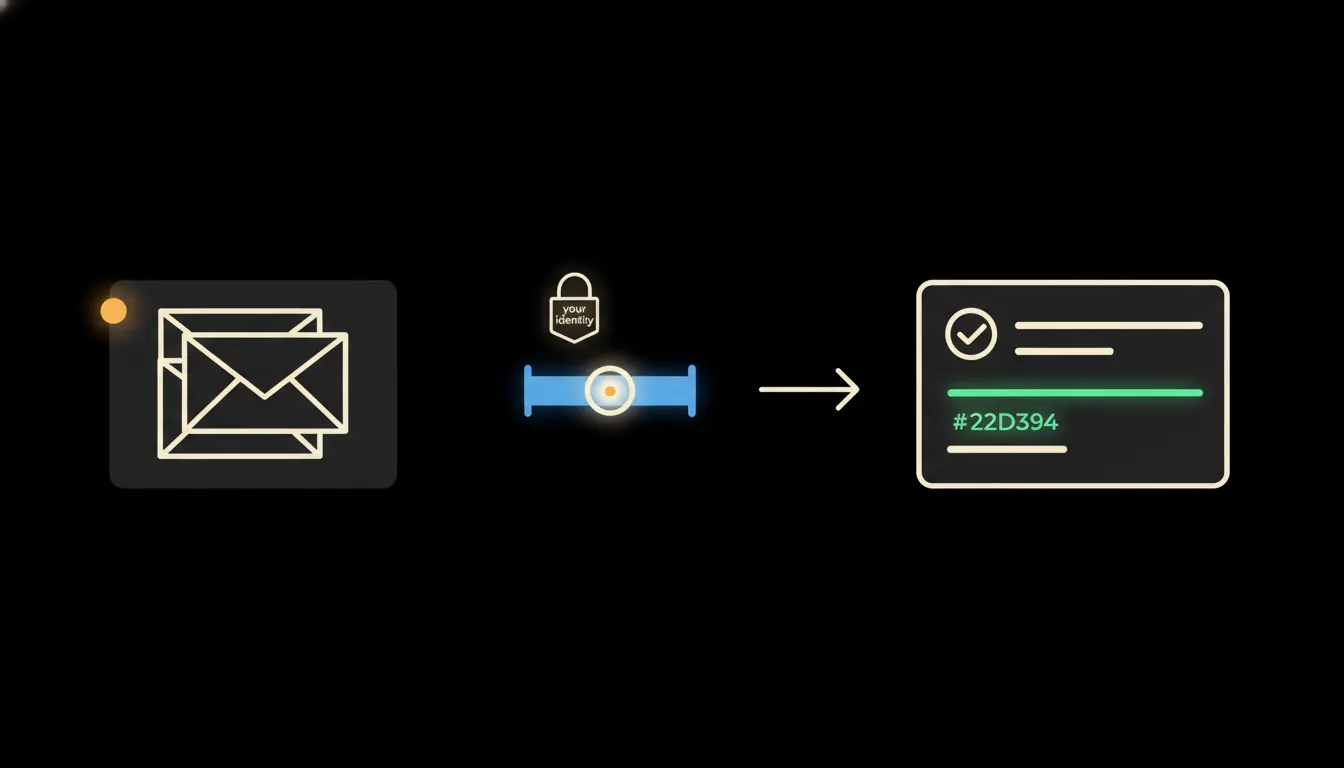
Connection does not mean Claude takes over approvals. It means Claude knows what is pending, who is supposed to approve it, and what the relevant rules say, and can surface that to the right person at the right moment. Technically, this is an MCP server that carries user identity into the systems the company already runs: HR module, ERP, shared calendar, company policy database. Claude never sees more than the employee with the right permissions would see.
No data gets copied to a third-party cloud. The approval status lives where it always lived, in the company's own system. The difference is that Claude can read it, evaluate it, and trigger a notification without anyone opening an email client.
Concretely: a company running Pamica and Google Workspace
Consider an accounting firm of thirty people. They manage leave in Pamica; everything else runs through Google Workspace. A leave request arrives by email, the manager approves by reply, an assistant manually enters it into Pamica. Three handoffs. One step that is easy to forget. Claude connected to both systems via an MCP server shortens this: the request enters the system, Claude identifies the approver from the company org chart, prepares a notification with context (remaining leave balance, team schedule for that week), and after approval logs the result directly into Pamica, no manual re-entry.
- Claude checks the org structure to identify who is the approver for a given employee.
- It prepares a notification with all relevant data: remaining leave balance, team availability, any scheduling conflicts.
- It sends a structured notification to the approver via whatever channel they already use: email, Slack, or similar.
- Once a decision comes in, it logs the outcome in the source HR system with a timestamp and approver name.
- It informs the requester of the result, no further re-typing or forwarding required.
The same pattern works for purchase requests (Claude checks remaining department budget in the ERP before notifying the approver), pricing exceptions (Claude attaches the client's history from the CRM), or contract amendment approvals (Claude prepares a diff against the original version). Every case differs. The pattern stays the same.
What AI approval will not do and why that is good
Claude will not approve a request in place of a manager. It will not grant a pricing exception without the sales director's awareness. It will not sign a document. It will not authorise expenditure beyond someone's defined authority. These are not bugs. They are design choices. Accountability for a decision must rest with the person who holds the relevant authority. The system records that authority; Claude respects it.
The practical implication: if an approver is unavailable, Claude will not resolve things unilaterally. It will note that the request is waiting and, if defined, escalate according to pre-agreed rules, but those escalation rules must be configured and agreed by the company in advance. Claude follows them; it does not invent them on the fly.
What it would take
This is not a year-long implementation. An MCP server for approval workflow is one focused connector: it maps the company's org structure, connects to the HR system and the communication channel approvers already use. It runs on the company's own infrastructure, not a third-party cloud. The audit trail (who approved what and when) stays in the company's own systems.
What is left
The model is not the bottleneck. The gap is between what Claude can do and the data your company already holds: who approves what, where the budget stands, how much leave someone has left. An MCP server that carries identity and permissions closes that gap, not data copies, not new software for employees, not a training programme.
If you want to know what a connector like this would require in your specific situation (which systems to connect, how long it takes, what stays on you), write to us. A short call is enough.